AI Image to Video: Make Your Still Image Move
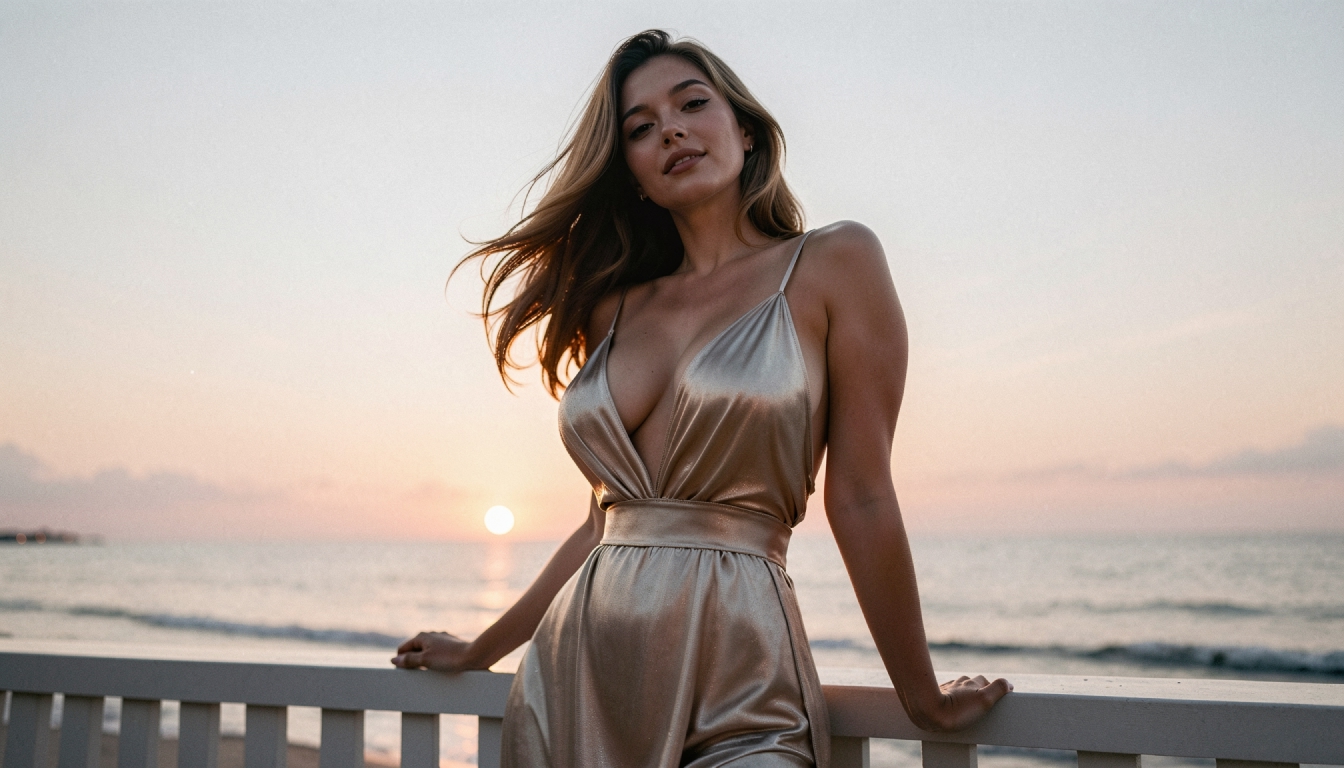
A generated image can already tell a story through framing, costume, expression and light. With AI image-to-video, you can develop that still image into a moving moment instead of describing a completely new scene. A character might turn toward a window, fabric might shift in a gentle breeze, or the camera might move slowly toward a face. The best starting point is usually a clear frame and one movement you want to see.
PornX documents an Image-to-Video workflow using an image saved in your gallery. The image supplies the visual reference; a separate motion prompt gives the model directions for movement. The current documentation describes clips of up to five seconds and token-based generation. The result is generated rather than hand-animated, so review any motion artifacts or changes to the image before using it.
For the broader feature library, explore PornX features. If you are ready to try animation, visit the AI porn video generator to see the available video workflow and current access terms.
What Makes Image-to-Video Different?
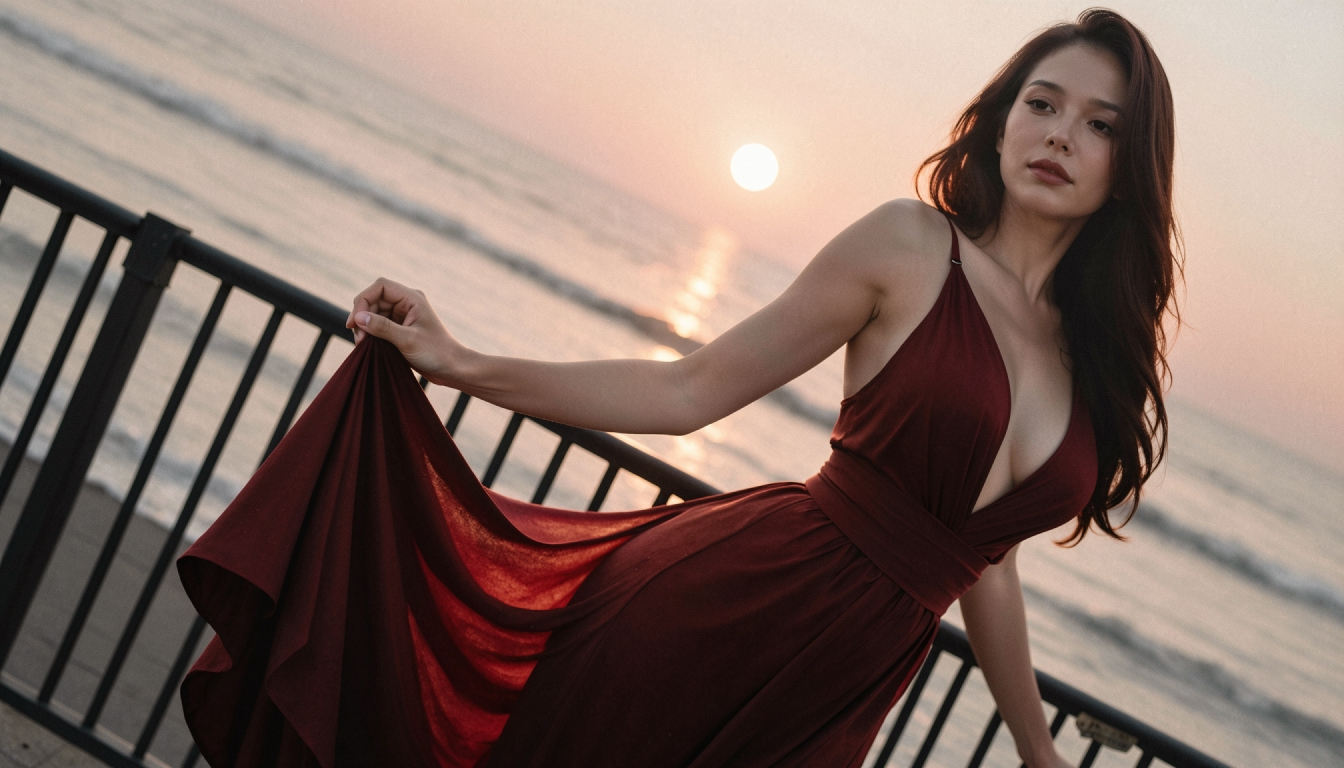
Text-to-video asks a model to invent the first frame and the movement together. Image-to-video splits the job in two: you establish composition first, then ask for motion. This is helpful for character-based projects where an exact outfit, color palette or image style already matters. The first frame is a reference, not a guarantee that every detail will remain perfectly unchanged throughout a clip.
If you do not have an image yet, explore text-to-video creation and compare the different starting points. You can also see the task-oriented NSFW image-to-video generation page for a more specific workflow, while this page focuses on the overall feature and how to use it well.
The PornX Image-to-Video Workflow
1. Prepare and save a suitable still image
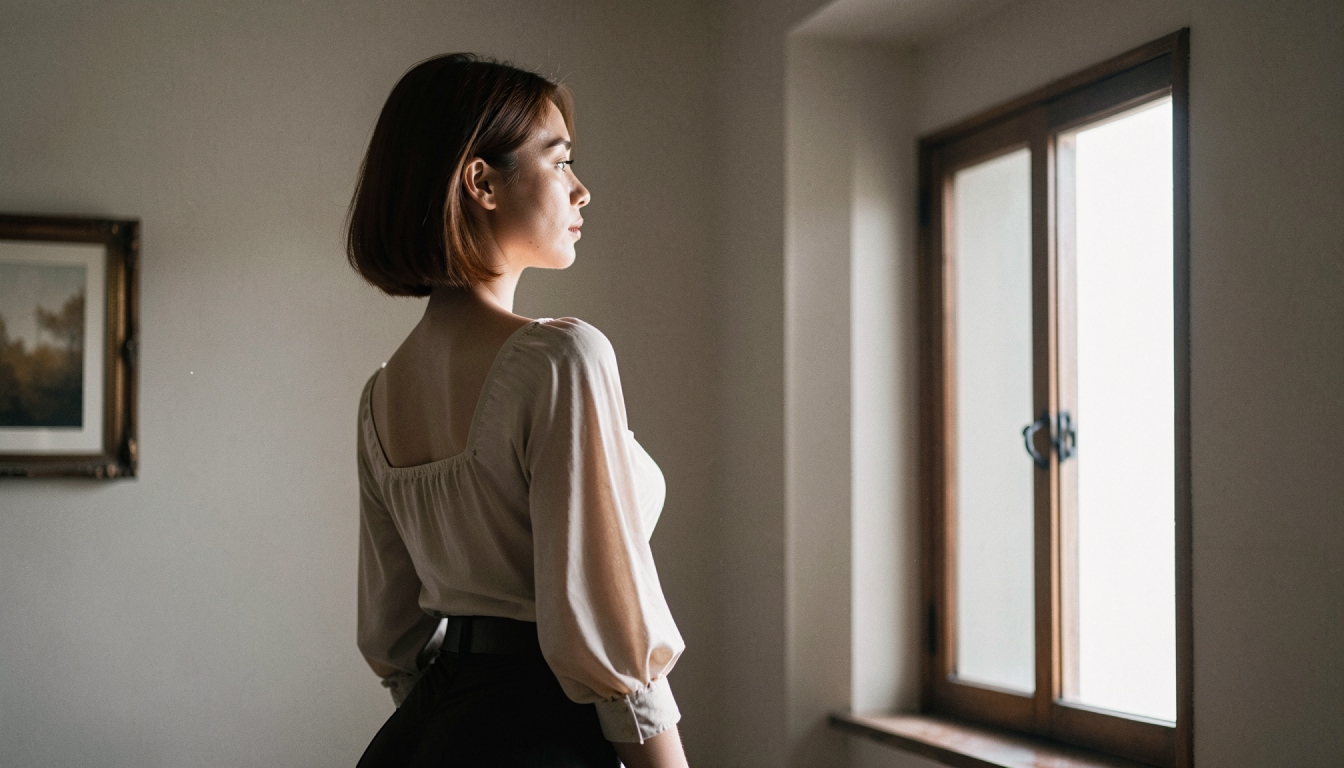
Start with an original fictional adult character or a scene that meets PornX's content rules. A medium shot usually allows enough room for a turn, a gesture or a small step. Simpler backgrounds reduce competing movement. Natural or soft lighting tends to make changes between frames easier to evaluate. Save the finished first frame to your gallery rather than treating a thumbnail as your final source.
2. Open a Session and select Image-to-Video
The documented route is to open the video generator, start or return to a Session, choose Image-to-Video, and select the saved image. Review any resolution constraints in the current interface. Your selected image establishes the visible scene, so the written prompt does not need to repeat every hairstyle, clothing detail or background object.
3. Describe one movement clearly
A practical motion prompt combines a subject action with a camera direction. For example: "An adult fictional traveler turns slowly toward the distant lights; loose fabric moves with a gentle breeze; steady camera push-in." The prompt says what should change and avoids asking for several disconnected actions at once. For a full library of starting structures, see image-to-video prompts. If you are unsure how to write the movement itself, the how to animate AI images guide walks through the process.
4. Review before refining
Inspect the subject's face, the position of hands, outlines, background edges and whether the requested motion is visible. If an attempt looks distorted, try a simpler first frame or shorter motion instructions. Avoid using enhancement as a fix for a fundamentally incorrect movement; a post-processing pass cannot redesign the shot.
Examples of Motion Prompts
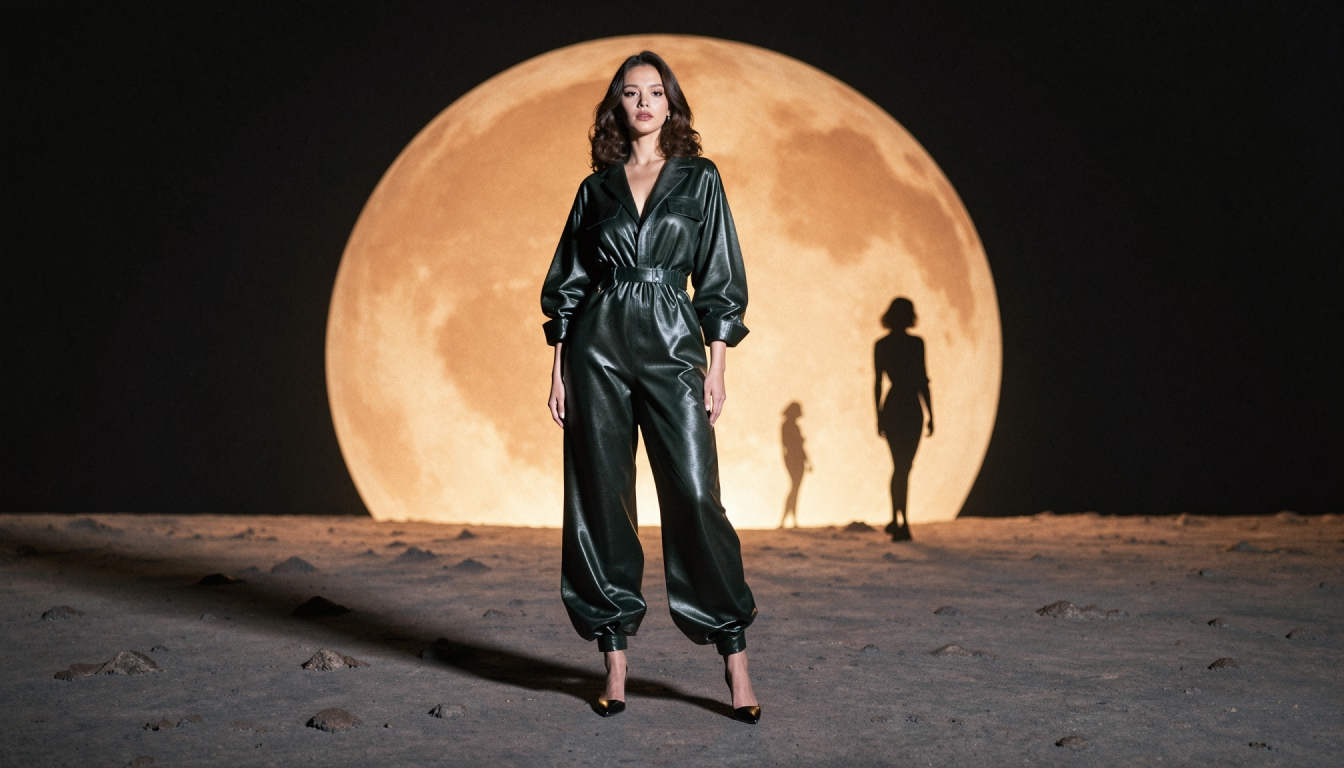
Portrait movement: "The adult fictional character looks up and turns her head slightly; soft hair movement, calm expression, slow camera zoom." Use this when the initial image already has the framing you want.
A little environmental movement: "Curtains sway behind the character as she steps toward the doorway; camera stays steady; soft natural motion." This adds a recognizable action without overloading the clip.
Illustrated character scene: "The character lifts a hand while neon reflections shimmer on the pavement; subtle camera pan left; preserve the illustrated look." For style-specific preparation, read about anime image-to-video. When your starting point is photographic, realistic image-to-video concentrates on realistic movement, skin texture and lighting continuity.
These examples are non-graphic directions for fictional adult subjects. Keep subjects original, respect consent and likeness restrictions, and check the platform rules before generating or publishing.
First-Frame Mistakes That Make Animation Harder
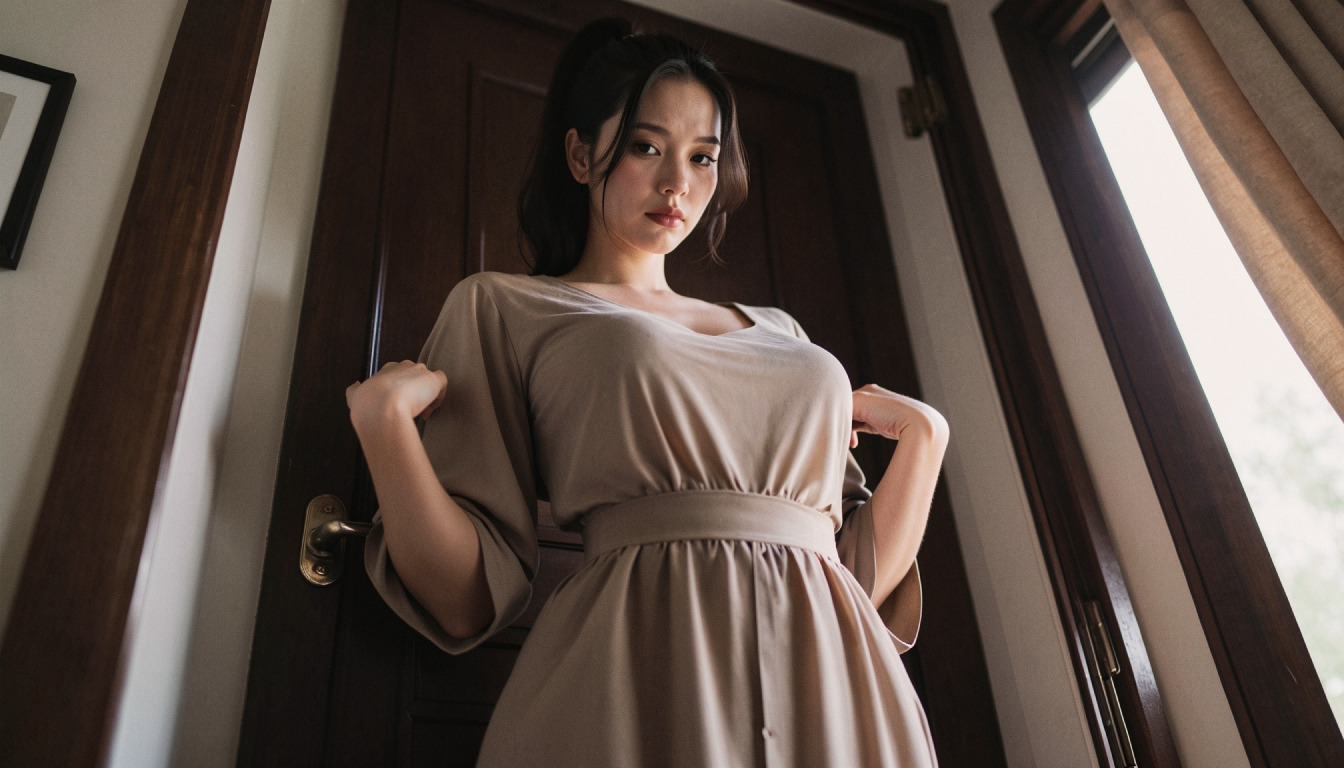
An extreme close-up leaves little space to show motion; a very complicated background can produce wobbling outlines. Strong shadows may shift across the image in unexpected ways. A pose that does not suggest any possible action can also yield barely noticeable animation. Simplifying one problem at a time is more useful than changing the frame, camera direction and intended motion in a single attempt.
A reusable first frame helps you compare results. The AI video first-frame prompts collection offers ideas for composing that starting picture. Keep the same source image and alter only the motion language to see what improves. When you like the movement but want a clearer final version, investigate Enhanced Video as a separate finishing step rather than asking the movement model to solve a sharpness problem.

Which Related Workflow Should You Try?
Some people want an image-led animation with a recognizable subject; others want to draft the entire shot from text. These are different creative tasks, not synonyms for a single generator. Read a comparison of best image-to-video AI tools if you are evaluating different workflows, or open the open the PornX video generator area to inspect PornX's actual generation controls.
If you already have an original adult character that looks right, invest in a clean first frame before spending additional video tokens. An effective result is often one controlled movement performed well, not an ambitious sequence compressed into a few seconds.
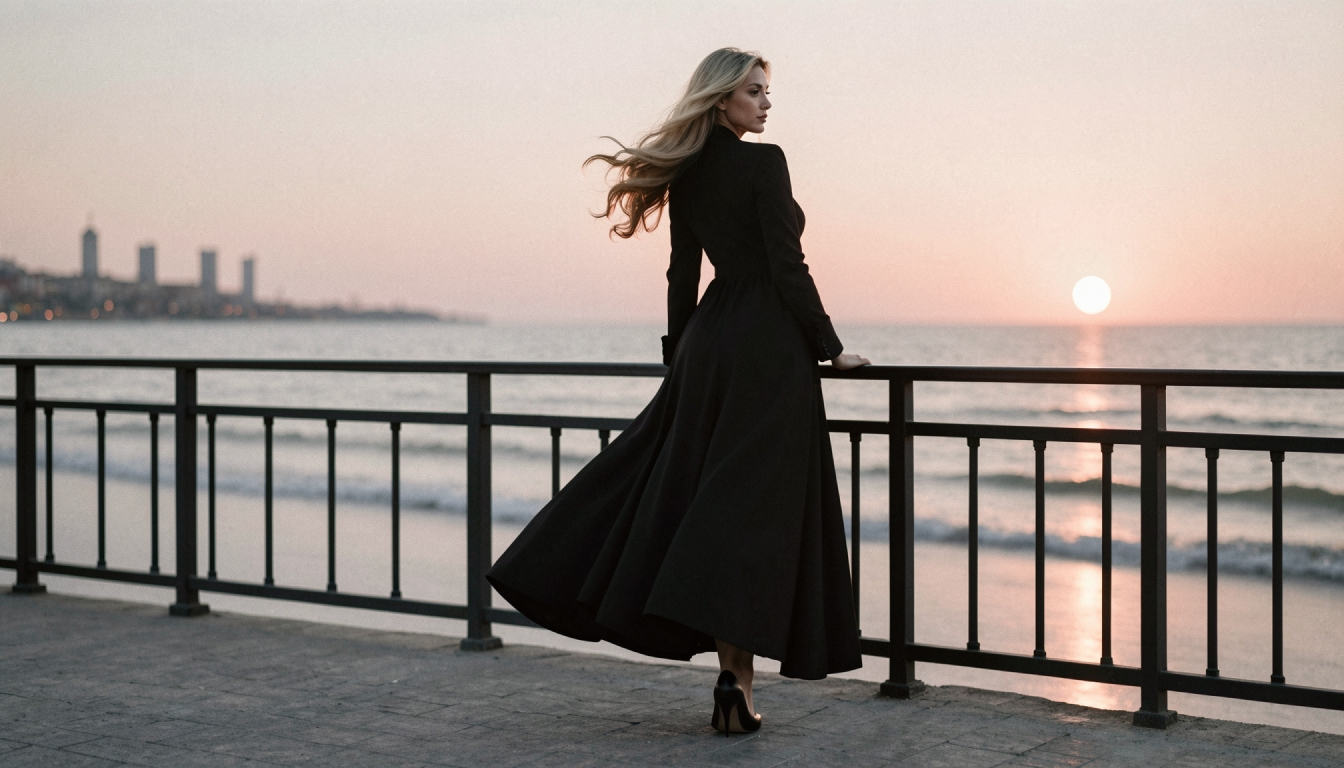
Image-to-Video FAQs
Discover more
Keep exploring with related tools, features and step-by-step guides.
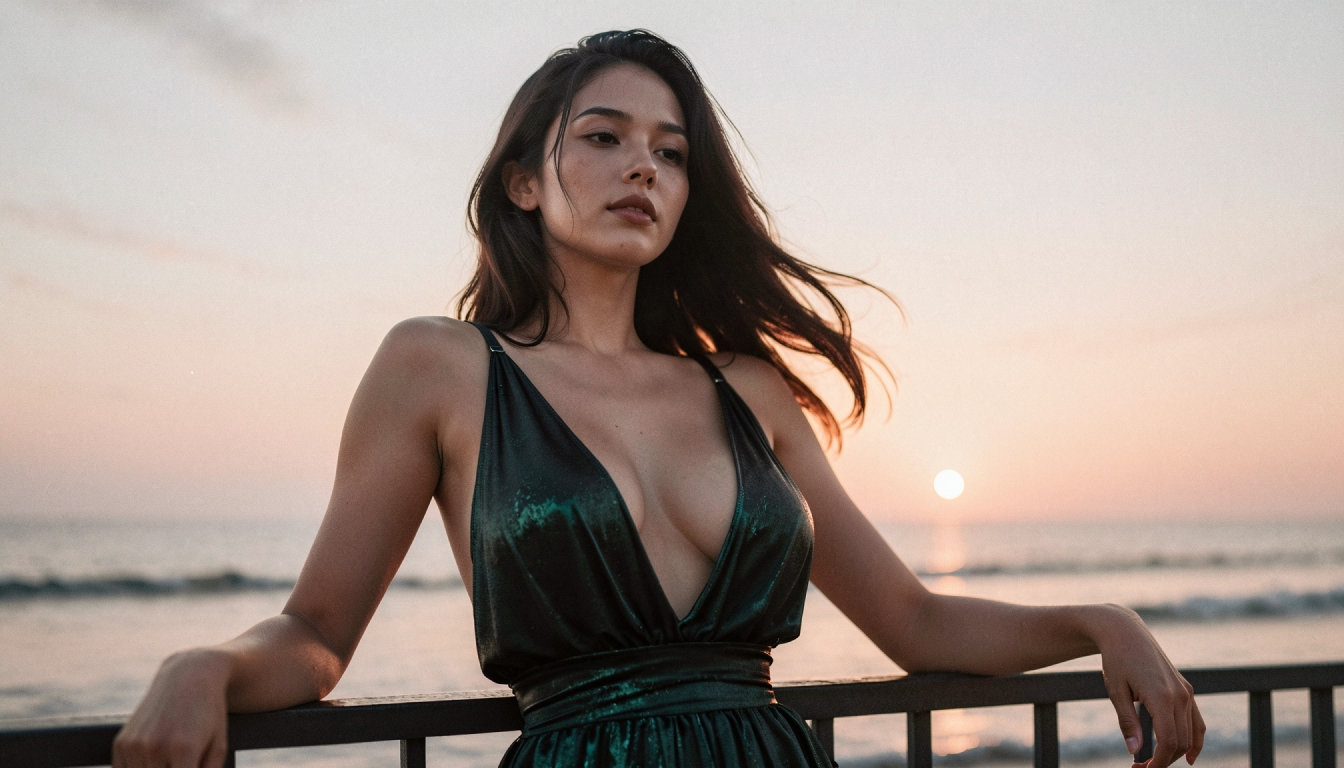
How to Turn an AI Image into Video Step by Step
Animate a saved AI image with Image-to-Video. Learn first-frame preparation, matching resolution, motion prompts and useful troubleshooting.
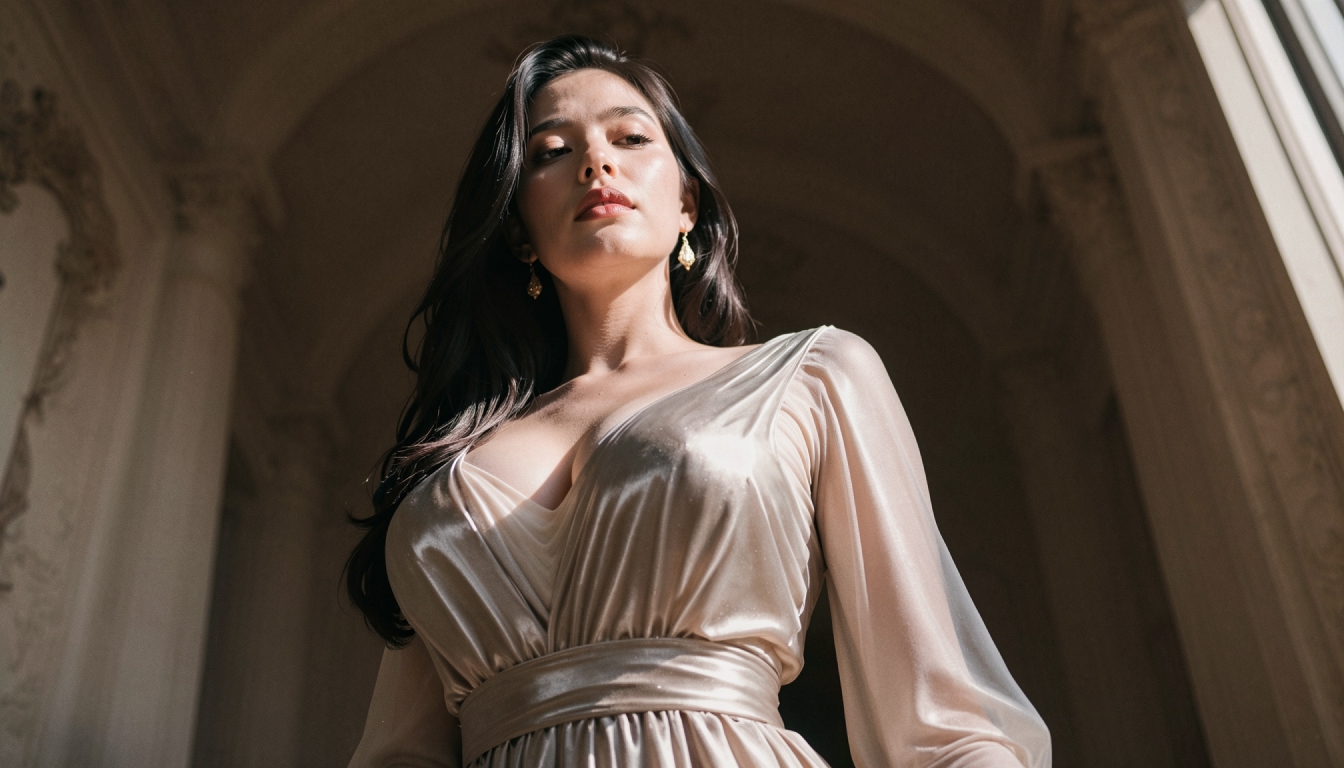
Enhanced Video
Learn when to use PornX Enhanced Video after generation to sharpen a finished clip, reduce artifacts and compare the refined version with the original.
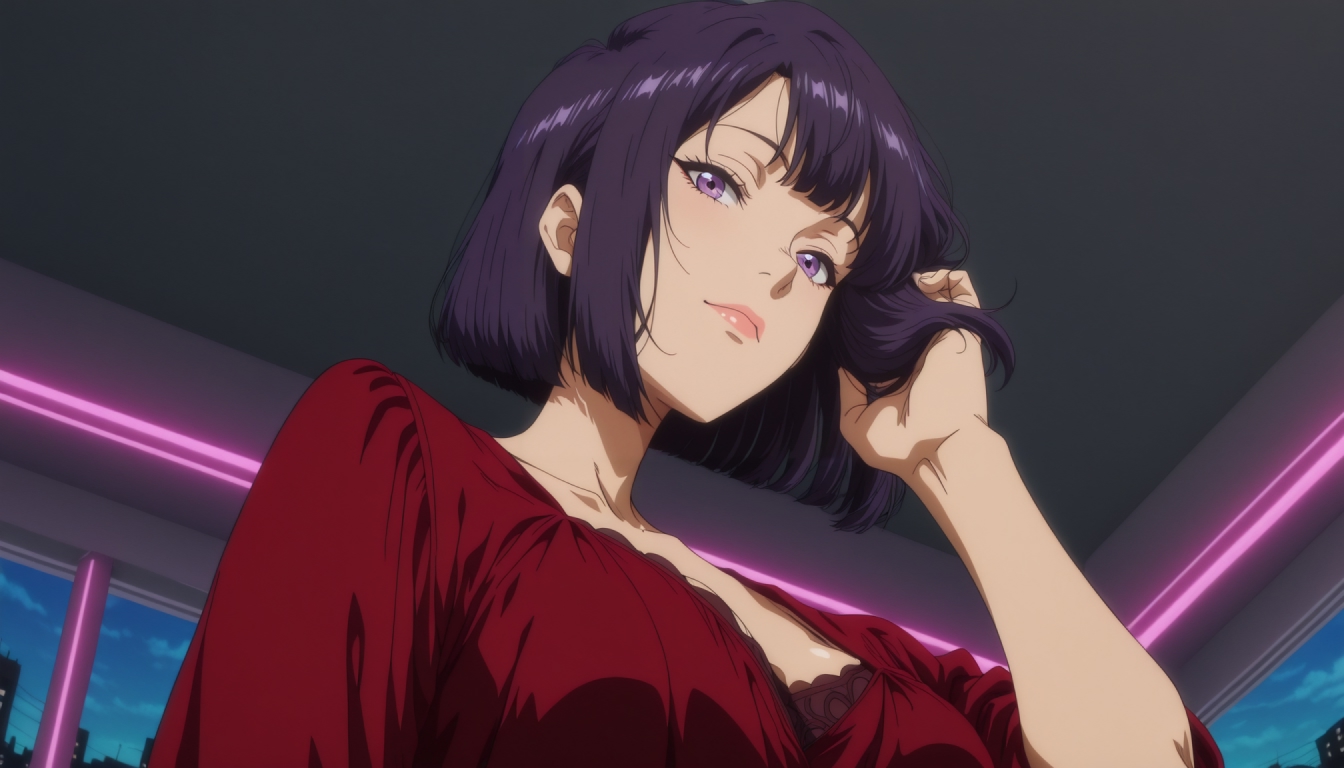
Anime Image to Video
Animate original adult anime artwork using PornX Image-to-Video. Learn first-frame composition, motion prompts, common fixes and how to create a short clip.
Realistic Image to Video AI
Turn original realistic AI images into short videos on PornX. Prepare photographic first frames, write natural motion prompts and refine common video artifacts.