Anime Image to Video: Bring Original Adult Anime Art to Life
A strong anime illustration already suggests movement. A flowing coat hints at a breeze; an expressive pose implies the next action; a neon-lit street feels as though its signs might flicker. Anime image to video takes that creative starting point and turns a still image of an original, clearly adult fictional character into a short moving scene.
PornX provides an Image-to-Video workflow based on an image generated and saved in its gallery. Instead of describing the whole drawing from scratch, you choose the image as a first frame and write a separate motion prompt. The frame establishes the character's illustrated appearance. Your text guides the movement. That division is especially useful for anime artwork, where recognizable linework and an intentional silhouette matter.
Ready to try your illustration in motion? create an AI video on PornX after preparing your image and checking the available video settings and token balance.
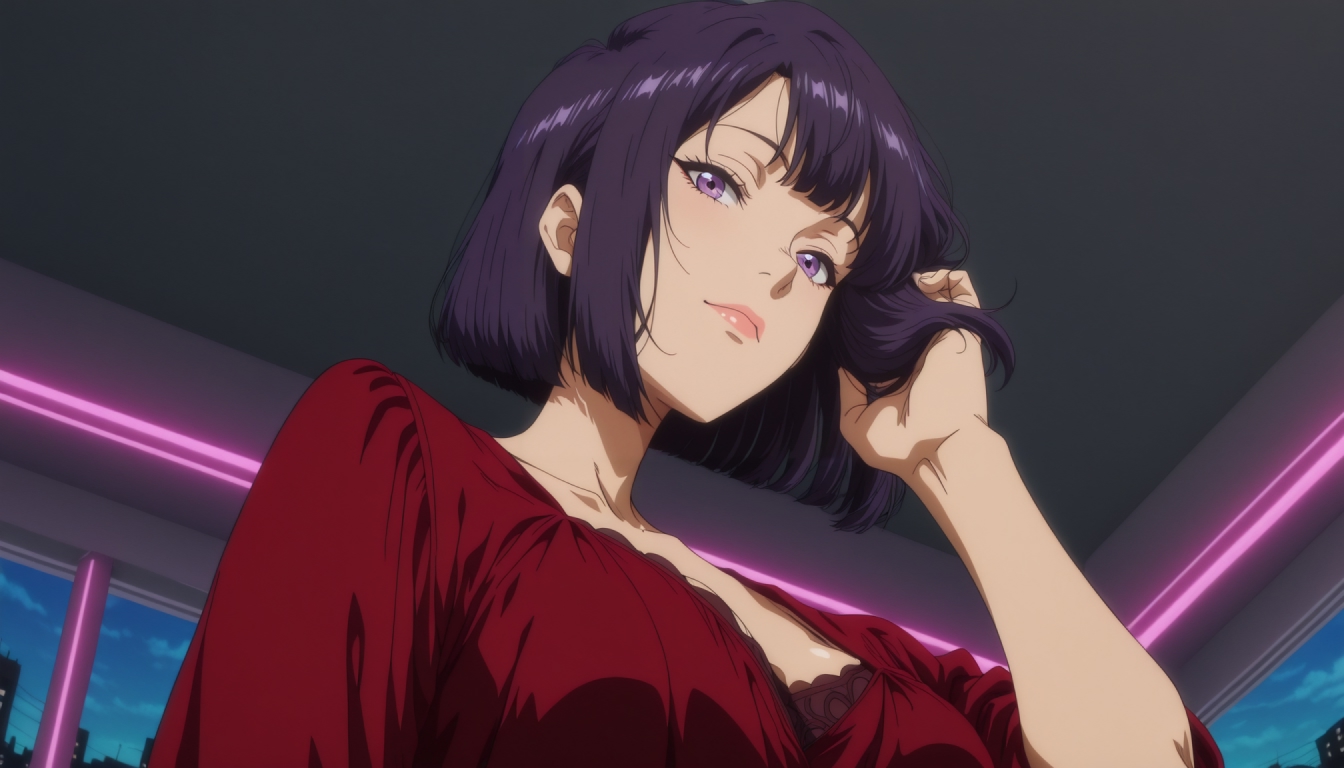
Start With Adult Anime Art That Can Move
Before animating, make sure the still image is clear, original and unmistakably adult. Clothing, occupation and context can help communicate a mature fictional character without relying on franchise characters or age-ambiguous designs. Avoid school settings and youth-coded character conventions in adult-oriented work. For a new starting image, explore the existing AI hentai image generator for PornX's illustrated generation experience, while keeping the character wholly original.
A mid-shot generally gives the subject enough space for a head turn, shoulder movement or small change of posture. An extreme close-up can work for subtle expression, but cannot comfortably show a full-body action. A crowded background can create unwanted movement because the animation model must distinguish the character's outline from the surrounding illustration.
If you want to design a recurring visual identity first, create an adult anime character before choosing the first frame. The character workflow and animation workflow are related, but they solve different problems: one defines the visual persona, while the other brings a selected image into motion.
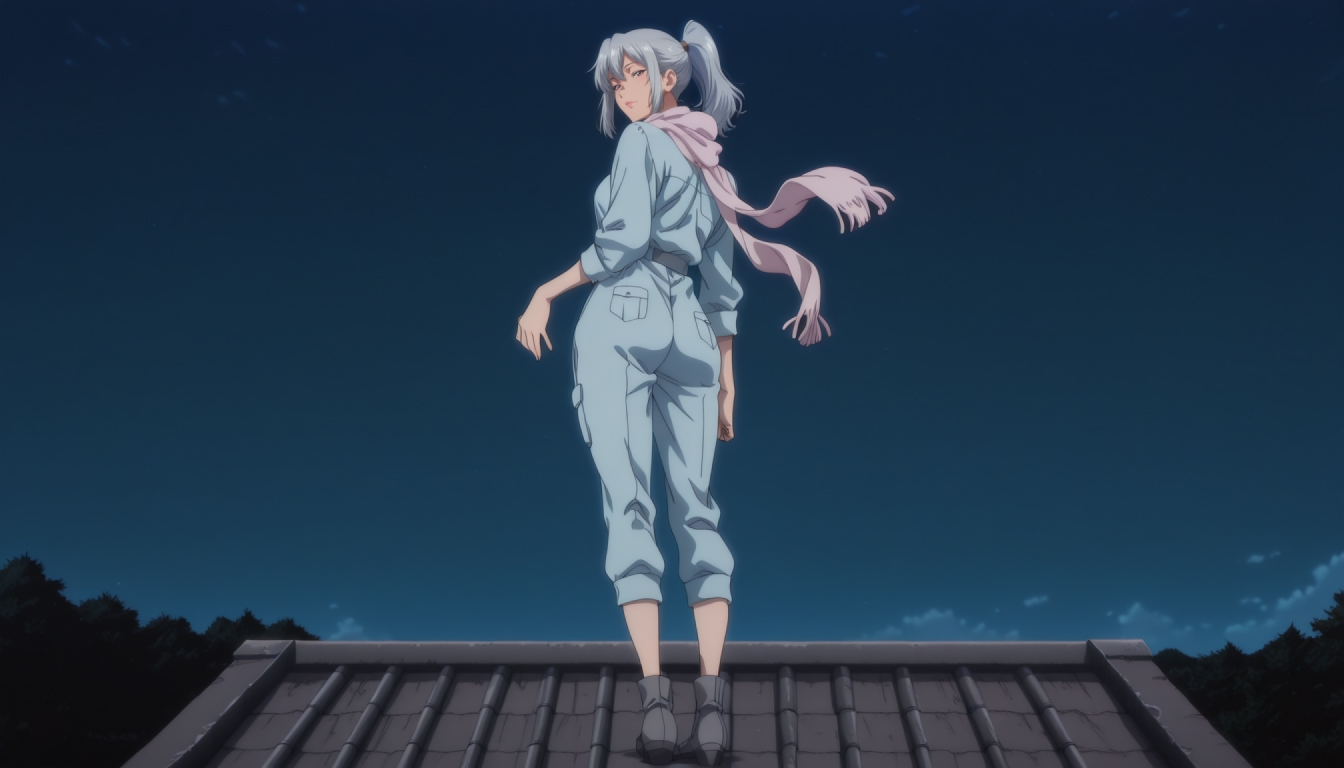
How PornX Anime Image-to-Video Works
The documented process starts in the image generator: create the illustration, save it to your gallery, then open a video Session. Select Image-to-Video, choose the saved gallery image, write what should move and generate the clip. The PornX Wiki currently describes a maximum duration of five seconds. Video generation consumes tokens, so check the current account balance and access conditions before each attempt.
For the underlying capabilities, see the AI image-to-video feature. That overview explains the tool; this page concentrates on the special challenges of animating anime-style first frames. The full image-to-video tutorial is useful when you want every step of the standard process in one place.
The practical rule is to keep the appearance in the image and put the motion in the text. Repeating eye color, hair color and clothing in a motion prompt rarely helps if they are already visible. Instead, specify one subject movement and, if necessary, one controlled camera movement.
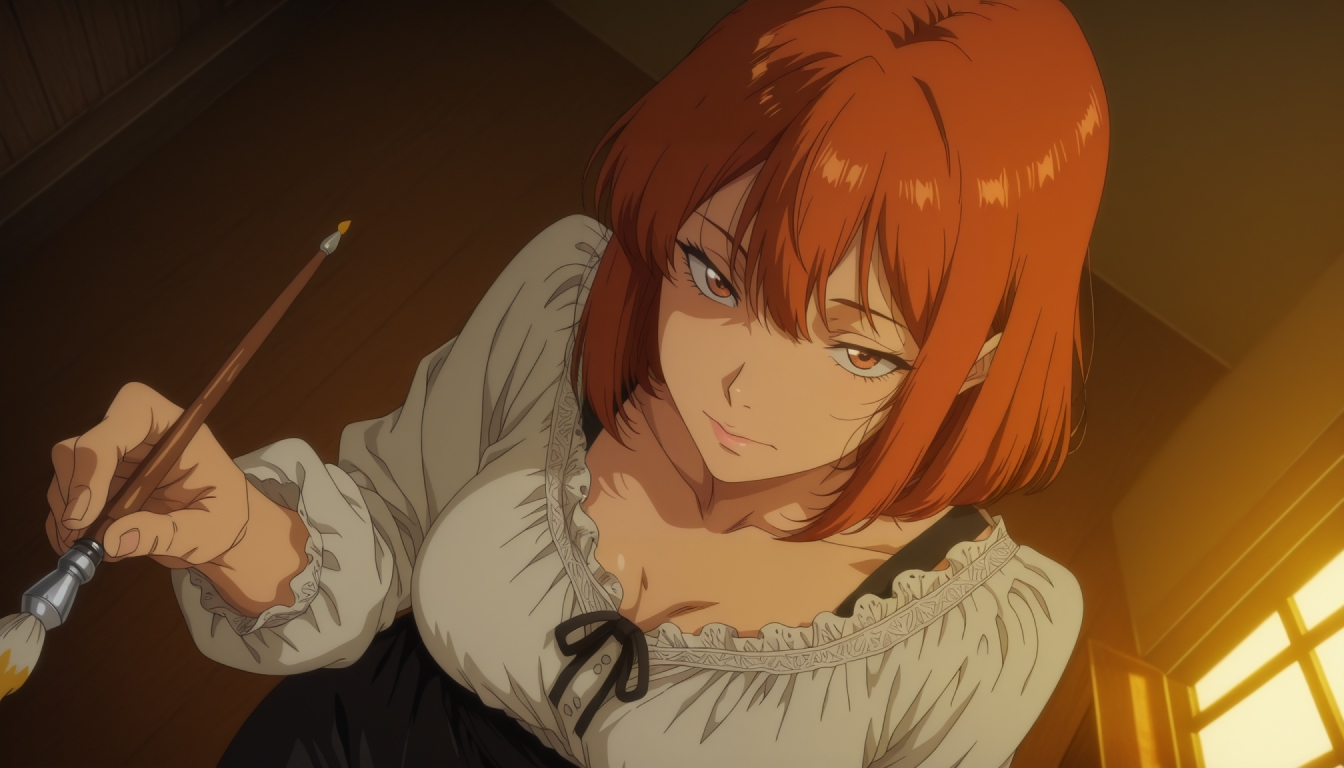
Motion Prompts for Illustrated Characters
Start small. Anime drawing styles can contain large areas of flat color, sharp outlines and stylized eyes. Multiple simultaneous motions may make those edges wobble between frames. Try one of these non-graphic examples with an original adult character:
- Gentle portrait: “The adult character turns her head slightly, her hair moves in a light breeze, steady medium shot, calm expression.”
- Rainy city: “The character glances toward the glowing signs, light rain moves through the background, slow camera push-in.”
- Fantasy scene: “An adult traveler raises a lantern, the cloak shifts gently, the camera remains stable as the light flickers.”
These are creative prompts rather than guaranteed presets. For additional language and styles, explore image animation prompts. If you want to refine how the image should look before animating, first-frame prompt ideas can help establish a suitable composition.
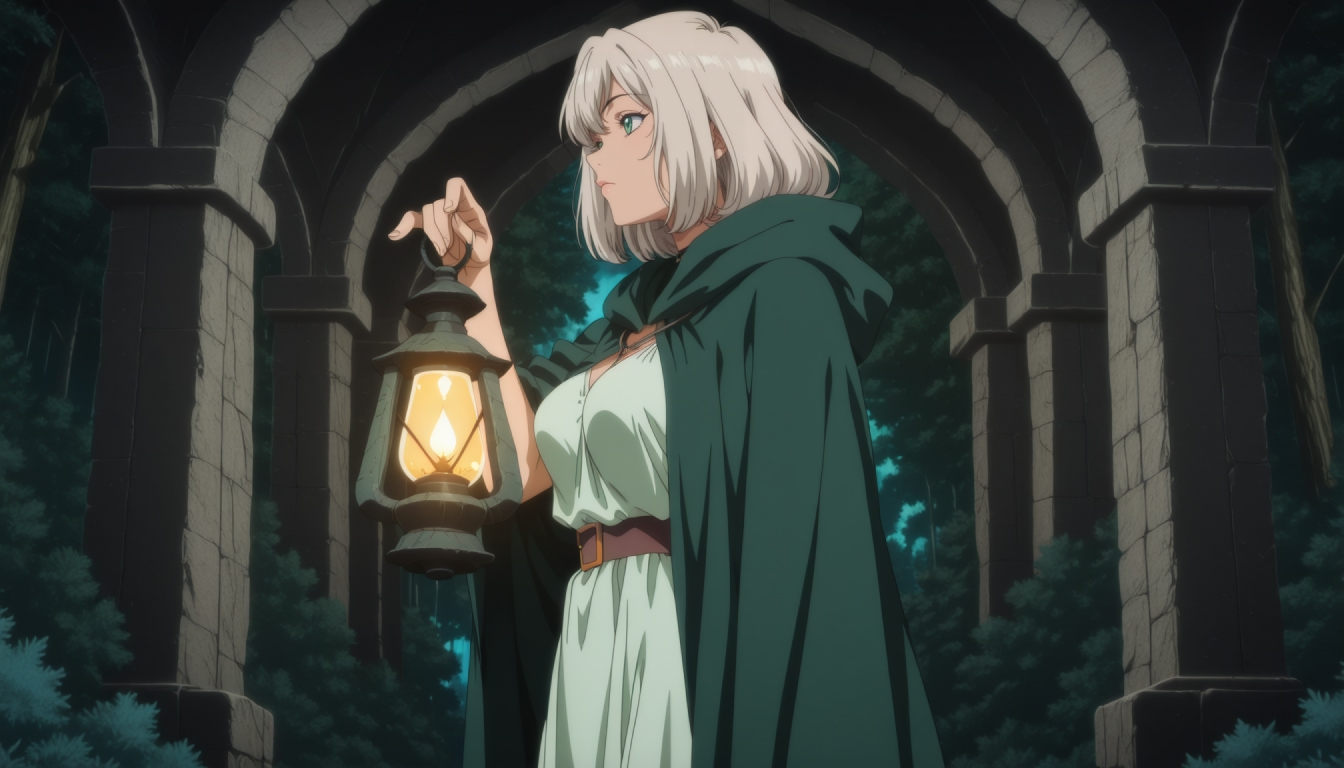
Keep Linework, Lighting and Movement Coherent
Choose one dominant movement. When a character walks, turns, spins and the camera simultaneously circles, the result must interpret many instructions within a very short clip. A single head turn, sleeve movement or short forward step gives you a clearer test of what the model can preserve.
Consider the relationship between the character and the background. Anime scenes often use strong perspective lines, layered lights and busy architectural shapes. Those can create an appealing still frame but may introduce flicker in motion. Try reducing background detail, using a clean silhouette and describing the camera as steady. If the character's hand is obscured behind an object, avoid making hand movement the main action.
Keep the original still available in your gallery. It is much easier to compare two movement prompts when the first frame stays unchanged than when both the illustration and the movement change at once.
Anime Animation vs General NSFW Image-to-Video
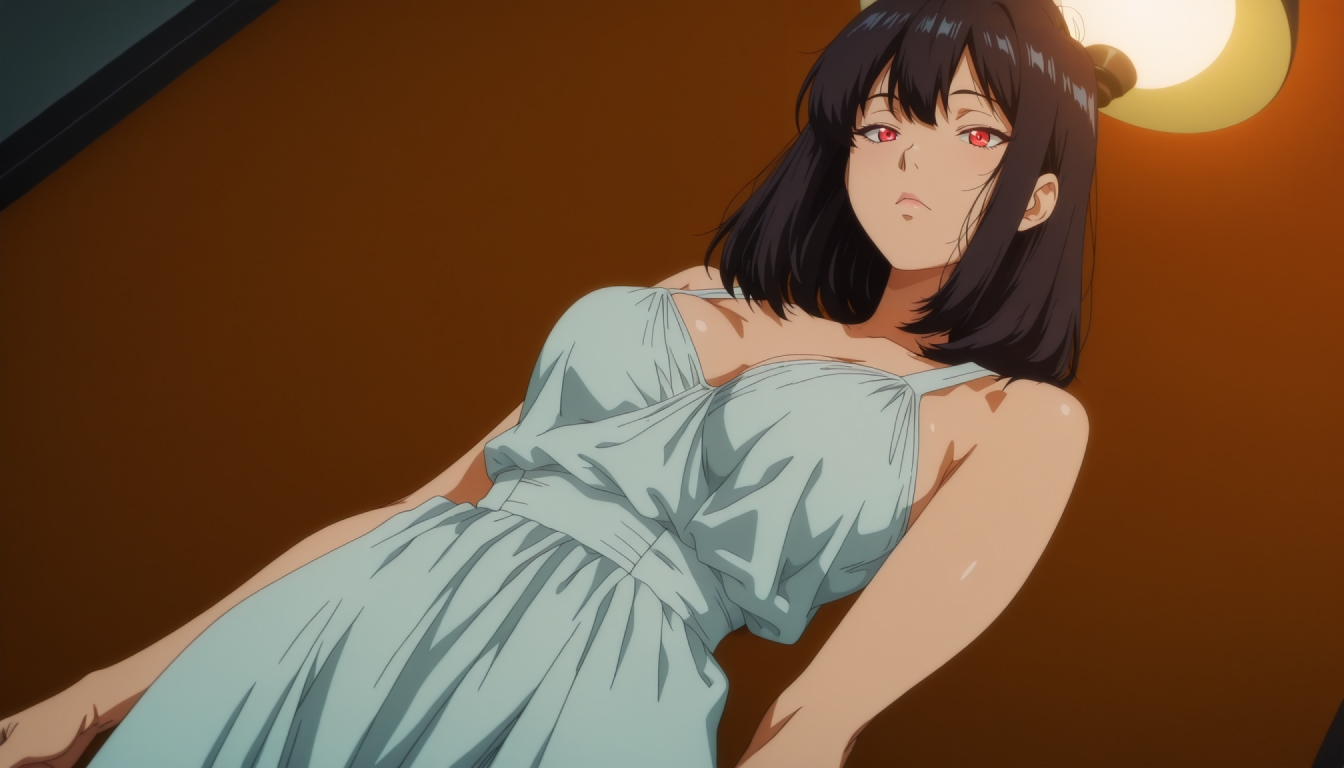
The broad NSFW image-to-video generator covers animation of original adult AI images regardless of visual style. This anime page focuses specifically on drawn outlines, stylized expressions, bright palettes and motion that fits illustrated characters. Neither is a separate promise of frame-perfect consistency or additional features: both rely on the available PornX video workflow.
If the illustration itself looks wrong, fix that before moving to video. If the clip looks wrong, shorten the movement prompt. Regenerating the video alone cannot reliably correct poor anatomy or a confusing first frame.
Frequently Asked Questions
Make Your Illustration Move
Create an original adult anime still with readable lines and a simple scene. Save it, choose Image-to-Video, describe one movement, and compare the short result with your intended style. Keep the subject and mood coherent rather than packing an entire action sequence into one prompt. For your next experiment, open the video generator with a saved image and start with the smallest useful motion.
Create an AI video on PornXDiscover more
Keep exploring with related tools, features and step-by-step guides.
Anime AI Character Generator
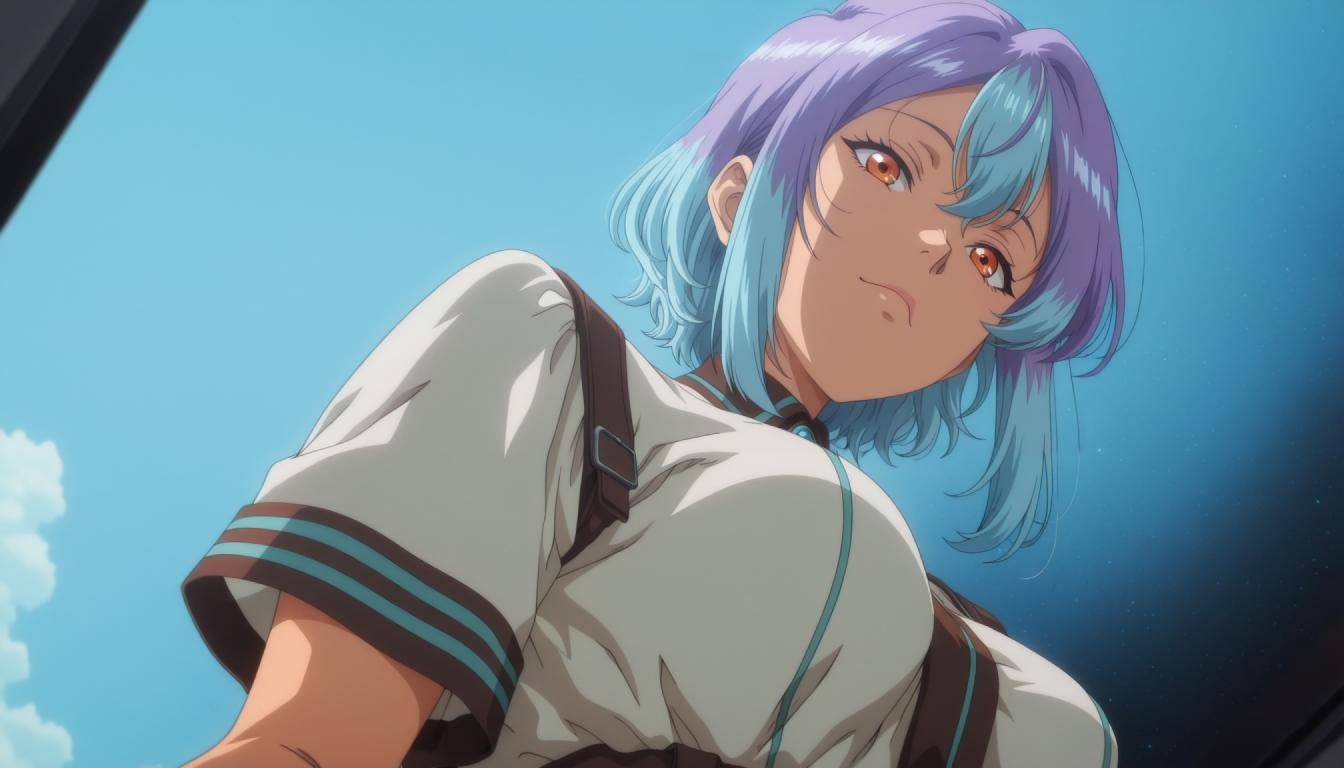
Design an original adult anime-style AI character with PornX. Learn the documented Character workflow, appearance options, Premium access and image ideas.
AI Image to Video
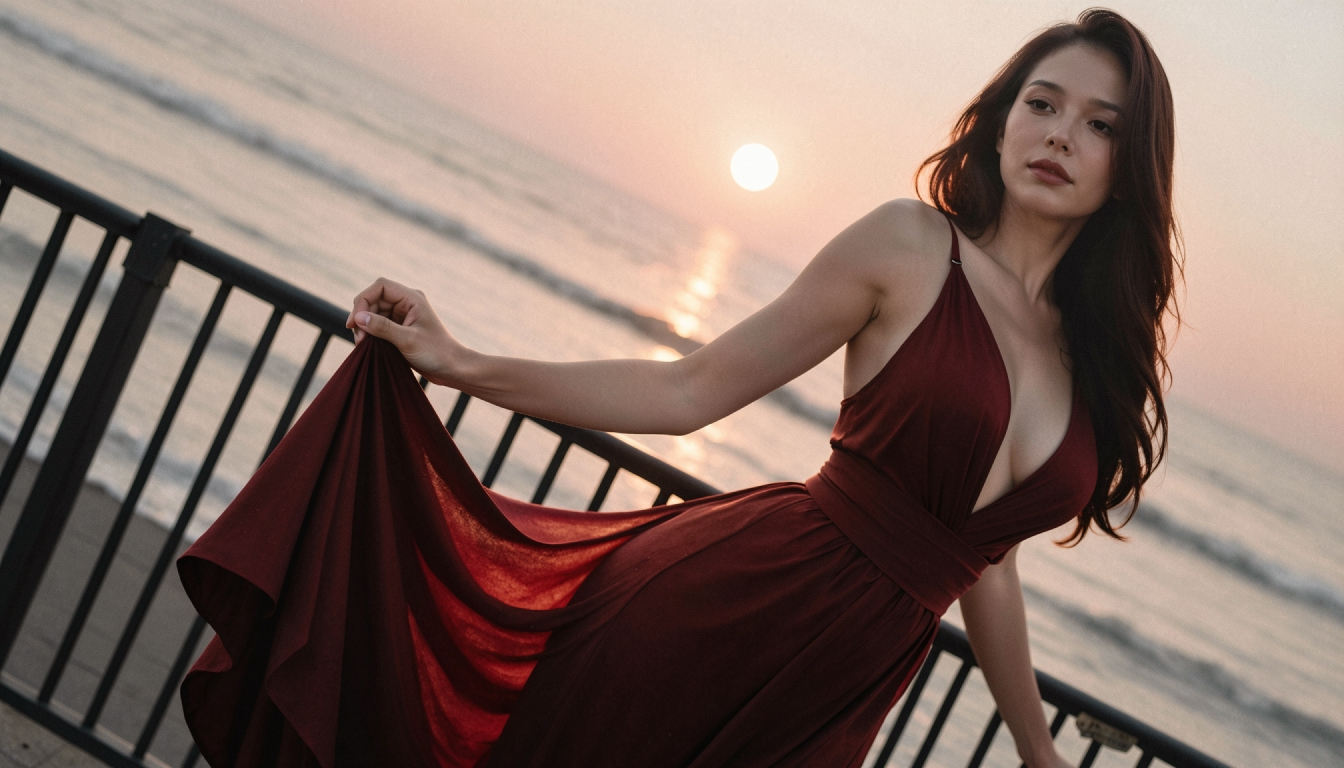
Explore PornX Image-to-Video. Prepare a clear first frame, guide motion, make a short AI clip and find tips for improving animation quality.
How to Turn an AI Image into Video Step by Step
Animate a saved AI image with Image-to-Video. Learn first-frame preparation, matching resolution, motion prompts and useful troubleshooting.
Enhanced Video
Learn when to use PornX Enhanced Video after generation to sharpen a finished clip, reduce artifacts and compare the refined version with the original.