Free AI Video Prompt Builder for Text-to-Video and Image-to-Video
An image prompt describes what a frame looks like. A video prompt must explain what changes over time. A figure turns toward the camera; a jacket moves in a breeze; the camera follows a few steps and settles. A useful AI video prompt builder makes those decisions easy to write without stuffing a short clip with competing actions.
Use the workflow selector below to draft a motion brief for an original fictional adult character. The output is text you can copy and edit, not a rendered video. For more utilities built around the creation process, see our free AI creator tools. The actual rendering step takes place inside the video generator.
Choose a Workflow Before You Build the Prompt
Video prompt builder
Example: Text-to-Video Prompt from Scratch
Input: Original adult traveler; empty train platform; takes two calm steps; stationary camera; reflective evening mood.
Copy-ready prompt: "An original fictional adult traveler stands alone on a quiet railway platform at dusk, wearing a long navy coat. They take two measured steps toward the edge of the light, pause and glance over one shoulder. Fixed medium-wide camera, gentle fabric movement, warm lamps against a cool evening background, natural steady motion and a single continuous shot."
The prompt gives the model a subject, setting, action and stable camera. A single action is more useful than a list of dramatic transformations. If you're starting without a reference image, the separate text-to-video generator landing page explains this text-first route. For additional wording patterns, explore text-to-video prompts before adding secondary movement.
Example: Image-to-Video Prompt from a Saved Frame
First frame: Half-body portrait of a fictional adult illustrator next to a bright studio window.
Copy-ready motion prompt: "The character slowly turns their head toward the window and smiles slightly. A few loose strands of hair move in a gentle breeze. The camera makes a subtle forward push and then holds steady. Preserve the original outfit, facial features, background and soft daylight. One continuous natural movement."
This prompt does not waste space repeating the character's hair color or clothing, because the first frame already shows them. It describes the change between frames. Visit the image-to-video workflow landing page for that specific task, and compare a few concise image-to-video prompts to see how much information a short motion brief actually needs.
How to Write a Motion Prompt That Stays Understandable
Step 1: Select Text or Image as the Starting Point
If you have no image, choose text-to-video and describe the entire opening shot. If you already have a suitable still, choose image-to-video and write primarily about what moves. The PornX AI image-to-video feature uses an existing image, while text-to-video creation begins with words alone. This distinction should also change the helper text and example output shown by the proposed builder.
Step 2: Choose One Main Action
Use verbs that can be visualized: 'turns,' 'walks forward,' 'raises a hand,' 'looks toward the light.' Avoid asking for a walk, dance, camera orbit and outfit transformation inside one very short clip. Competing instructions make it harder to retain coherent motion. See our guide to writing AI video prompts for a reusable structure built around one action and one camera instruction.
Step 3: Add a Camera Instruction That Fits the Frame
Use 'locked camera' when you care most about subject movement. Use 'slow push-in' for a gentle cinematic change. Pan only if the original frame leaves room for the camera to reveal something. Fast zooms and multiple cuts may produce more noticeable changes but also introduce more opportunities for distortion.
Step 4: Keep the Time Scale Realistic
PornX's documented Image-to-Video workflow produces short clips of up to five seconds. Ask for motion that can read within a few seconds. A prompt can say 'begins to turn toward the window' without requiring a complicated narrative conclusion. Write another prompt for the next shot if the story demands a second action.
Step 5: Copy, Render and Compare
Copy the generated description, open PornX video creation and test it with the correct workflow. Choose the actual target tool via the CTA below. If the motion is distorted, simplify the first frame or reduce the number of moving elements; rewriting the sentence ten times will not repair a crowded source image.
Build Better Image-to-Video First Frames
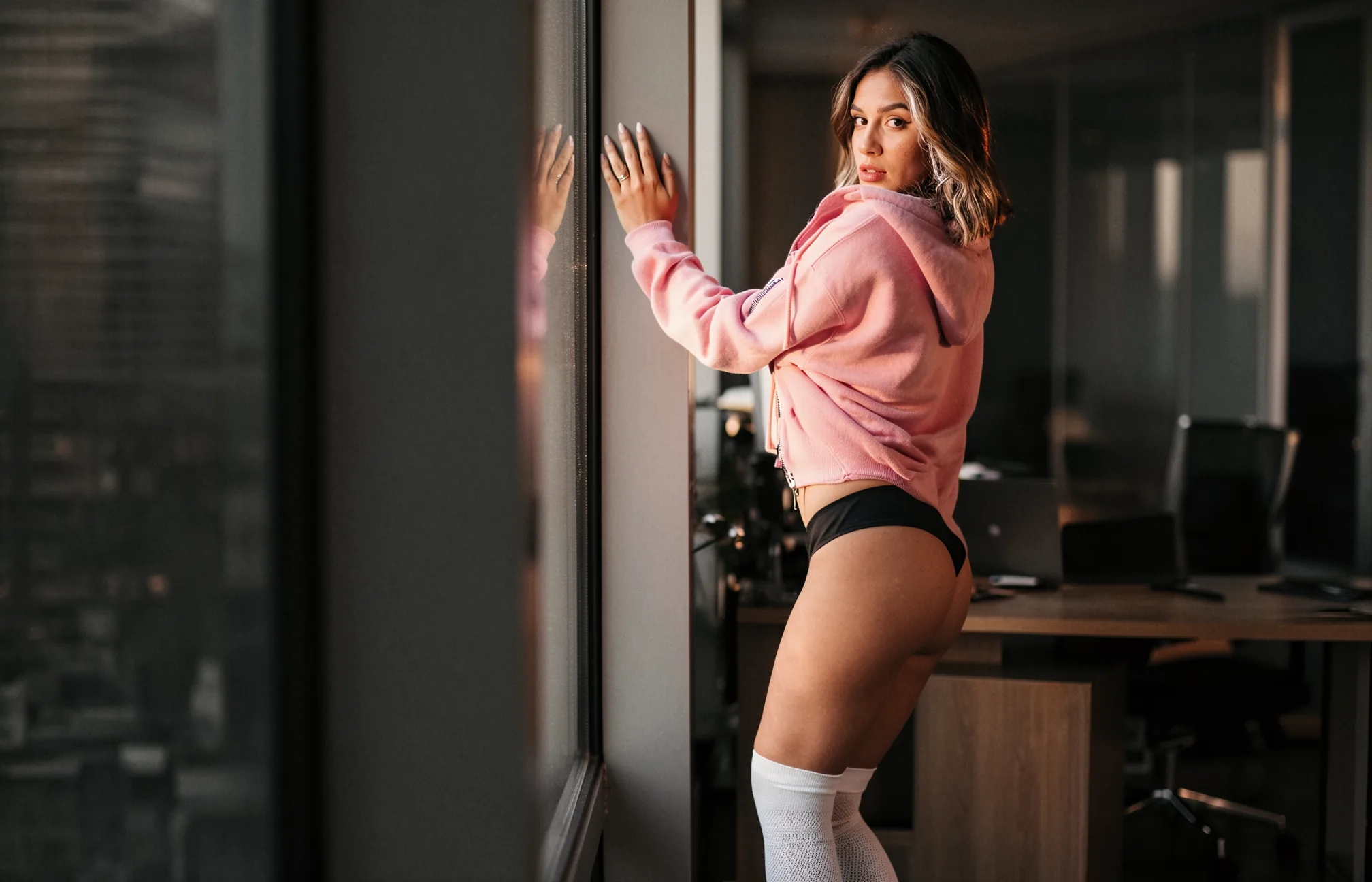
A portrait with space around the shoulders is easier to animate than a tightly cropped face. A calm background gives the model fewer objects to reinterpret. If movement looks jittery, start with modest actions such as breathing, a slight head turn or a slow camera push. The image itself remains an important input; polished text cannot fully compensate for a weak source frame.
When a Text Prompt Is the Better Choice
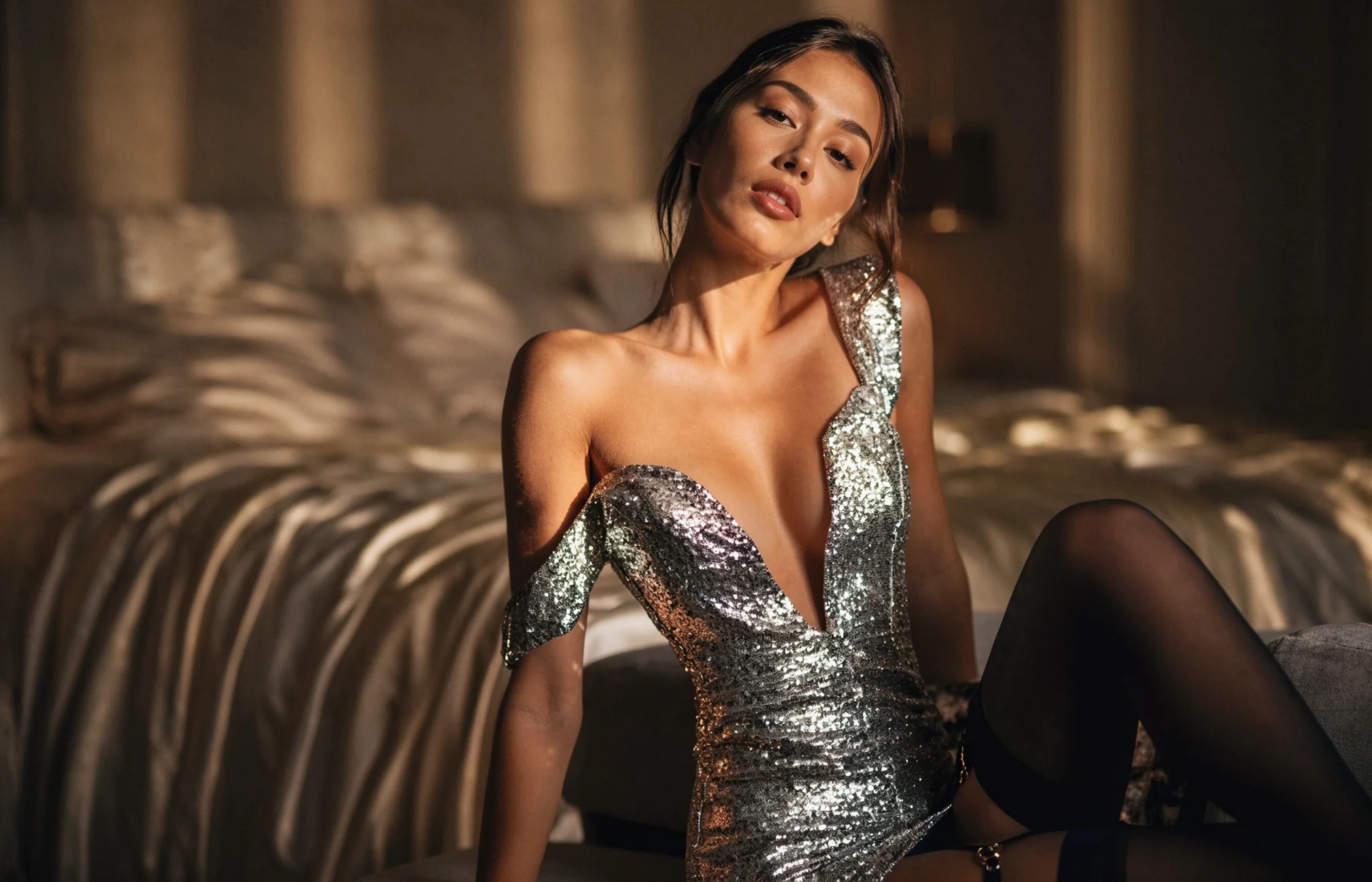
Text-to-Video is useful for testing story ideas when you don't yet have a composition to preserve. It is less suitable when a particular character's face or costume must remain consistent with an existing image. Try two alternate prompts that keep the action the same but vary the camera. Comparing those outputs tells you whether framing, rather than the subject description, drives the result.