AI Text to Video: Turn a Written Scene Into a Clip
Sometimes you have a scene in mind but no starting picture: a city rooftop at dusk, a quiet corridor, or an adult fictional character entering the frame. AI text-to-video is designed for that situation. You describe the subject, setting, action and camera in words, and the model generates the visual scene along with its movement.
PornX's Text-to-Video mode does not require a saved first frame. That makes it a quick place to test a visual idea, although it also leaves more decisions about composition and character appearance to the model. The mode uses tokens and the settings available may depend on your account. To explore the surrounding workflow, browse PornX features.
If you are ready to create a clip, open the AI porn video generator and check the Text-to-Video option. It is worth planning the prompt before generating because unclear motion is a common cause of disappointing results.
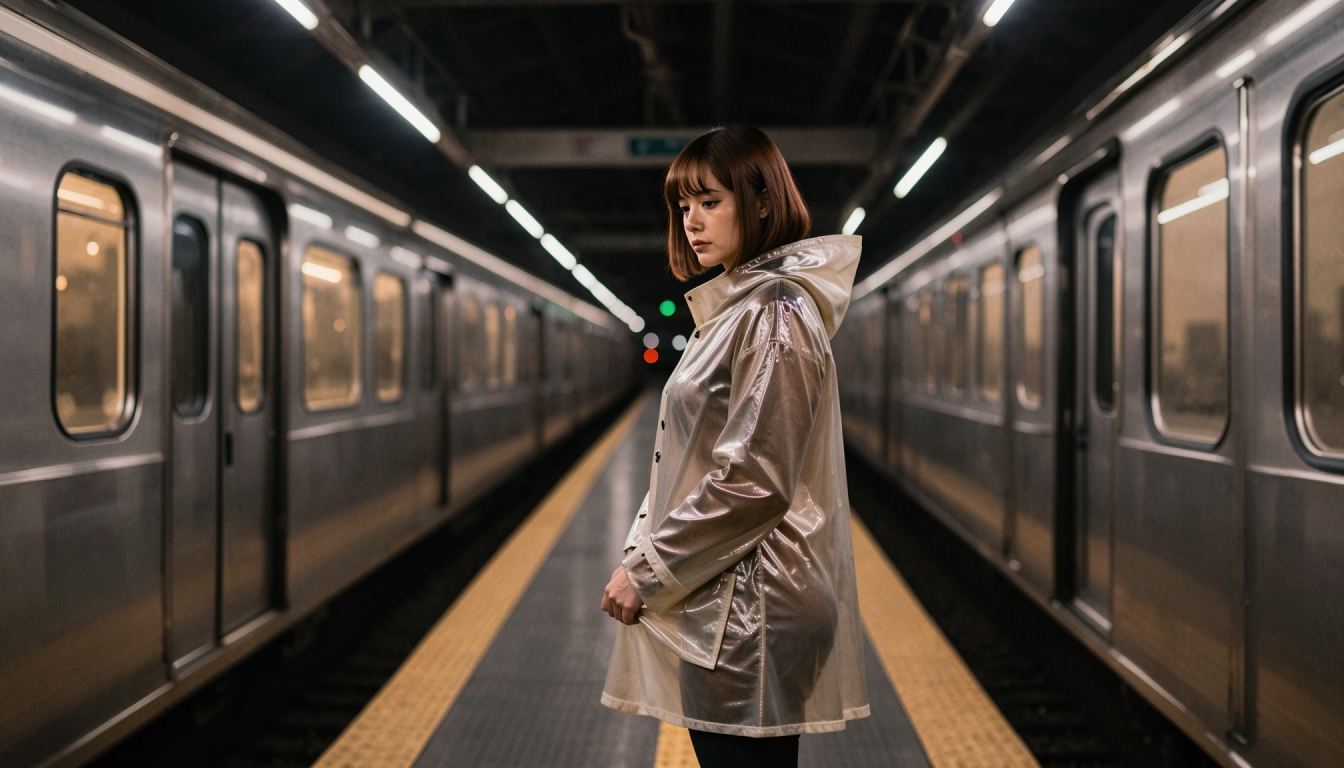
What Should a Text-to-Video Prompt Include?
A reliable framework is subject -> setting -> action -> camera. Start by identifying the fictional adult subject and the type of scene. Add the environment and lighting so the model has a clear context. Then include a visible movement, followed by an optional camera instruction. The order matters: the most important parts of the shot should be easy to understand before artistic adjectives appear.
For example, "An adult fictional astronomer stands in a softly lit observatory, turns toward the camera and points out a moving star; slow pan right." This gives the model a subject, a setting and a reason for motion. By contrast, "cinematic portrait, great lighting" may produce an attractive look without a meaningful action.
For variations adapted to different visual approaches, try text-to-video prompts. The detailed how to generate AI video from text walkthrough offers a step-by-step path from idea to finished clip.
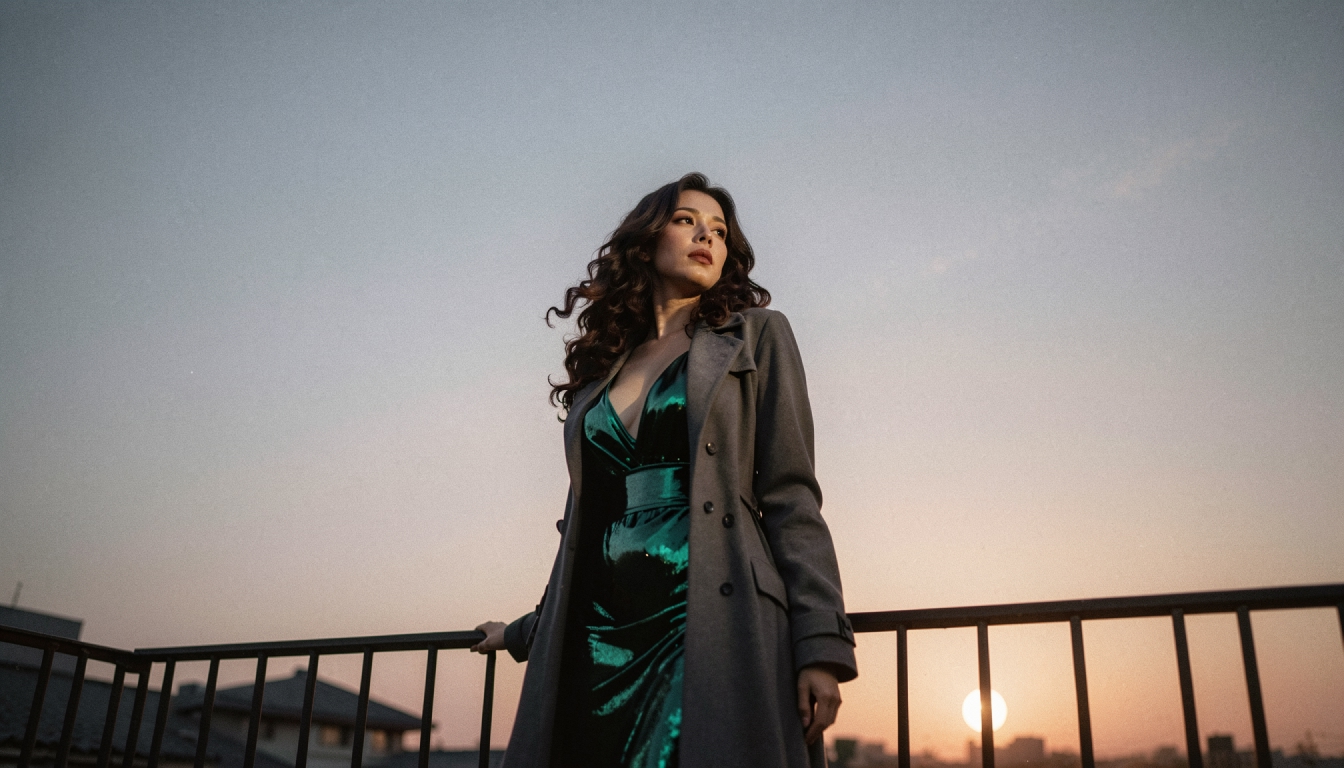
Generate a Video From Text in PornX
Choose Text-to-Video within a Session
Open the PornX video generator and create or open a Session. Select Text-to-Video, not Image-to-Video. Write a complete shot description and choose one of the available resolutions. The Wiki describes this as a prompt-first workflow: you do not need to create an image beforehand.
Pick a scene the model can establish quickly
Start with one focal subject, a comprehensible environment and a short action. A wide shot with several independent characters and complex movements is harder to control. Specify a medium shot if facial expression and posture matter, or a wider frame if the environment is part of the story. Keep all adult-oriented characters clearly adult and entirely fictional.
Give the movement something to do
Describe how the subject changes position or expression and whether the camera remains still. For instance: "A traveler takes one deliberate step onto a balcony; lanterns move in a light breeze; gentle tracking shot." You can draw additional language from AI camera motion prompts, but use only the camera actions necessary for the idea.
Check and refine the result
Review whether the subject is recognizable, the action matches the prompt, and the camera behavior is stable. If the output is too static, add a more explicit movement. If the scene framing is wrong, add a camera distance or viewpoint. Change one instruction at a time to learn what affects the next attempt.
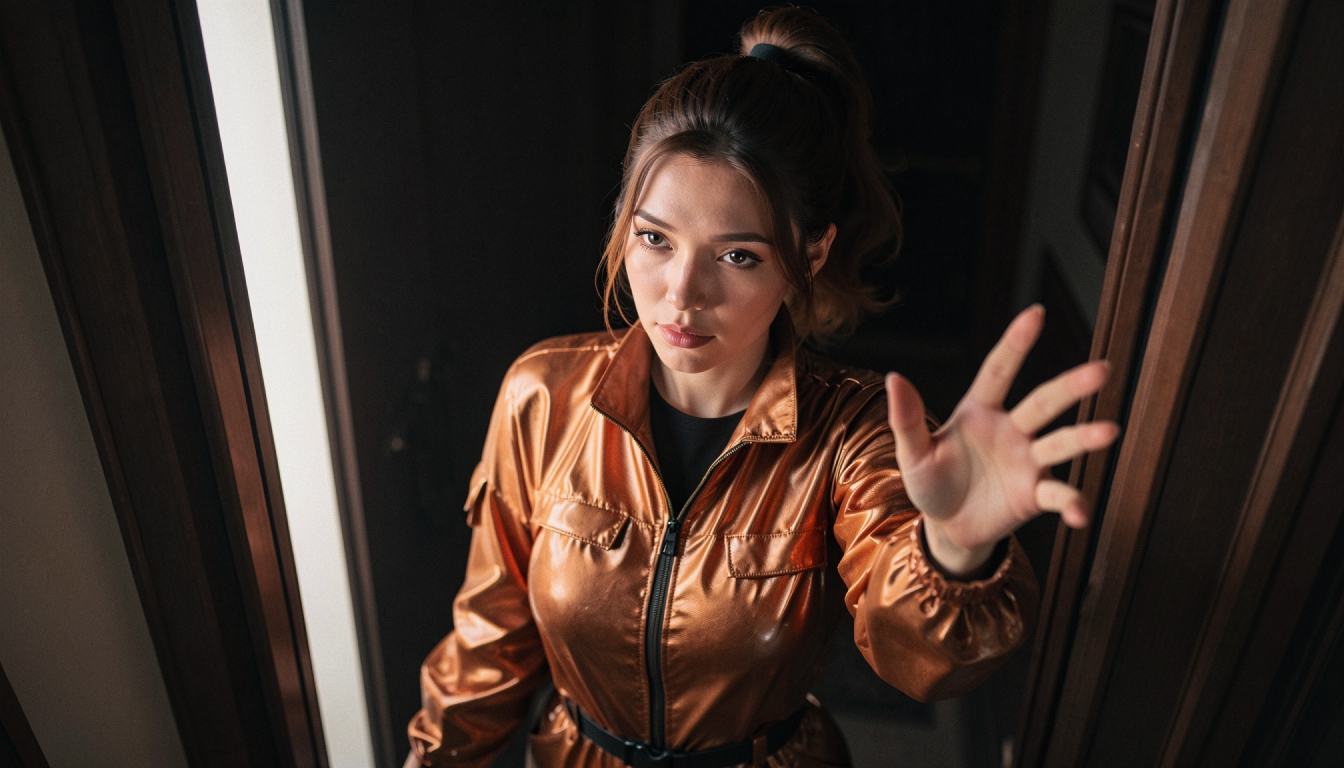
Text-to-Video or Image-to-Video?
Text-to-Video is a good exploratory mode when you want to generate a visual scene without making a first frame. Image-to-Video is better suited to a specific existing character image and a planned composition. PornX documents both modes and explains that the latter gives more first-frame control. Explore the AI image-to-video feature if a visual reference matters more than starting speed.
For a commercial overview focused on adult use cases, the NSFW text-to-video generation landing page discusses when creating directly from text is the more appropriate choice. You can also review best NSFW AI video generators when evaluating several services and their available modes. Any product comparison should be checked against current pricing and live features, not just marketing labels.
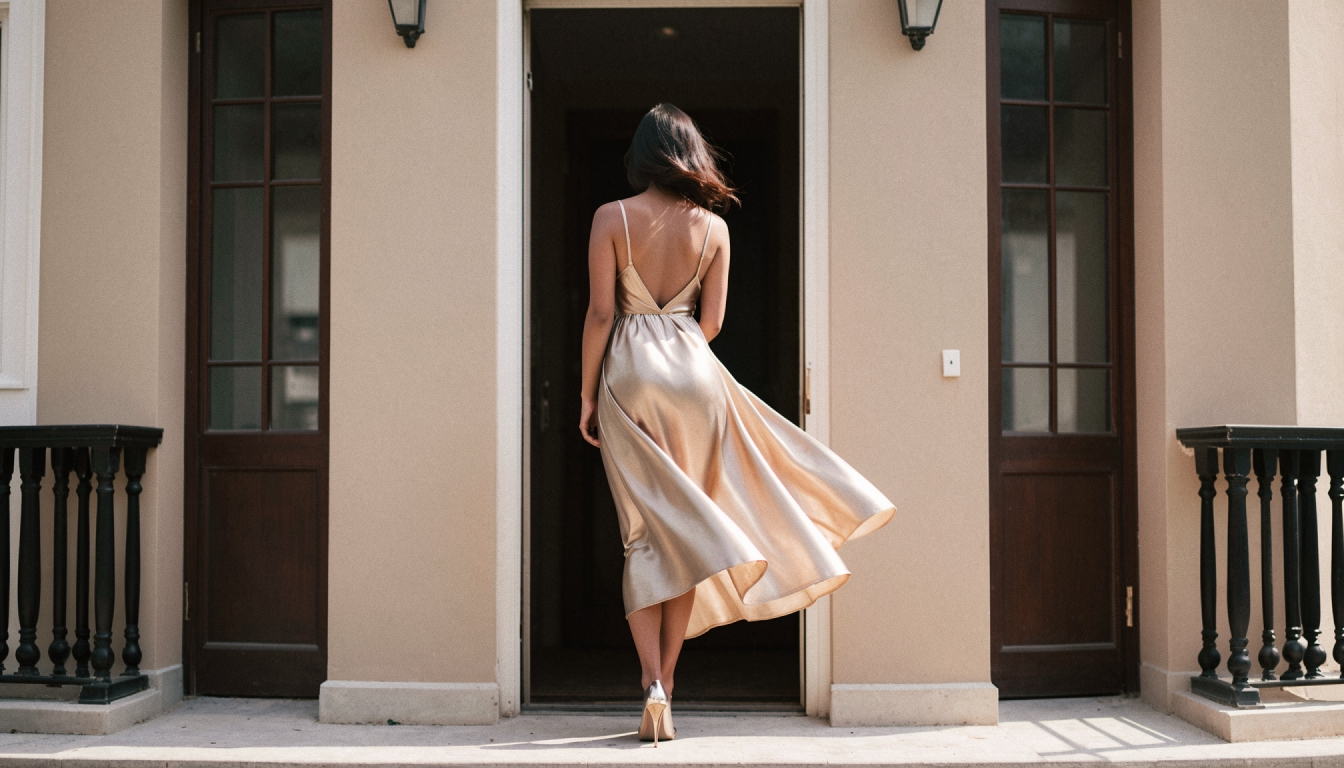
Three Non-Graphic Starting Prompts
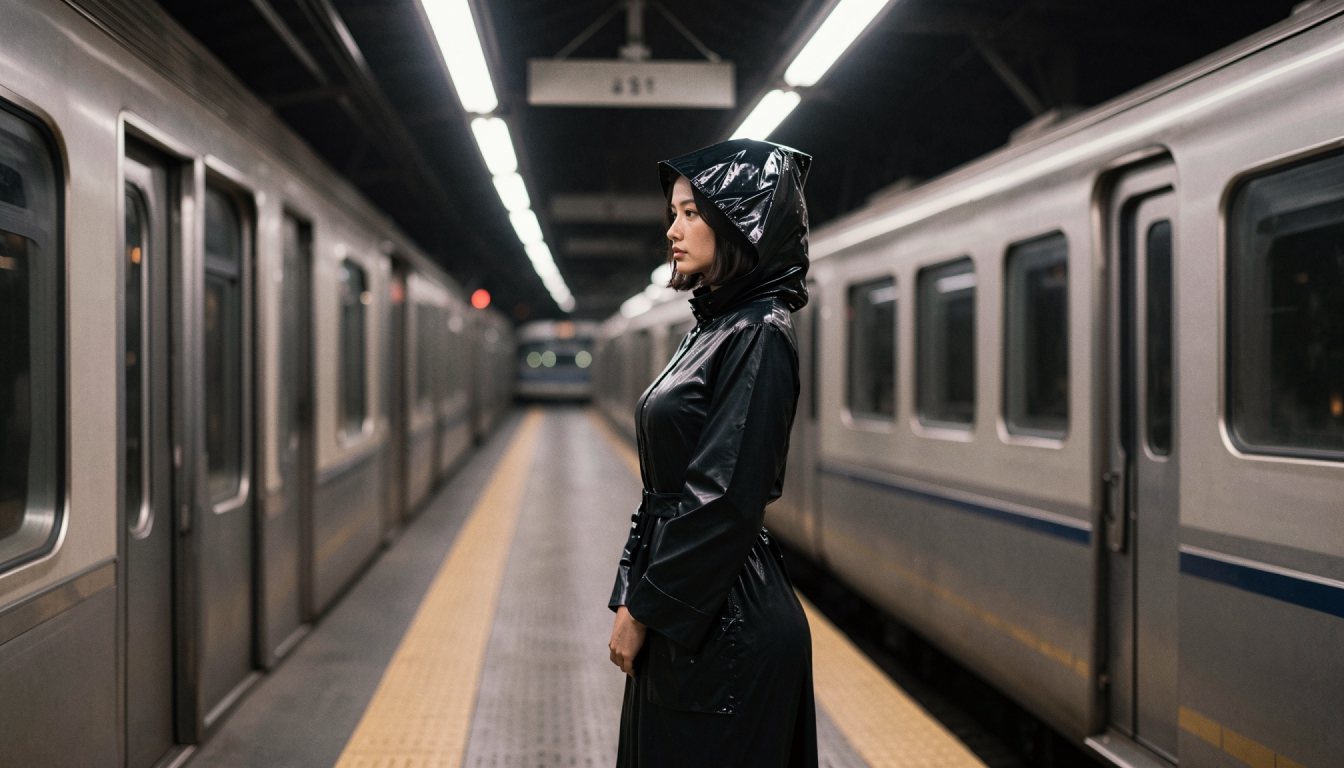
Cinematic portrait: "An original adult character in a dark green jacket stands on a station platform at dawn; she turns when a train arrives; slow camera push-in, realistic lighting." This suits a short composition-led clip.
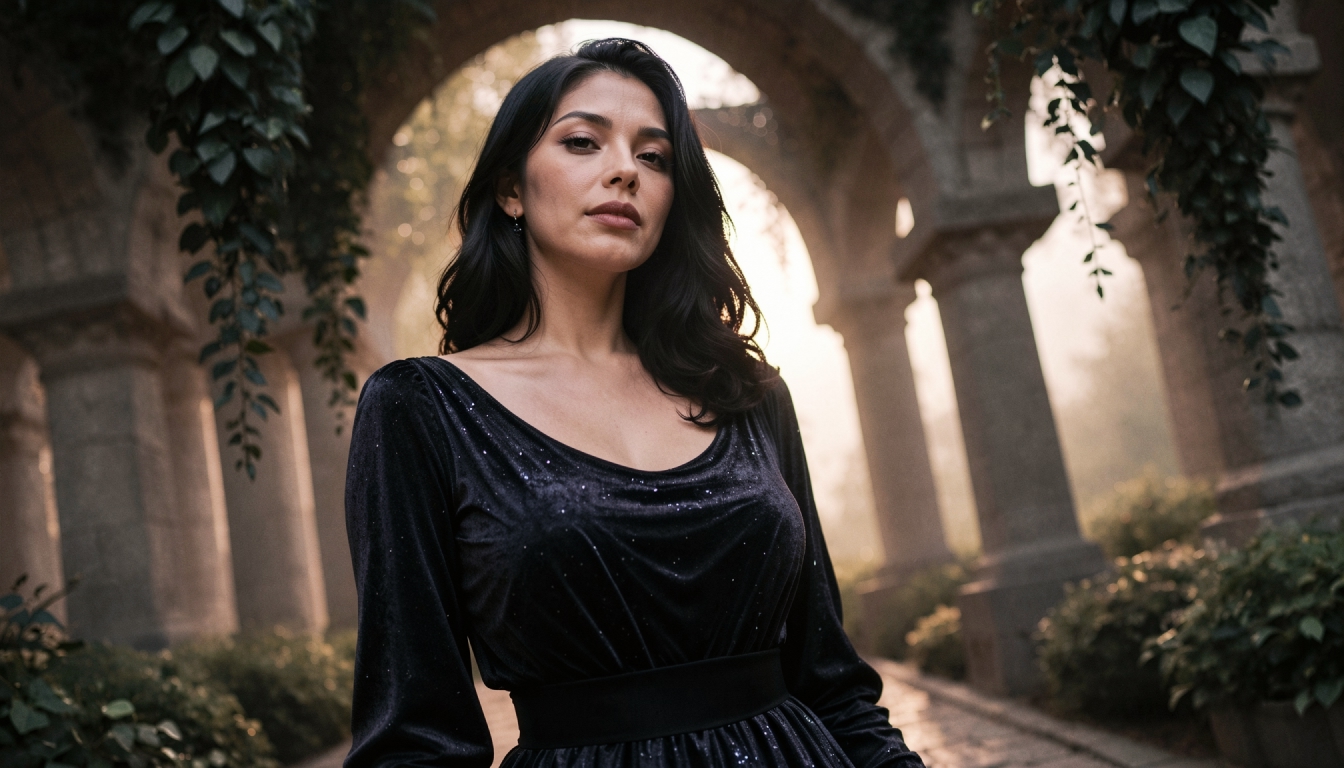
Fantasy motion: "An adult fictional traveler walks between illuminated arches in a misty garden; hanging fabrics move gently; steady medium shot with a slight pan." The environment supports the motion without introducing too many conflicting actions.
Anime-inspired movement: "An original adult anime-styled explorer steps onto a rooftop as neon signs flicker; wind moves a scarf; subtle side tracking shot." The prompt names the illustrated aesthetic and the visible action in one instruction.
Experiment with pacing before adding more descriptive detail. A precise action word is usually more useful than a dozen quality-related adjectives.
What If the Result Does Not Match the Idea?
The person changes appearance. This mode has no fixed first frame. If a particular identity must be preserved, make a clear image and use Image-to-Video instead.
The clip lacks motion. Add visible movement and remove terms that describe only mood or quality. "Walking toward the doorway" communicates more than "dynamic, dramatic, cinematic."
The camera feels erratic. Prefer one camera instruction over several simultaneous moves. A calm camera may be better for a short character-focused clip.
You can reach the working generation interface directly through open the PornX video generator. There, review current resolution options, token charges and any restrictions on the content you may submit.
Text-to-Video FAQs
Discover more
Keep exploring with related tools, features and step-by-step guides.
How to Generate AI Video from a Text Prompt
Create a short AI video directly from text with subject, setting, movement, camera direction and practical retry steps. No first frame required.
NSFW Text to Video
Create original adult AI video concepts from text on PornX. Learn Text-to-Video prompts, scene structure, camera movement, resolution and generation tips.
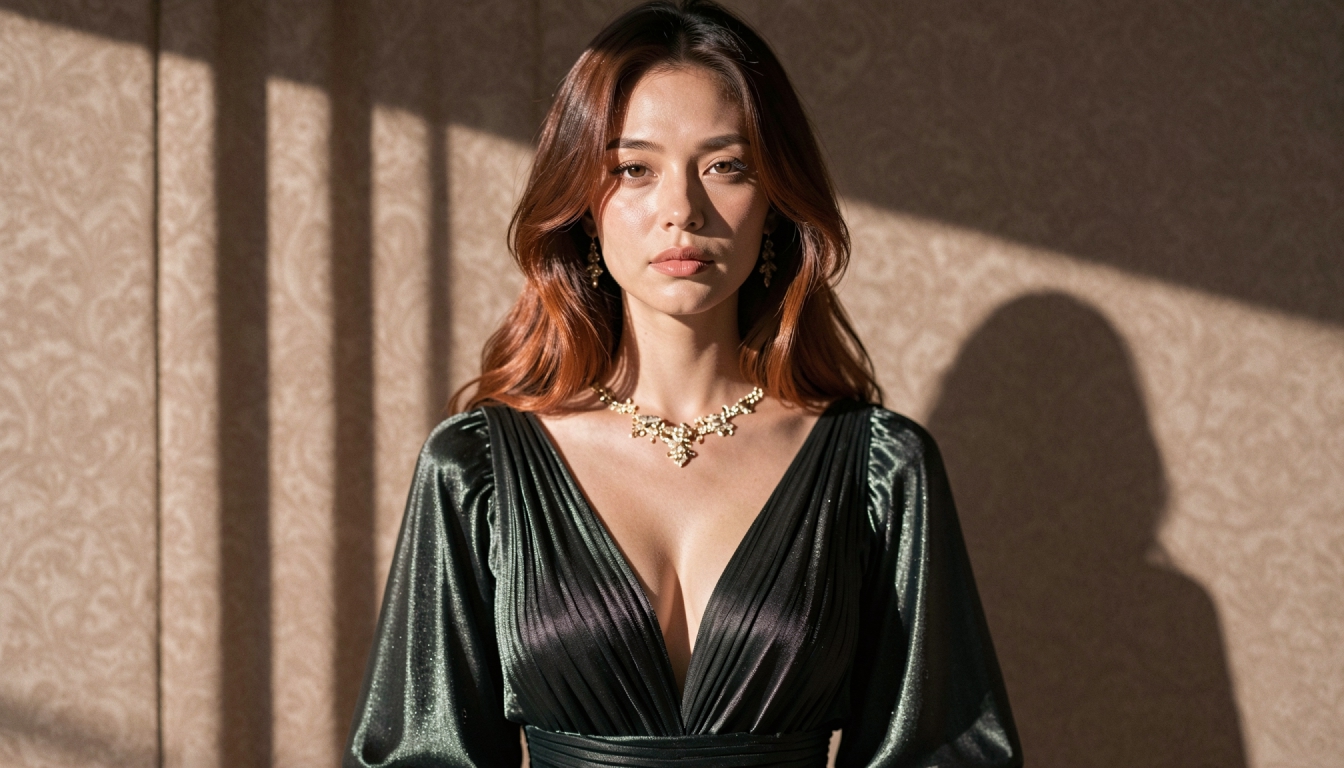
AI Prompt Enhancer
Explore PornX Prompt Enhancer and learn how to improve short image prompts, when to turn enhancement off and how to keep visual instructions intentional.
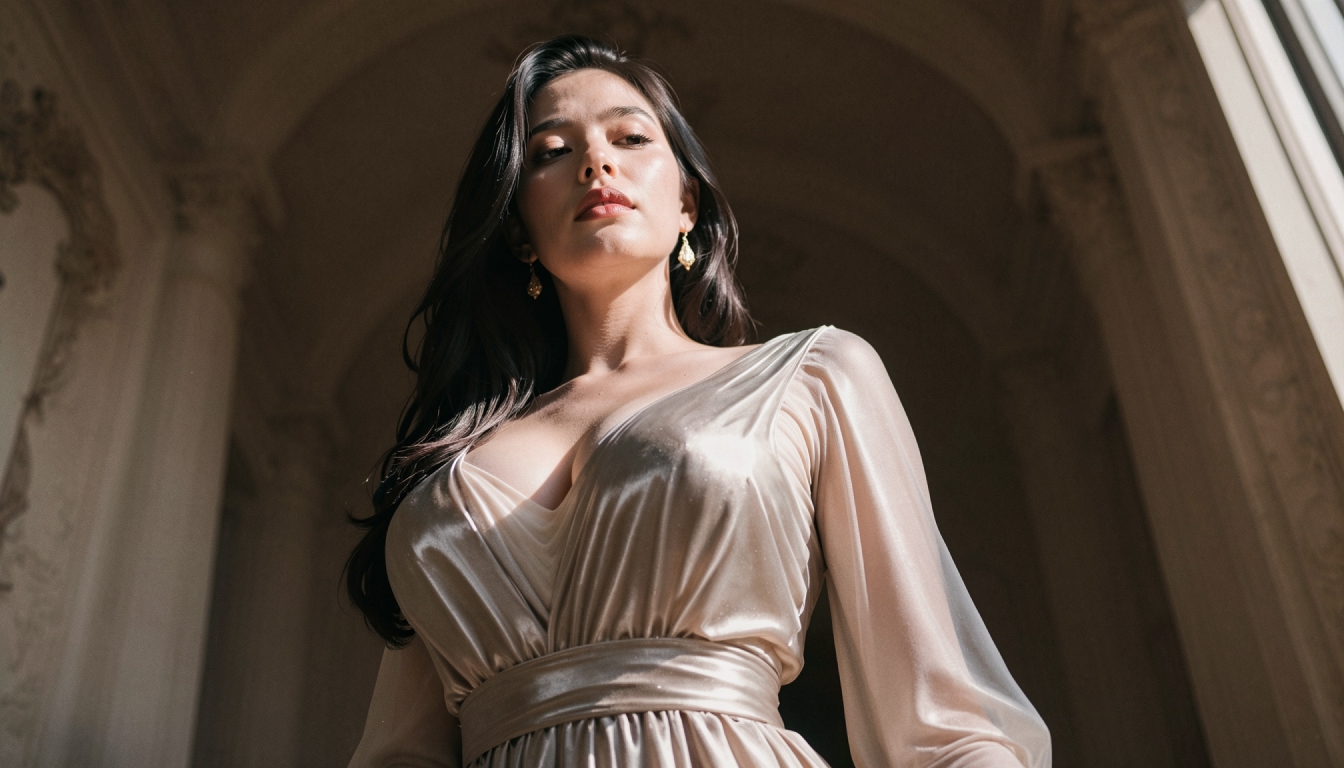
Enhanced Video
Learn when to use PornX Enhanced Video after generation to sharpen a finished clip, reduce artifacts and compare the refined version with the original.