AI Image Models: Choose a Look That Fits Your Prompt
The same description can create very different pictures depending on the image model. A prompt for an original fictional adult portrait might look photographic in one model, graphic and flat in another, and richly cinematic in a third. AI image model selection is therefore a creative decision, not simply a setting to choose after writing the prompt.
PornX documents a selection of models spanning photorealism, soft realism, anime, cartoon, fantasy and editorial aesthetics. Some are available in the free tier and others are designated Premium in the Wiki. Model availability and pricing can change, so confirm which choices appear in your current account. Explore PornX features for related creative settings.
To test how a description changes between models, open the PornX AI image generator and compare outputs using a similar prompt. The existing AI porn generator offers the broader commercial entry point for image generation.
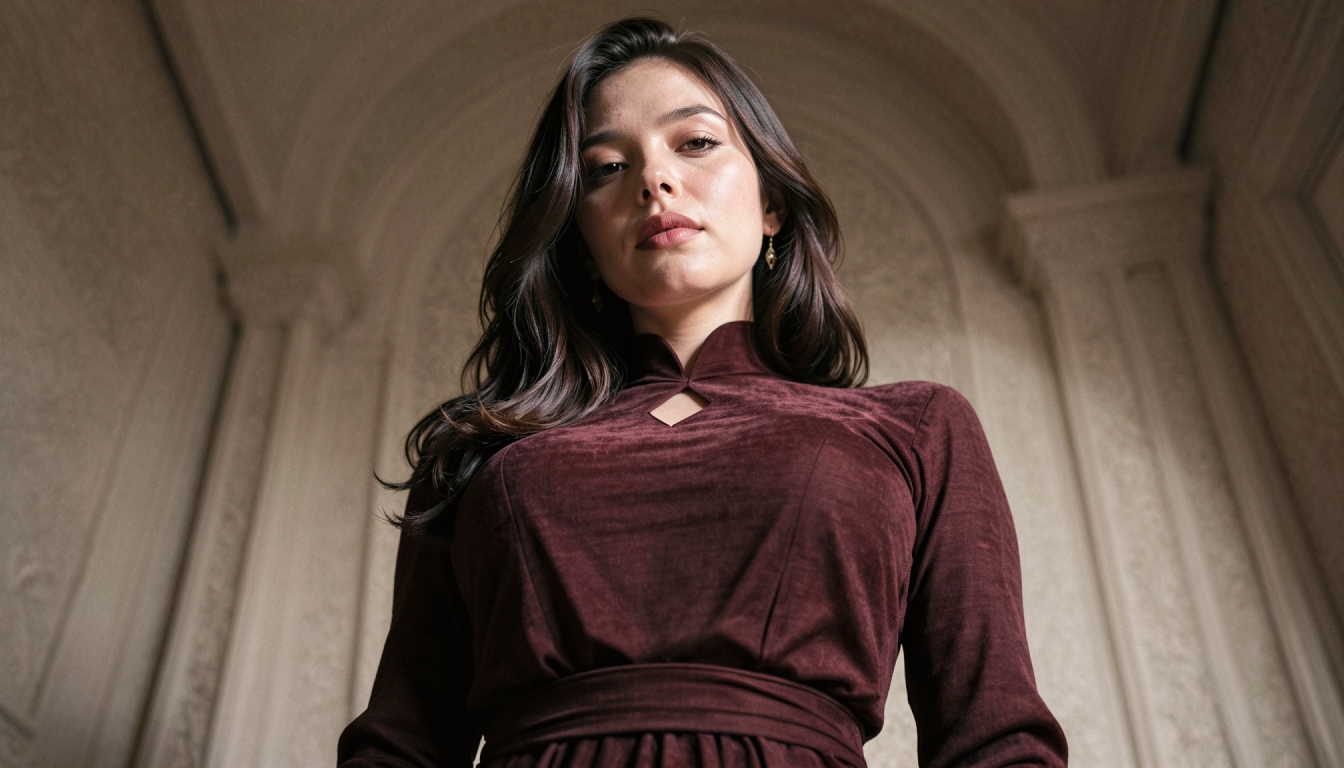
Model Families in PornX
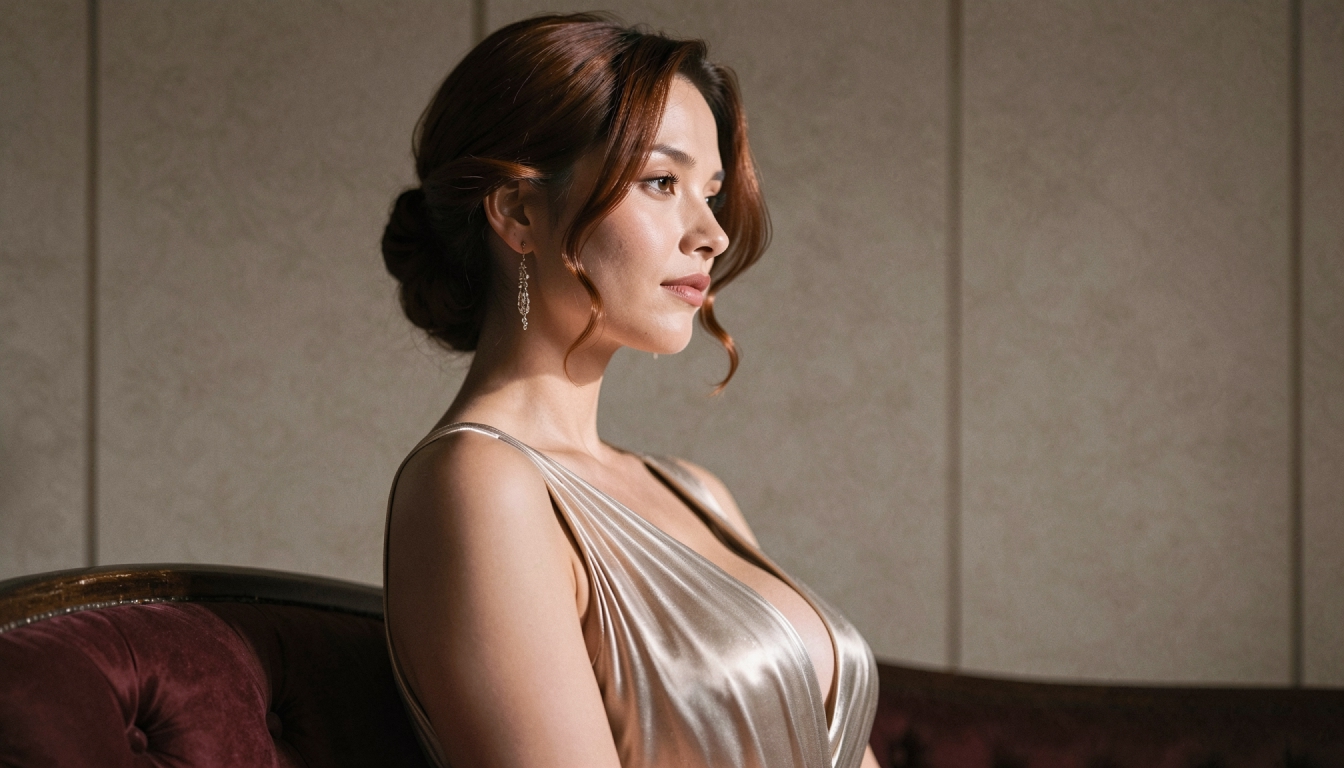
Photographic and soft realism. X Sweet is presented as warm, gentle realism suited to natural portraits. Photorealism aims for sharper photographic detail, while Semi-Realism softens the boundary between a photo and an illustration. These options are useful when camera-like texture and lighting matter more than graphic linework.
Illustration and anime. Anime emphasizes drawn lines and stylized expression. Cartoon is flatter and more poster-like; Artoon uses painterly, editorial illustration. The 2.5D model is a rendered middle ground between flat illustration and a more three-dimensional look.
Premium artistic directions. The Wiki lists models such as X Desire, X Vision, X Fantasy, X Dream, X Pixel and Movie for specialized color, lighting and stylistic looks, along with others. Do not assume these names denote interchangeable outputs or that they are free to every account.
For ideas you can copy and adapt to an illustrated model, explore anime AI image prompts. For photographic compositions, browse realistic AI image prompts.
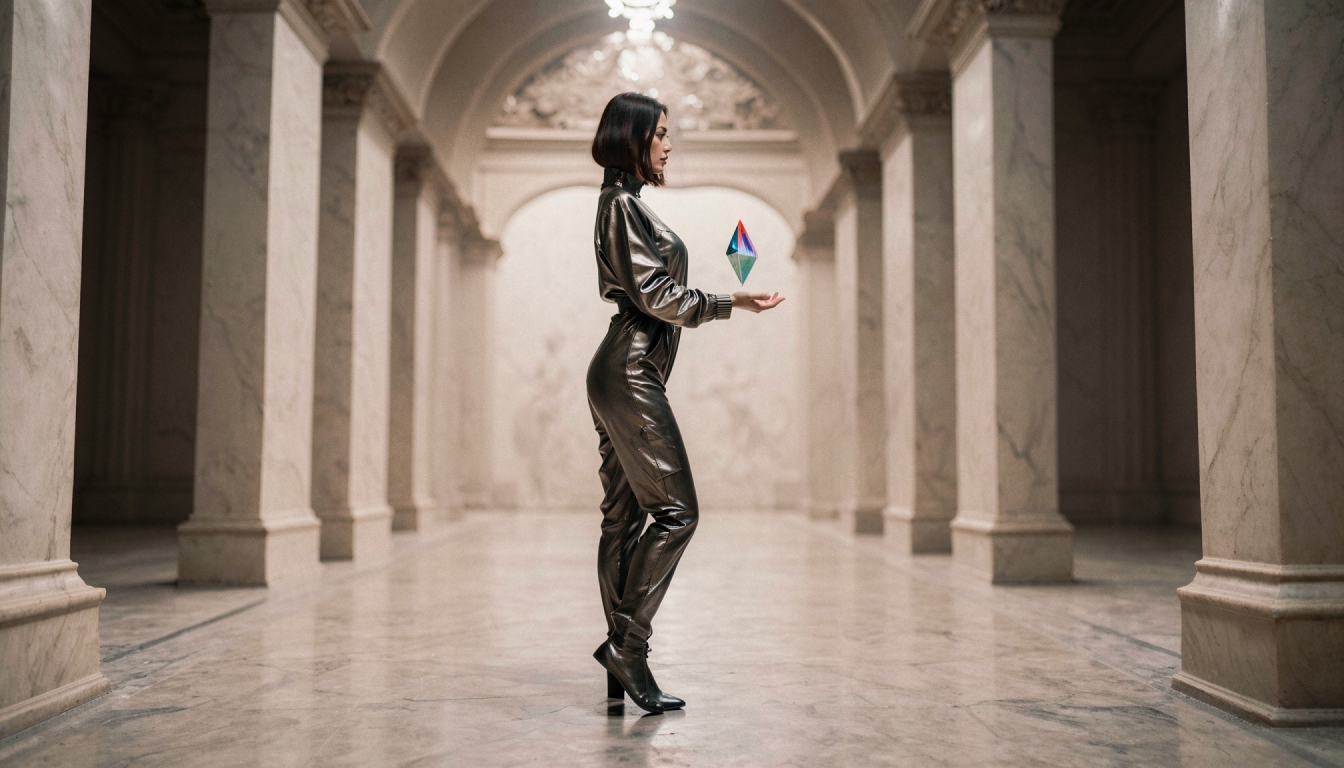
How to Compare Two Image Models
Begin with a simple prompt describing an original adult fictional character in a recognizable scene. Keep the subject, lighting and approximate framing similar while changing only the model. Look beyond whether the result is attractive: assess skin or fabric texture, line quality, background interpretation, anatomy and consistency with the requested visual direction.
Do not expect every model to treat the same adjectives identically. A word such as "cinematic" may influence a photography-oriented model differently from a flat cartoon model. Select the model based on the desired visual language first, then adjust the prompt for that family.
The detailed tutorial on choosing an AI image model helps turn that comparison into a repeatable decision process.
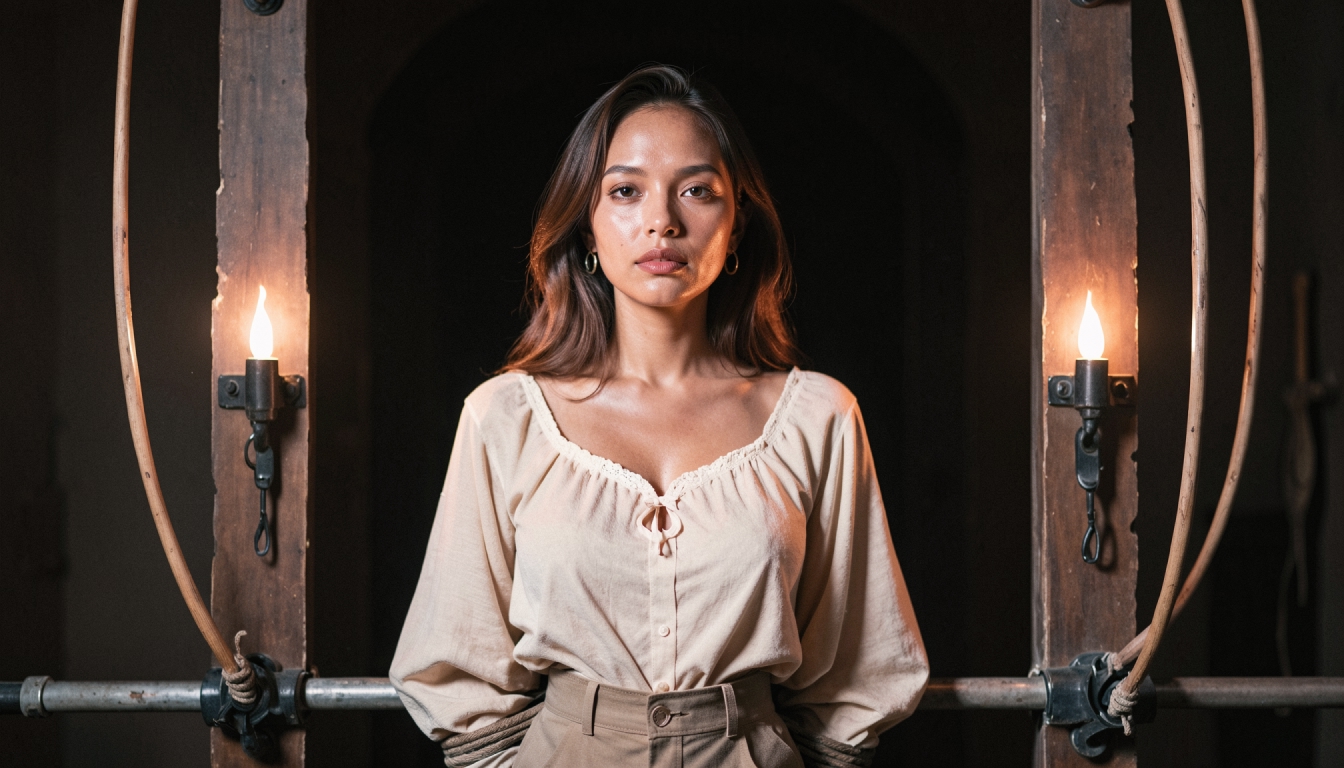
Choose a Model for Your Actual Goal
Portraits. A lifelike portrait usually benefits from a photographic model and moderate lighting instructions. Before adding a complex backdrop, make sure the face and framing are clear. The dedicated AI portrait generator page explores this type of output in more detail.
Fantasy illustration. A richly colored environment, ornate costume or imagined setting often suits a painterly or fantasy-focused model. For more specific creative directions, see the fantasy AI art generator niche landing page, which focuses on original adult fantasy art.
Cyberpunk and screen-lit aesthetics. Neon reflections and digital illustration may call for a different model and color treatment than a sunlit photograph. The cyberpunk AI character style page covers that focused visual task.
The best fit depends on the subject and what will happen next. A still image intended as the first frame of a video also benefits from simple composition and clearly readable shapes.
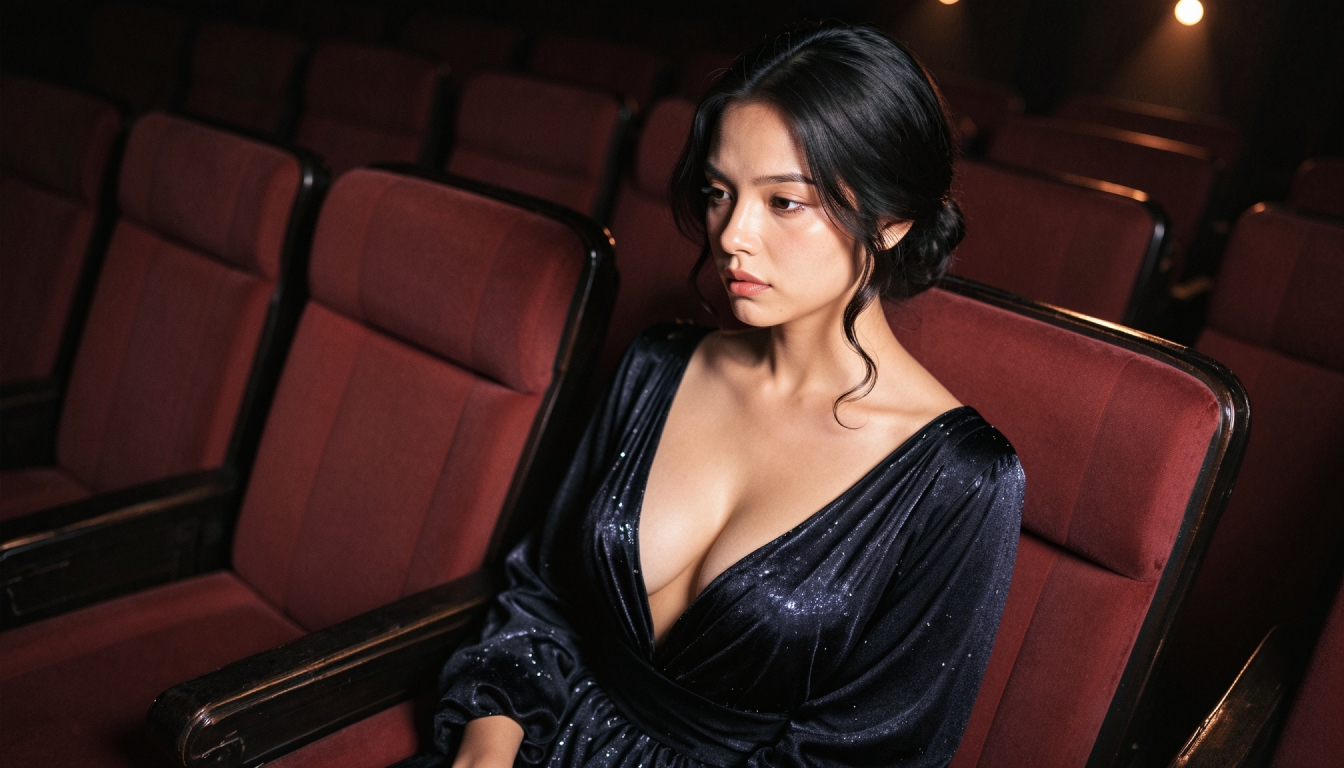
Model, Style Pack, LoRA and Seed Are Different
The model sets the broad generative look. Style packs adjust the finishing treatment, such as color and lighting. A LoRA is an additional learned modifier used for narrower characteristics; the seed influences the random starting point. Mixing up these concepts makes it hard to know which setting improved a result.
If your image looks correct but needs different color grading, consider AI style packs rather than switching the base model immediately. When testing model comparisons, keep unnecessary variables fixed and note what changed.
Free Versus Premium Model Access
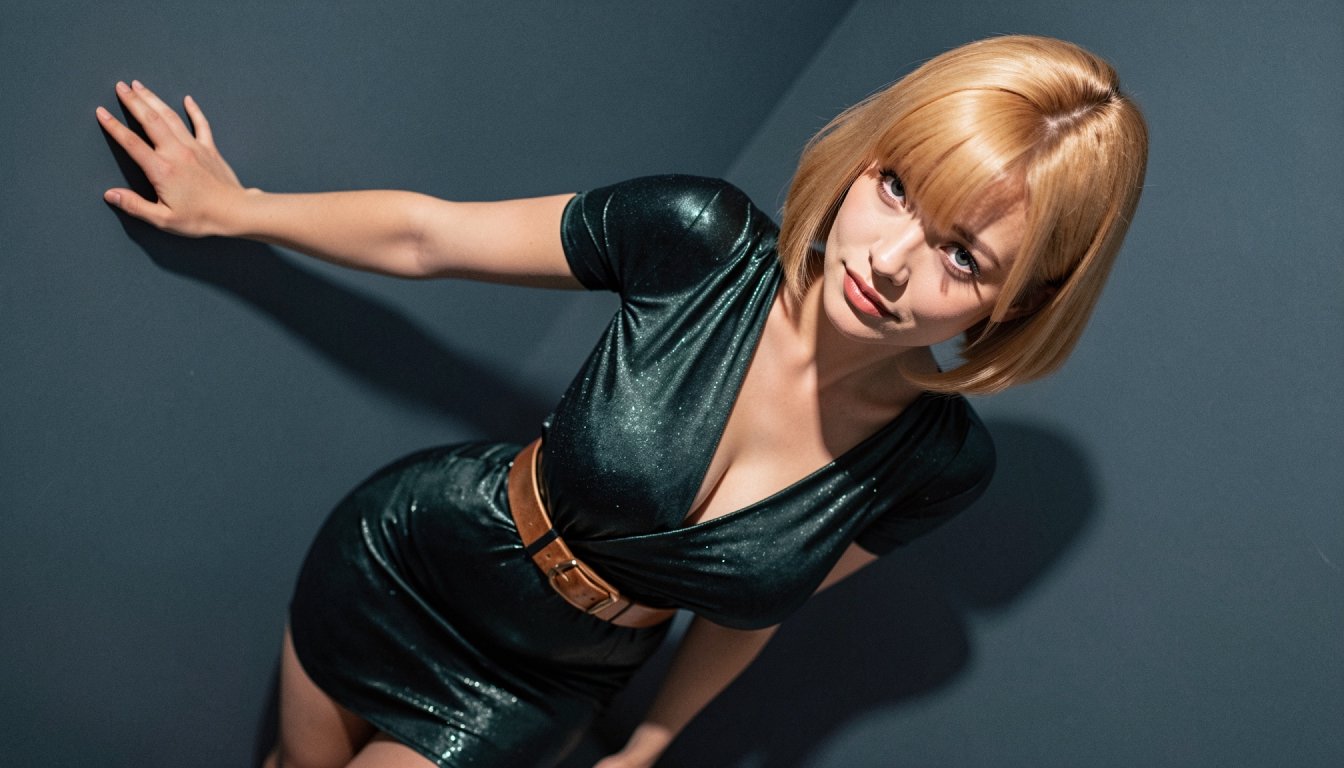
The Wiki's model table distinguishes free and Premium options. For example, the basic Anime and Photorealism entries are listed as free, while a number of specialized X-series models and Movie are marked Premium. Treat this table as a point-in-time reference; exact access depends on the current product.
Do not publish a statement that every model, LoRA or style is available without payment. When a desired model is unavailable, start with a comparable free direction and adjust the prompt, or check the live plan details.
AI Image Models FAQs
Discover more
Keep exploring with related tools, features and step-by-step guides.
AI Image Style Packs
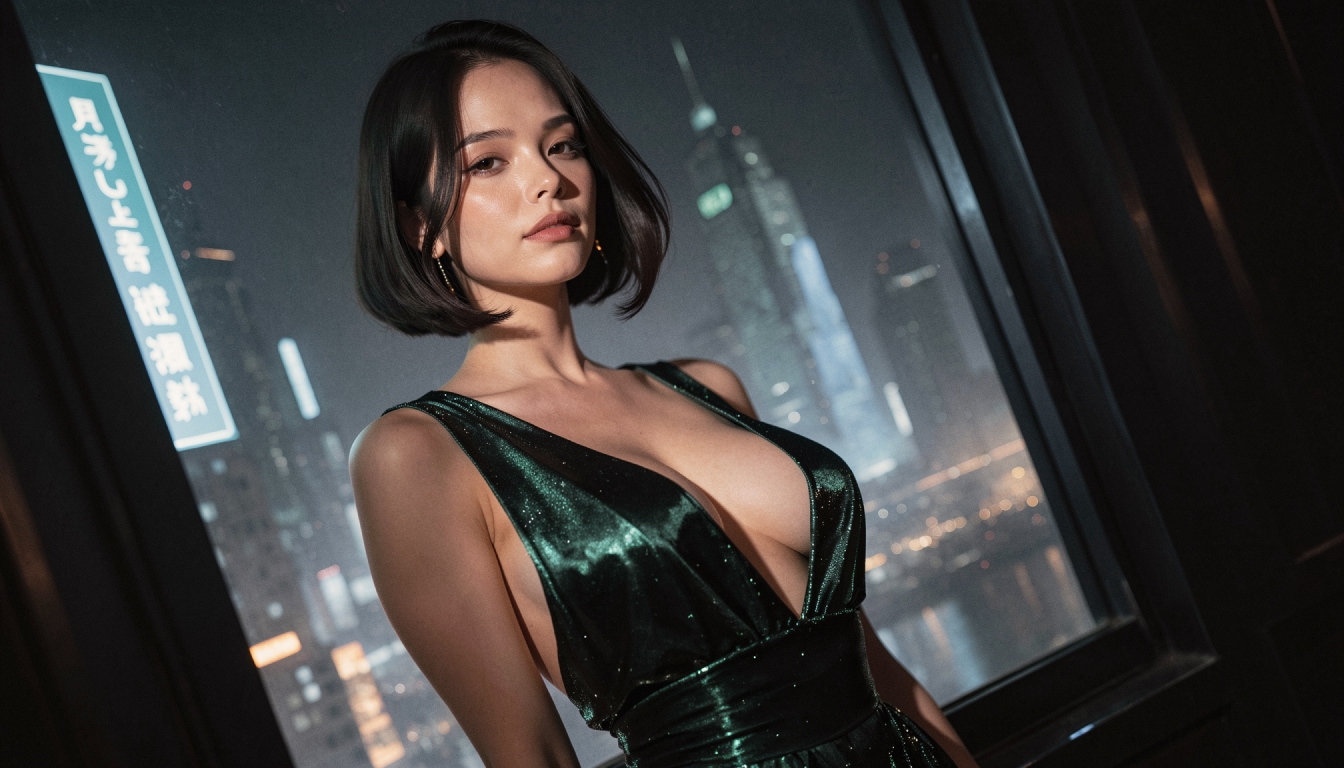
Explore PornX AI style packs for different color, texture and lighting treatments. Learn how styles differ from models and how to keep a visual direction coherent.
AI LoRA Modifiers
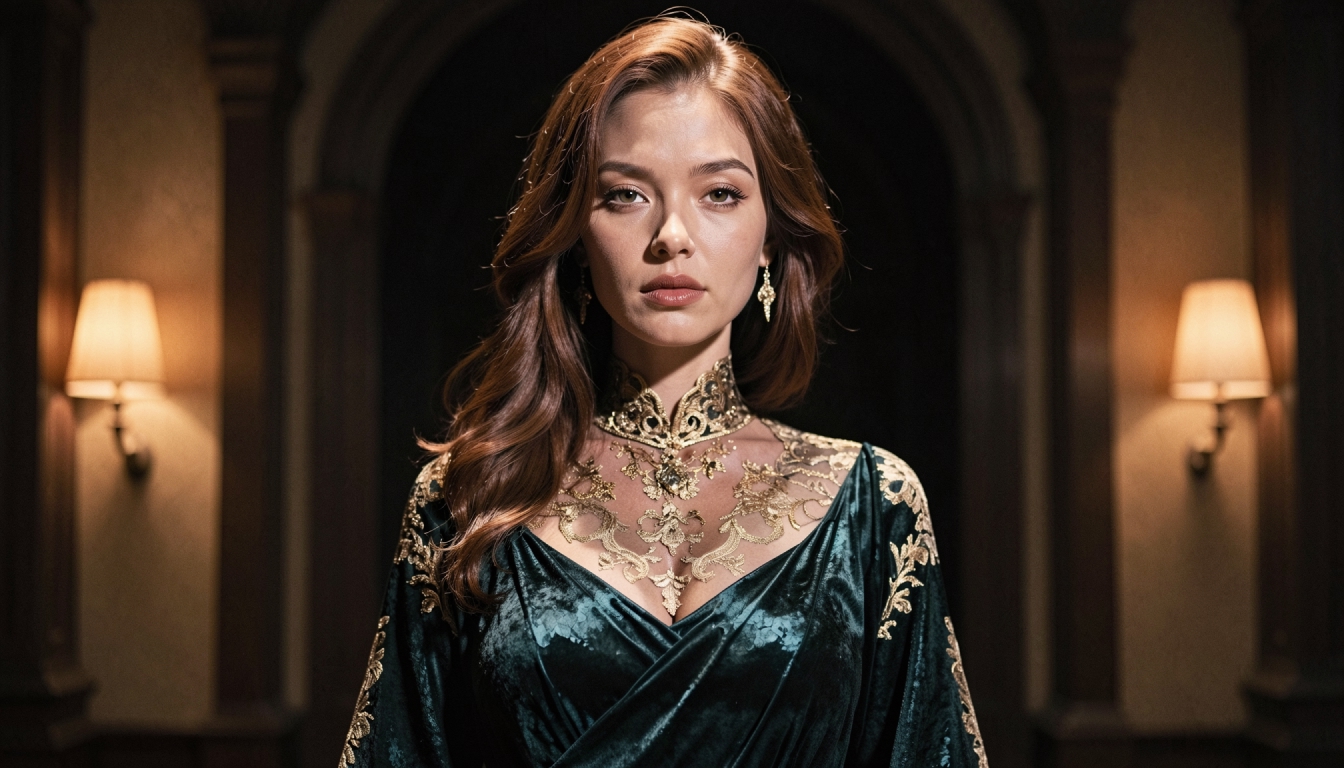
Understand how PornX LoRA modifiers work with base image models, how to use weight syntax carefully and when to adjust the prompt instead.
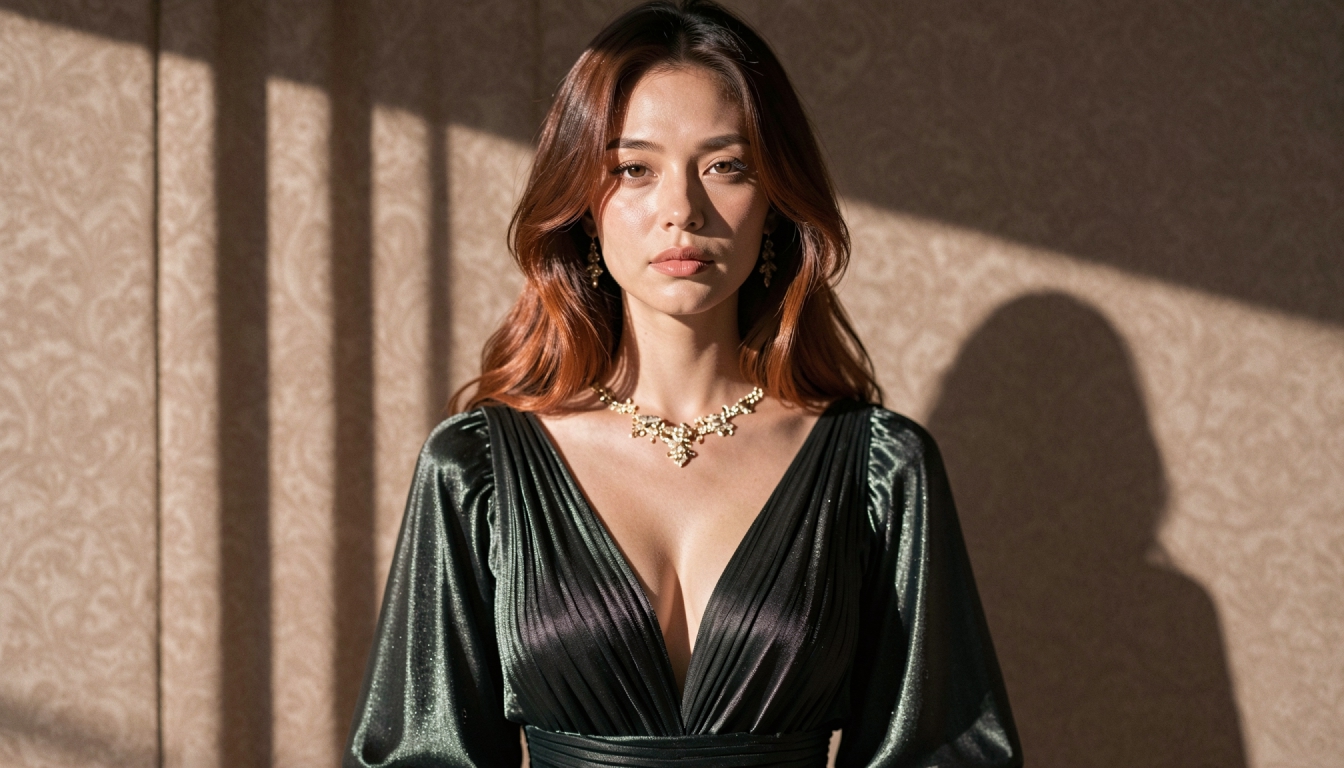
AI Prompt Enhancer
Explore PornX Prompt Enhancer and learn how to improve short image prompts, when to turn enhancement off and how to keep visual instructions intentional.
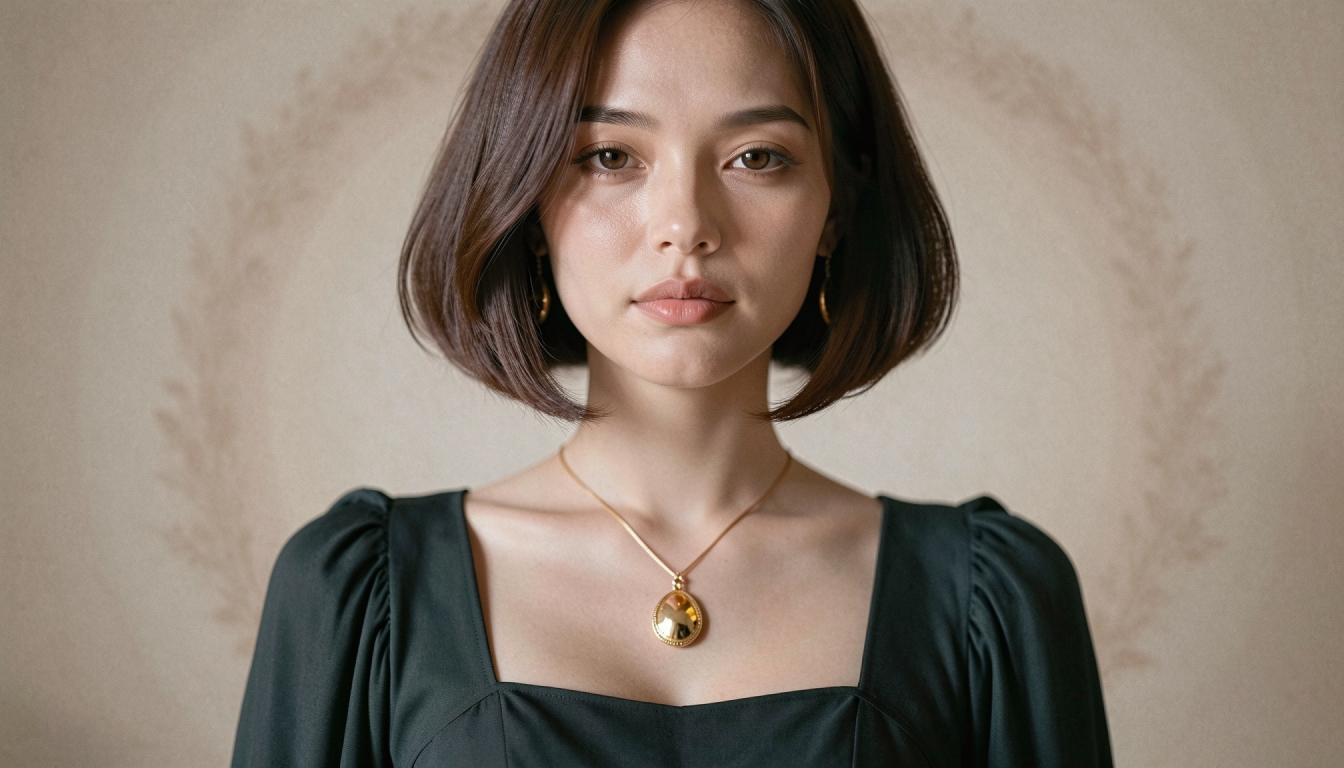
Realistic AI Character Generator
Create a recurring original photorealistic adult AI character on PornX. Explore saved Characters, realistic appearance, prompt workflow and Premium access.