AI Prompt Enhancer: Help a Short Prompt Say More
A short image prompt can express a good idea while leaving important details uncertain. "Adult fictional character in a studio" identifies a subject, but it does not say what the camera should capture, what the light feels like or which visual style matters. An AI prompt enhancer helps expand a compact idea into more descriptive instructions for image generation.
PornX's Wiki describes Prompt Enhancer as enabled by default in the image generator and says that it expands short prompts automatically. It can be switched off in settings when you want the model to follow your own precise wording. This is a convenience feature, not a guarantee of a better result every time. For related functions, see PornX features.
Ready to test the effect on the same idea? open the PornX AI image generator, enter a concise prompt and inspect the current enhancement setting before generating.
What Does a Prompt Enhancer Actually Change?
A prompt enhancer works on the text you provide. It can supply descriptive details that a very short instruction leaves open, but it cannot know your exact artistic intent. If the result adds a background you did not want or shifts the mood too far, write a more specific prompt or disable enhancement to test a tighter instruction.
Treat enhancement as a drafting assistant. It is useful when the idea is clear but the description is too sparse. It is less useful when you are performing a controlled comparison of two prompts and need the model to receive exactly the wording you wrote.
Start With the Right Prompt Structure
Before relying on automatic expansion, make sure your initial idea has the essentials: subject, setting, lighting and style. For example: "Original adult fictional portrait, standing beside a library window, blue-hour light, natural photographic style, medium shot." This gives the model a focused starting point without depending on a long list of abstract adjectives.
If you want ideas that you can customize by hand, browse NSFW AI image prompts. For a deeper explanation of prompt order and clarity, read how to write NSFW image prompts. The latter explains how to make an instruction more specific without simply making it longer.
Compare Enhanced and Original Prompts
A useful test uses the same subject and, where practical, the same model and seed. Generate once with the default enhancement setting, then test your original wording without it. Compare composition, lighting and whether the intended subject remains clear. The result may not be identical because image generation can vary, but a side-by-side comparison shows whether expanded text helps your particular idea.
Do not judge the setting only by the number of descriptive terms. More words can introduce competing instructions, especially if the model has a strong built-in visual style. If a compact prompt already produces the intended image, you may have no reason to expand it.
How to Fix Prompts That Miss the Target
The scene is too busy. Cut secondary objects and describe the focal subject first. Ask for a simpler environment, then build complexity in later attempts.
The mood is too different. Name the lighting or camera approach explicitly. A bright fashion portrait and a dramatic low-key image may require different model choices as well as different adjectives.
The model invents an unwanted detail. Use more precise positive instructions before adding a long list of exclusions. See negative prompt examples for the purpose of constraints and why they should remain targeted.
The problem is already in the image. Prompt editing is not always the right next step once you have a nearly successful picture. The NSFW image editor for revisions page covers ways to revise a saved result instead of generating a completely new one.
Which Other Tools Help Write Better Prompts?
The base model influences how the words are interpreted. If you are moving between photography, anime and painterly illustrations, visit AI image models to understand that difference. A strong prompt under one model can look quite different under another.
A proposed helper such as the NSFW image prompt builder may also be useful for structuring text before it reaches the image generator. Treat dedicated Free Tools pages as separate utilities to implement and test, not as proof that a new editor panel already exists.
If you are comparing prompt-enhancement approaches across products, the existing AI porn generator is the relevant PornX commercial entry point. Review actual controls and current product access rather than assuming that expanded prompt text guarantees better image quality.
A Practical Editing Checklist
Read the prompt once as if you were an artist receiving a creative brief. Can you identify the primary adult fictional subject, the setting, the action, the viewpoint and the intended lighting? Do two instructions contradict each other? Is the most important detail buried near the end? Remove ambiguity before piling on adjectives.
Save versions of successful prompts so you can return to them. A useful result is reproducible enough to understand, not just a one-off lucky composition.
Prompt Enhancer FAQs
Discover more
Keep exploring with related tools, features and step-by-step guides.
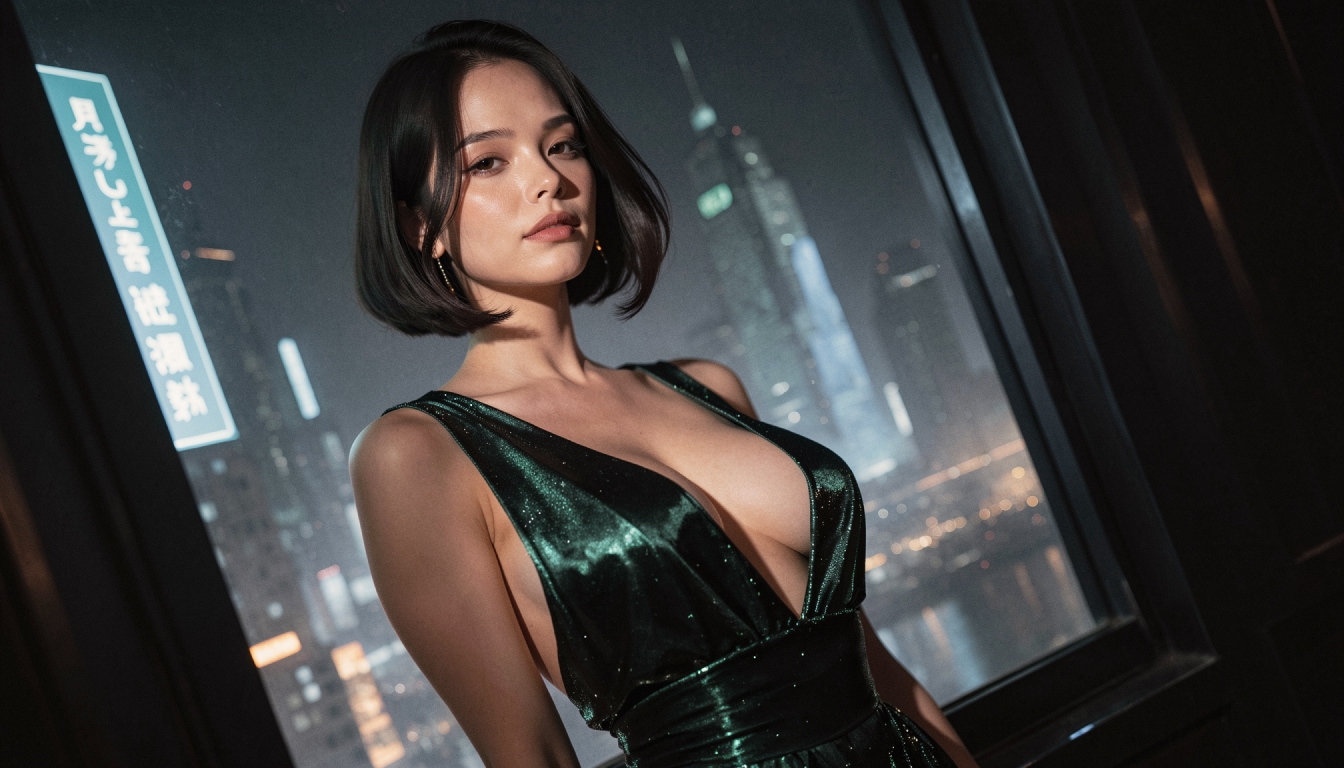
AI Image Models
Compare PornX AI image model styles for realistic portraits, anime art, cinematic scenes and graphic illustrations, including model and Premium considerations.
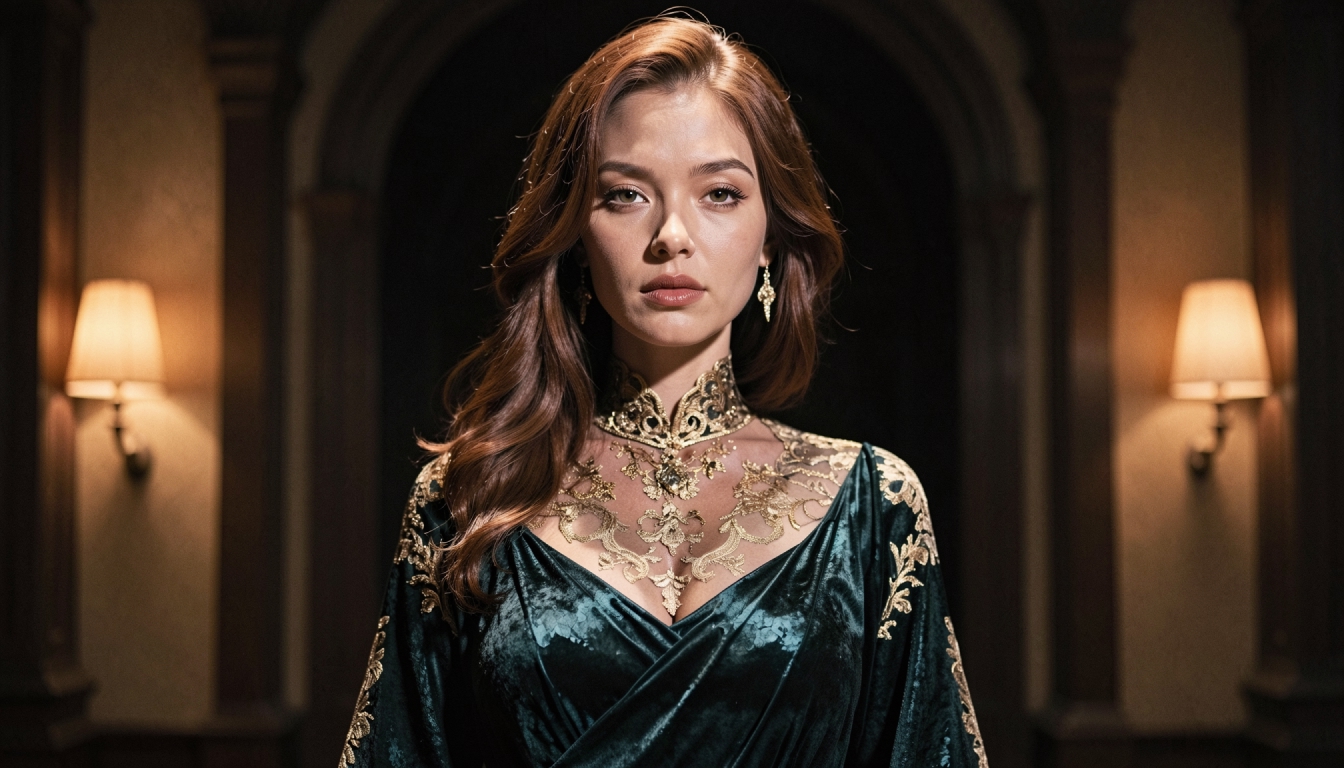
AI Image Style Packs
Explore PornX AI style packs for different color, texture and lighting treatments. Learn how styles differ from models and how to keep a visual direction coherent.
AI LoRA Modifiers
Understand how PornX LoRA modifiers work with base image models, how to use weight syntax carefully and when to adjust the prompt instead.
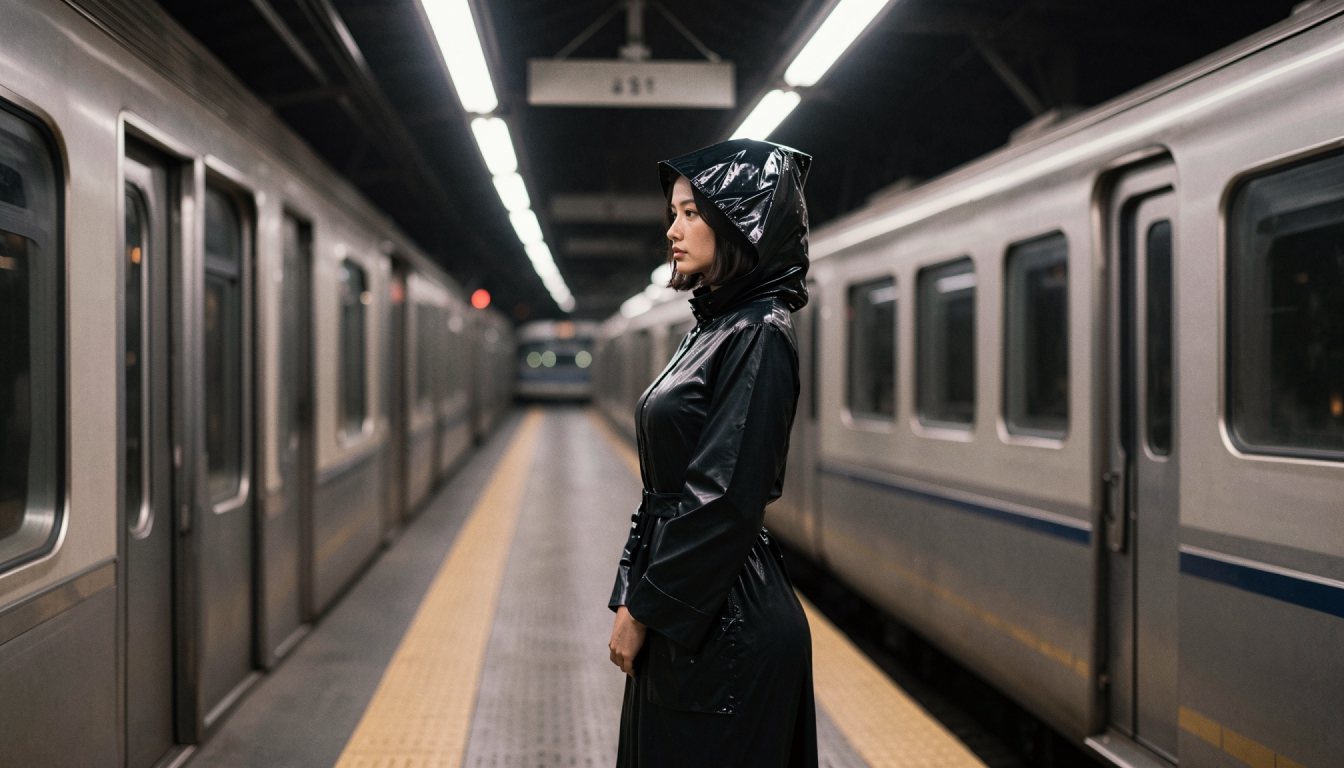
How to Generate AI Video from a Text Prompt
Create a short AI video directly from text with subject, setting, movement, camera direction and practical retry steps. No first frame required.