AI Image Style Packs: Change the Mood Without Starting Over
You may have chosen the right general image model and subject but still want a very different atmosphere. A brighter palette, a film-like grade, a painterly texture or a graphic treatment can change how the same scene feels. AI image style packs help you explore those visual directions without treating every aesthetic change as a reason to rebuild your prompt from scratch.
PornX's documentation lists one-click Styles as part of the image generator. Its documentation index describes style packs as curated treatments for color, texture and lighting rather than completely separate base models. The current selector determines which styles can be combined with your setup. Explore other creative functions under PornX features.
To test styles on an original fictional adult image, open the PornX AI image generator and review the available combinations before generating. The existing AI hentai generator page is a related commercial entry if your main goal is illustrated adult art rather than learning the style controls.
What Is a Style Pack?
A style pack is a high-level visual treatment. The base model creates the broad character of an output: photography, anime, cartoon or something between them. A style pack then influences presentation, such as lighting, contrast or texture, within what that model can generate. Think of it as a creative finishing direction, not an entirely new generator.
The distinction matters because a dramatic cinematic treatment cannot necessarily make a flat cartoon model behave like a photorealistic camera. If the broad look is wrong, switch models first. If the broad look is right but the mood is off, experiment with styles. The AI image models page explains the base model choice in greater detail.
Build an Intentional Visual Direction
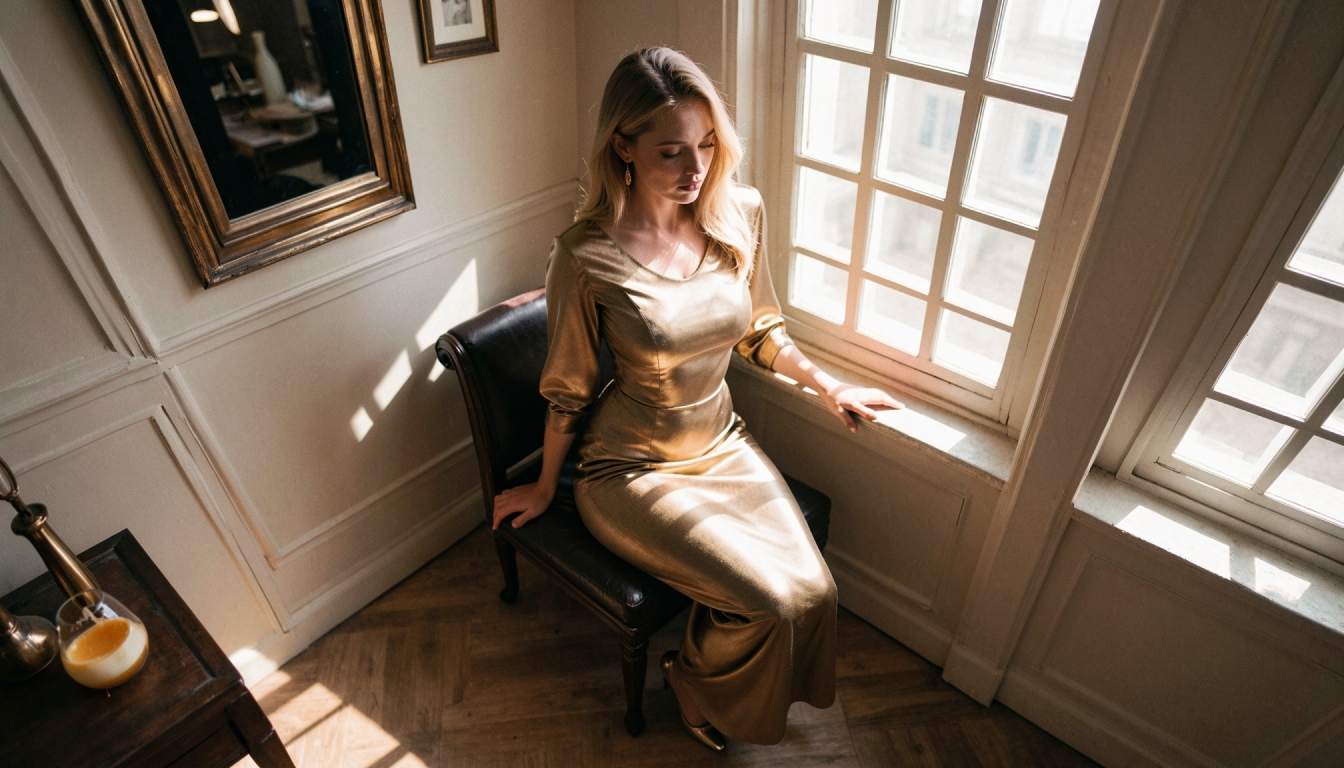
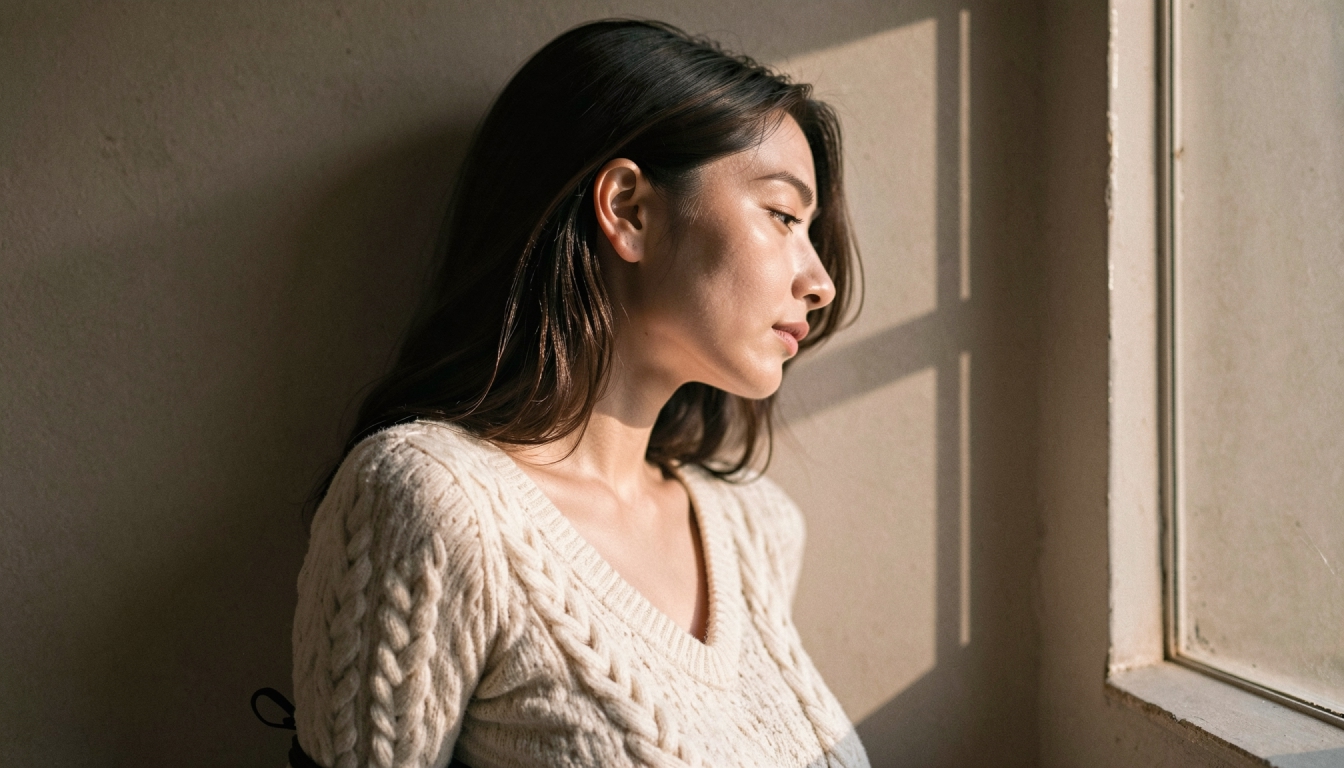
Before opening the style menu, write down three characteristics that matter to the image: palette, light source and texture. For example, you might want soft amber light, a subdued blue background and a gentle photographic finish. That is a clearer creative brief than "make it beautiful" and allows you to evaluate whether a style pack helps.
Keep the original prompt reasonably simple during the first comparison. Add the subject and framing, choose your preferred model, then test one style at a time. If you change the model, style, camera and lighting in the same step, it becomes difficult to identify which change improved the output.
Common Style Directions to Explore
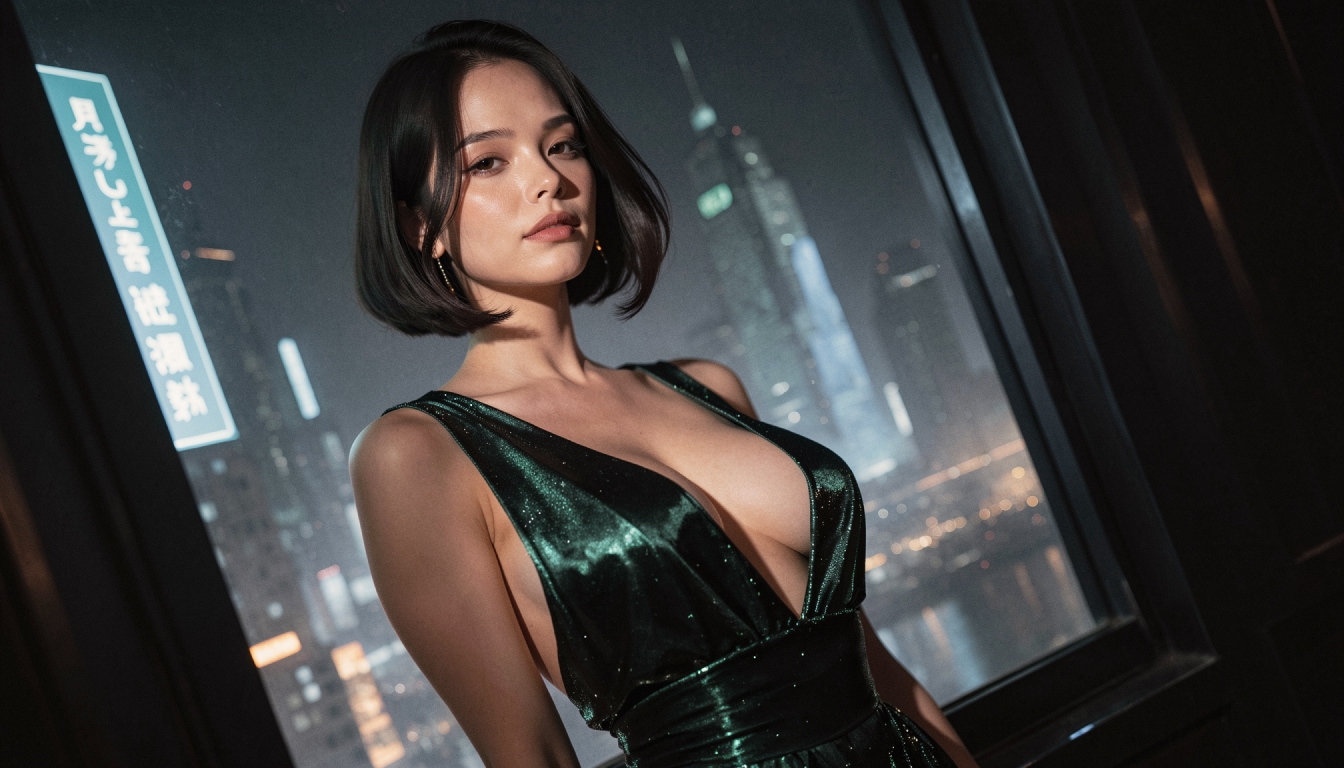
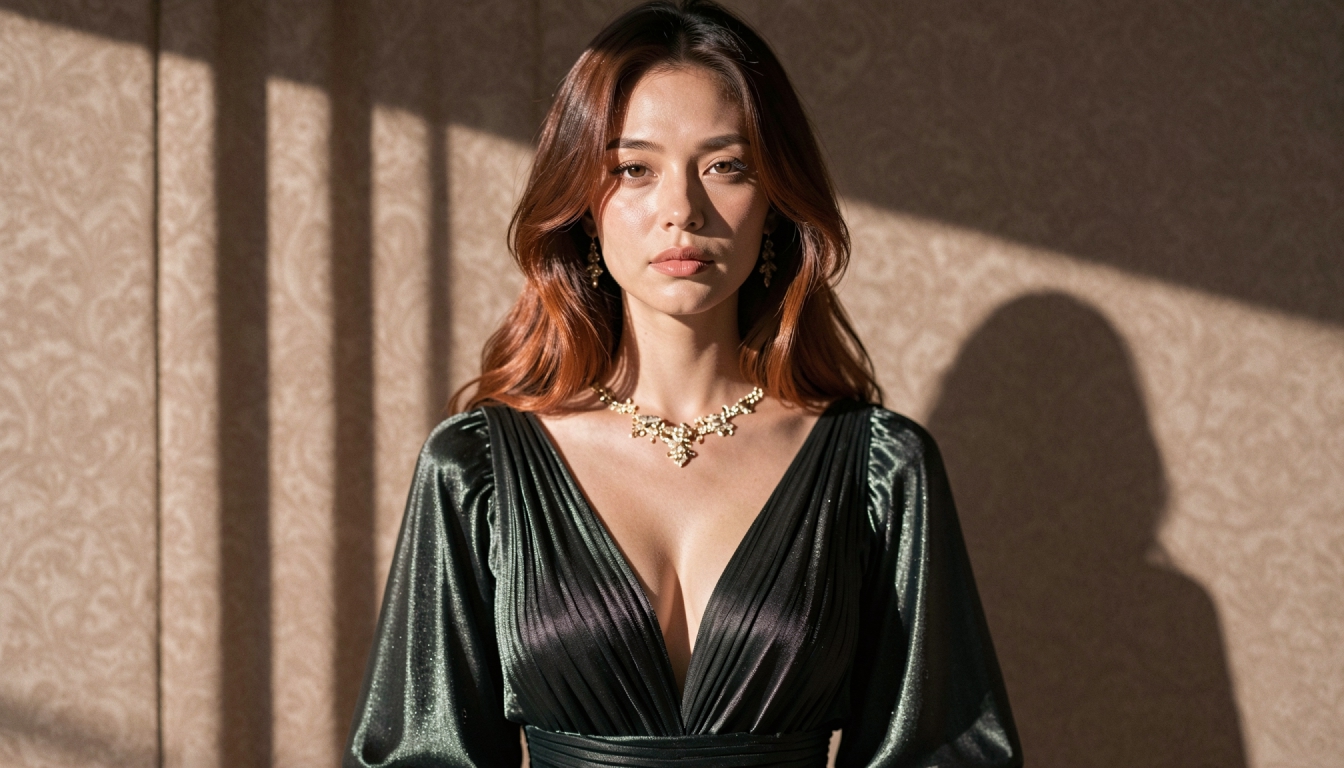
Cinematic atmosphere. A deeper color grade, controlled shadows and a carefully chosen viewpoint can make an original adult character portrait feel like a film still. For scene structures and descriptive language, explore cinematic AI prompts.
Graphic illustration. Bold lines, simplified shapes and an intentional color palette support comic or poster-like compositions. Start with cartoon AI image prompts for original adult character illustrations and adapt the prompt to the actual model.
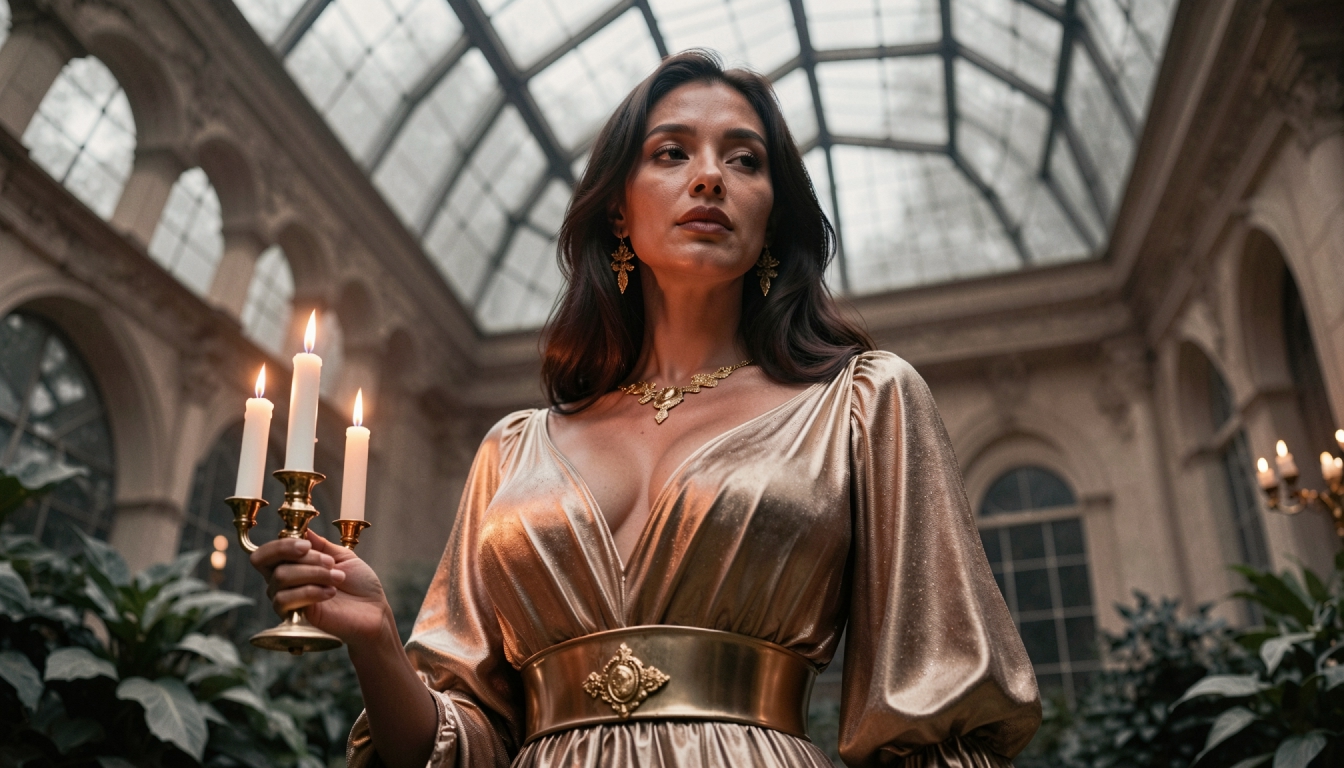
Fantasy environments. Rich environmental details, fabric textures and unusual color relationships can support an imaginary world. Browse fantasy AI image prompts for suitable prompt examples, or open the more focused fantasy AI image styles landing page for an adult fantasy illustration use case.
Cyberpunk color. Neon accents, screen light and urban textures can define a futuristic character image. The cyberpunk character aesthetics page concentrates on this look, but the exact output depends on your model, prompt and style selection.
Costume-led art. A specific wardrobe concept can be reinforced by a coherent palette and lighting direction. The AI cosplay generator page covers the goal of costume-focused original adult imagery, not a claim that PornX has a dedicated cosplay button.
Model Style Versus Saved Preset
A style pack changes the treatment of an output. A saved preset stores a combination of choices so you can return to that setup later. They are related, but not interchangeable. If you find a model-style-prompt combination you like, consider saving it instead of trying to recreate it from memory.
Avoid overfitting a single successful image into a rigid rule. Different subjects respond differently to the same look. Use a consistent visual intention, then adjust specific details when the image suggests it.
Troubleshooting a Style That Looks Wrong
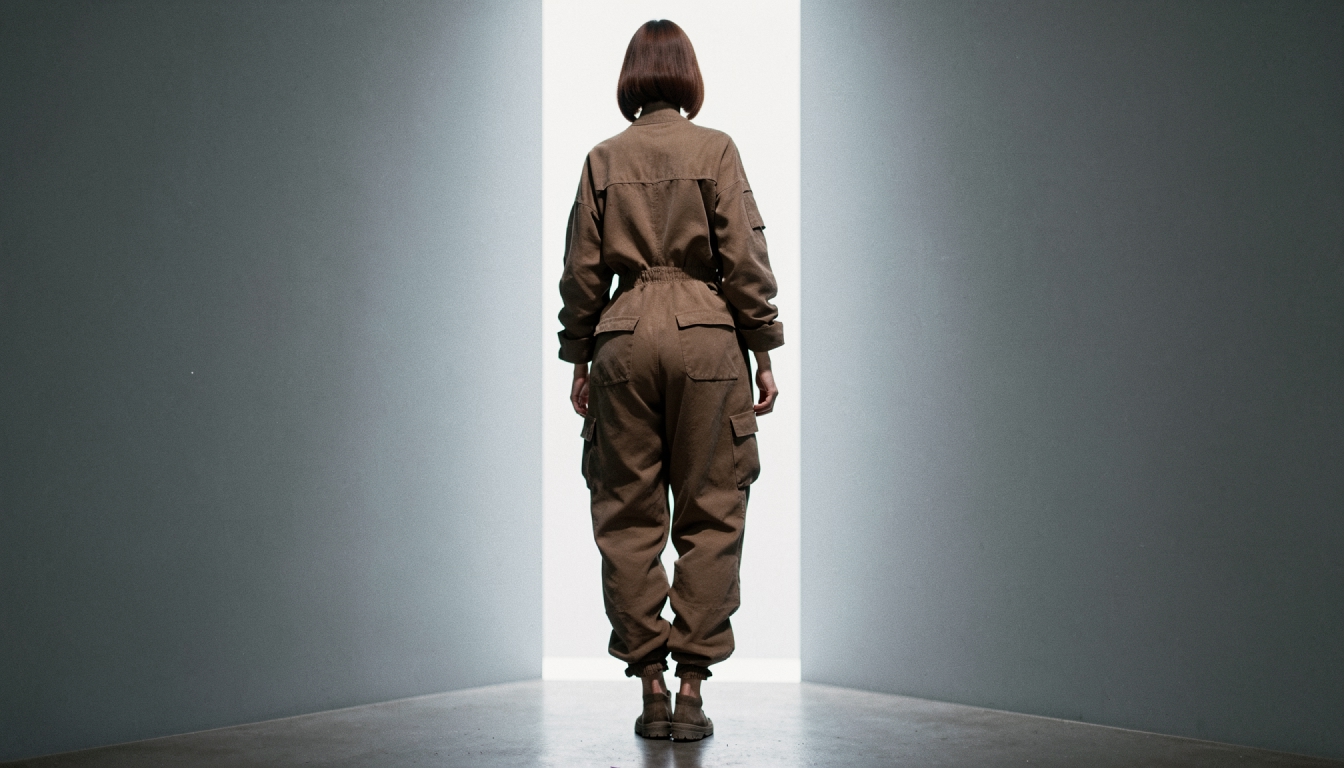
The picture looks too processed. Reduce strong descriptive adjectives and compare the same subject with a more neutral style.
The face or anatomy feels different. The base model and prompt may be a better place to adjust than the finishing style. Look at a neutral output before blaming the style pack.
The lighting contradicts the written scene. Rewrite the lighting instruction so the desired source and mood are unambiguous, then compare again.
The model does not offer the combination you expected. Use currently supported styles, and check the live controls or Premium requirements rather than assuming every style works with every model.
AI Style Pack FAQs
Discover more
Keep exploring with related tools, features and step-by-step guides.
AI Image Models
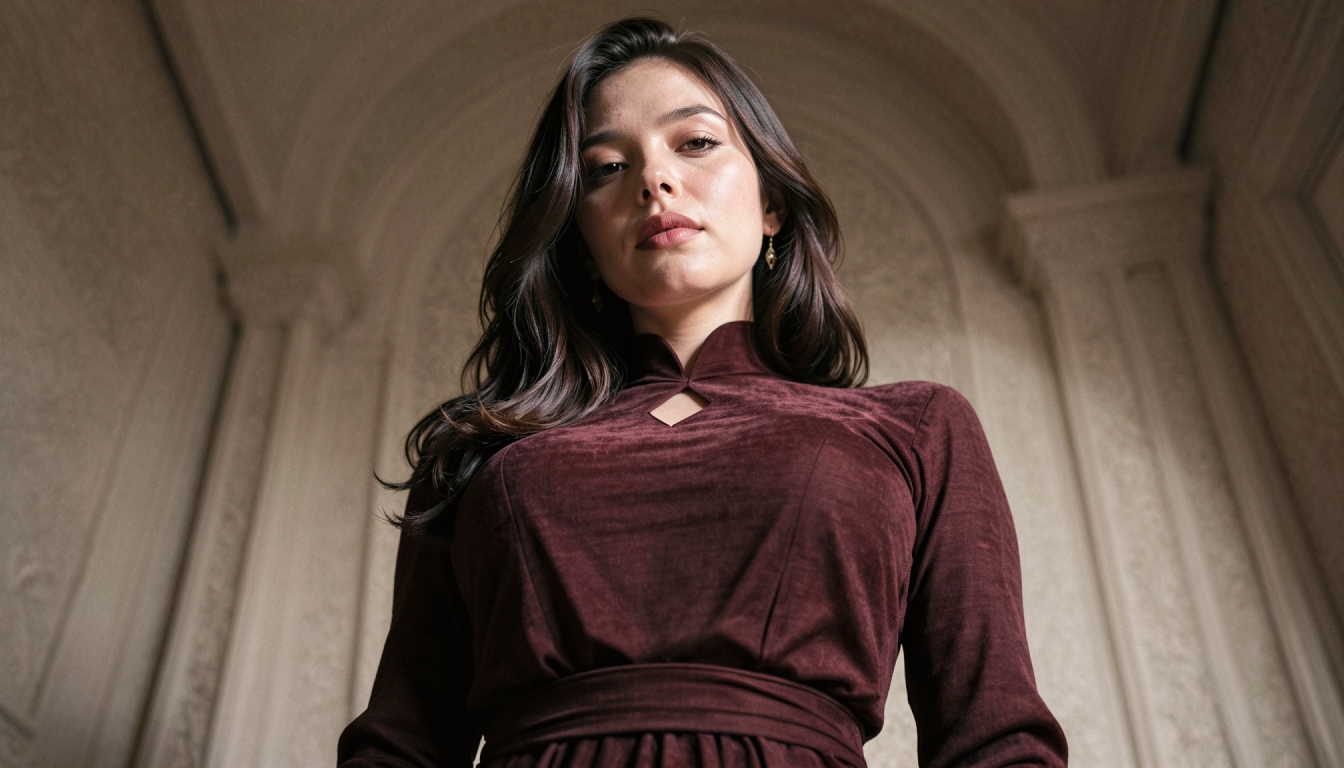
Compare PornX AI image model styles for realistic portraits, anime art, cinematic scenes and graphic illustrations, including model and Premium considerations.
AI LoRA Modifiers
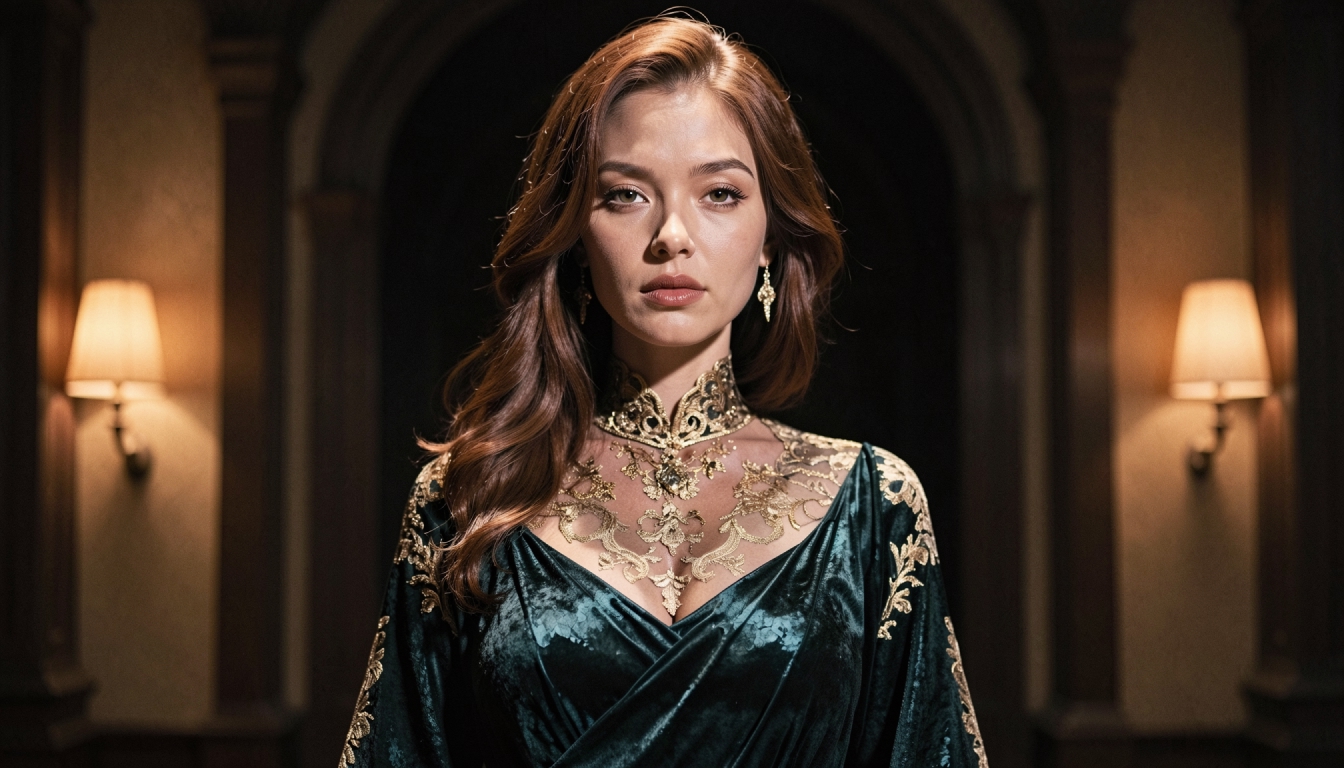
Understand how PornX LoRA modifiers work with base image models, how to use weight syntax carefully and when to adjust the prompt instead.
AI Prompt Enhancer
Explore PornX Prompt Enhancer and learn how to improve short image prompts, when to turn enhancement off and how to keep visual instructions intentional.
Saved Generation Presets
Learn how saved presets on PornX store image model, LoRA, style, resolution and prompt combinations so you can return to useful generation settings.