AI Video First-Frame Prompts That Animate More Cleanly
The first frame is the foundation of an Image-to-Video clip. It establishes what the subject looks like, where they stand and how much motion can happen without the camera inventing new scenery. A strong first frame should be clear and visually attractive, but also practical: enough space around the character, a readable pose and an uncluttered background.
These ready-to-copy prompts are designed for original fictional adults. Each is a still-image brief that can later be paired with a separate motion instruction. Do not confuse the two jobs: first create the look; then describe the movement.
Browse the AI prompt library for more ready-to-copy ideas.
Start creating: To try a copy-ready still-image prompt, open the PornX AI image generator. To turn the motion direction into a clip, open the PornX video generator.
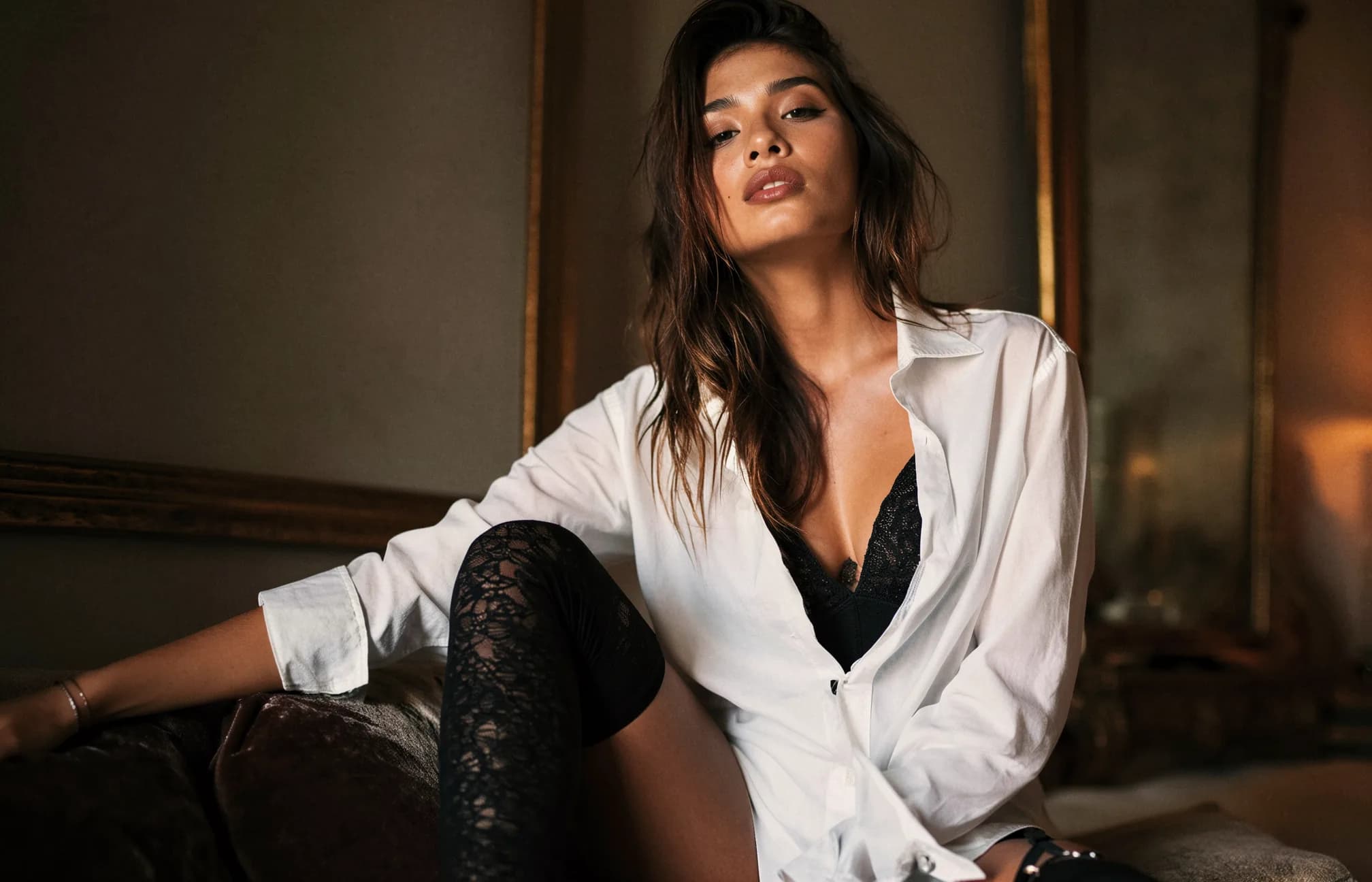
Compose for the Movement You Intend
For a head turn, show the head and shoulders clearly. For a hand gesture, include the arms and surrounding space. For a small step, use a medium or full-body shot and a background with a recognizable ground plane. Extreme close-ups can be effective as static portraits but provide less room for natural animation. Very complex scenery creates competing shapes that may wobble during motion.
Soft lighting and a simple midground make it easier to keep the subject readable as frames change. One clear focal point also helps. If the initial image already contains a hard-to-read hand, an impossible fold of fabric or inconsistent shadows, fix the still before asking it to move.
For the process of animating a selected still, review the AI image-to-video feature. For each step from still image to clip, follow how to animate AI images.
Four Ready-to-Copy Prompts
1. Turn-Friendly Portrait
Original fictional adult woman, age 33, in a quiet modern studio, shoulder-length dark hair, warm gray jacket, neutral three-quarter facial pose, head and both shoulders fully visible, soft window light, minimal background, realistic medium close-up, extra space to camera right for a gentle head turn.
Why it works: The shoulders and open space support a natural turn.
2. Walking First Frame
Original adult fictional traveler, age 31, standing on a calm stone promenade, full-body framing, one foot slightly forward, long coat, uncluttered shoreline background, soft overcast light, stable horizon, wide composition leaving space in the direction of travel.
Why it works: The body is visible and already in a pose that supports walking.
3. Anime Gesture Setup
Original anime-style adult artist, age 27, seated at a drafting table, one hand resting near an open sketchbook, clean readable hand shape, balanced upper-body framing, uncluttered creative studio, warm 2D shading, enough negative space for a small hand movement.
Why it works: A simple hand pose gives the animation a plausible gesture.
4. Balcony Breeze Setup
Two original fictional adults, both over 30, standing on a quiet balcony at evening, medium-wide framing with hair and loose jacket fabric visible, distant skyline softened, gentle front fill, stable composition and clear silhouette, ready for wind movement and a slow camera push.
Why it works: The coat and open background provide natural motion cues.
Related Prompt Collections
To refine perspective and framing, explore AI camera-angle prompts. For short motion instructions paired with an existing image, explore image-to-video prompts.
Turn the Frame into a Motion Prompt
Choose the finished source image, save it to the gallery and open Image-to-Video. Then write a much shorter movement instruction: "The adult character turns slightly toward the window; gentle hair movement; slow camera push-in." Keep the identity, lighting and setting in the source frame unless you have a clear reason to change them.
If the output looks distorted, return to the first frame. Try a cleaner pose, simpler background or softer light. Asking the video model to correct missing arms or a confusing horizon is less efficient than creating a sound source image. If a subject needs to be recognized across a series, reuse the same original character reference where your account supports it.
Common Mistakes to Avoid
Avoid asking for an extreme action when the still is cropped at the face, or for a major location reveal when there is no background space. Treat the first frame as a staging decision, not an arbitrary thumbnail.
Frequently Asked Questions
Try Your Own Variation
Start with one of the examples, keep your fictional adult subject and main visual direction clear, then change one element and compare the outcome. Primary CTA: Create Your First Frame.