AI Image Upscaling: Get More From a Good Generation
A strong AI picture can still look disappointing when viewed at a larger size. Fine fabric patterns may appear muddy, hair texture may be soft, or edges may lack definition. AI image upscaling is a finishing step designed for images whose composition is already worth keeping. It aims to produce a clearer version rather than asking you to invent the entire scene again.
PornX's documentation lists Upscale and Upscale Pro among its image editing actions. The current interface and account rules determine which options you can use. Upscaling is not the same as replacing a distorted object or changing a pose: it can improve perceived quality, but it cannot guarantee that a badly structured image becomes anatomically or compositionally correct.
Browse the other PornX features if you are comparing creative tools. When you have an image ready for refinement, use the PornX image editor and check the available upscale options.
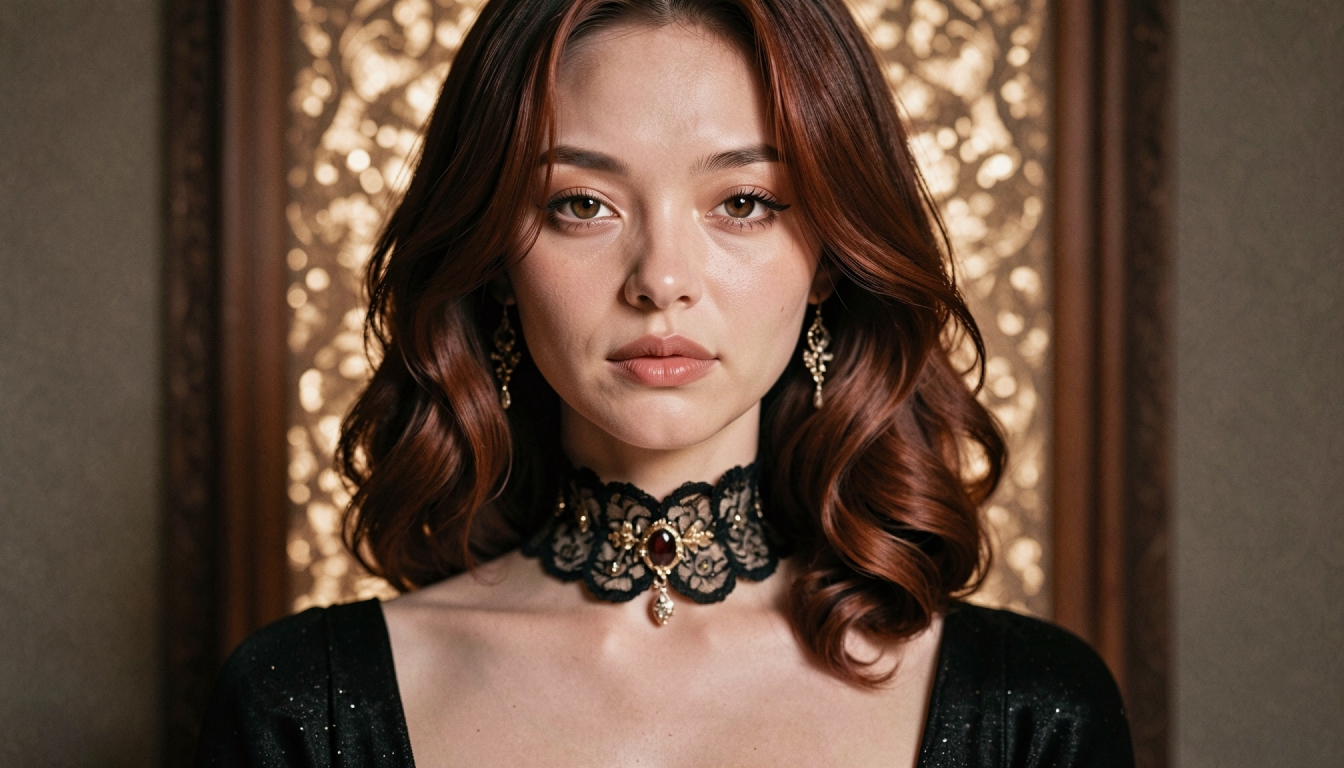
What Is Image Upscaling Good For?
Upscaling is most useful after you have decided that the underlying image is good: the character looks right, the framing is intentional and the major shapes work. You might be preparing a larger gallery preview, a desktop composition or a source image for another creative step. Increasing clarity can make a successful result easier to inspect and reuse.
The task-specific NSFW AI image upscaler page is useful if you want a dedicated discussion of adult-image refinement. Here the emphasis is the underlying image enhancement feature: what it changes, what it cannot solve, and where it belongs in a broader workflow.
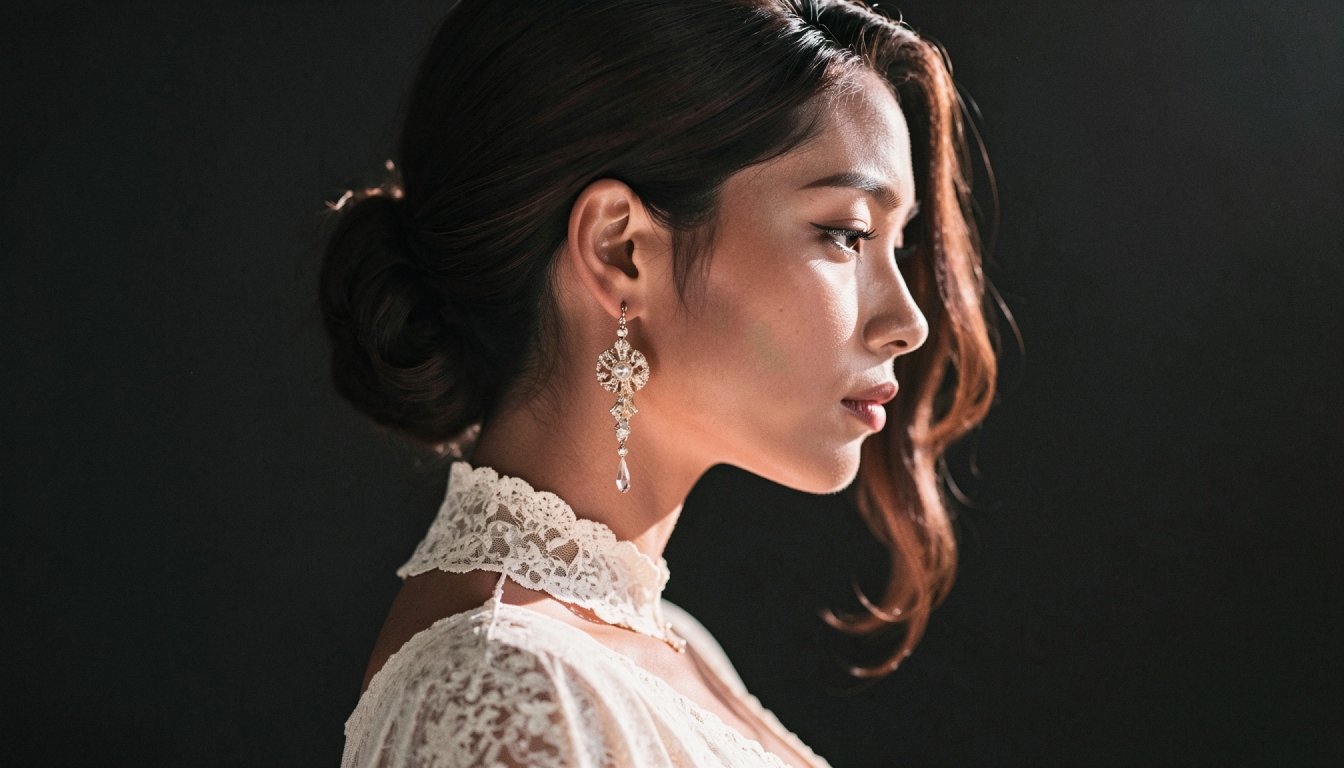
Upscale Versus Inpaint Versus Regenerate
Think about what kind of defect you see. If the entire image is soft, an upscale may be an appropriate next step. If a specific accessory or small region is malformed, choose a localized edit. If the composition itself is wrong, another base generation may be more effective than either. The AI inpainting feature overview explains how editing only one part of a picture differs from scaling the complete result.
A helpful test is to zoom in on the same location before and after the edit. Are edges more legible, or have strange textures become more obvious? Upscaling sometimes reveals an underlying flaw rather than removing it. Keep the first version so you can make a clear comparison.
A Practical Workflow for Sharper AI Images
Start from the best available base
Do not upscale the first acceptable thumbnail automatically. Choose a version with good proportions, a clear main subject and a background that makes visual sense. If the base image already contains a major error, resolve that before spending additional time or tokens on enhancement.
Open the image editor and choose the applicable action
Select the image you want to improve in PornX's editing experience. Check the current descriptions of Upscale and Upscale Pro, including whether different output settings or access conditions apply. The Wiki confirms the tools exist but does not establish that every resolution, factor or option is available to every user at every moment.
Inspect the parts that matter
Compare faces, fabric edges, small objects and background lines at the same viewing size. Better sharpness should improve readability without introducing unpleasant detail. For a full troubleshooting path, follow how to upscale AI images. If you are not sure whether the problem is blur, distortion or low resolution, start with fixing blurry AI images.
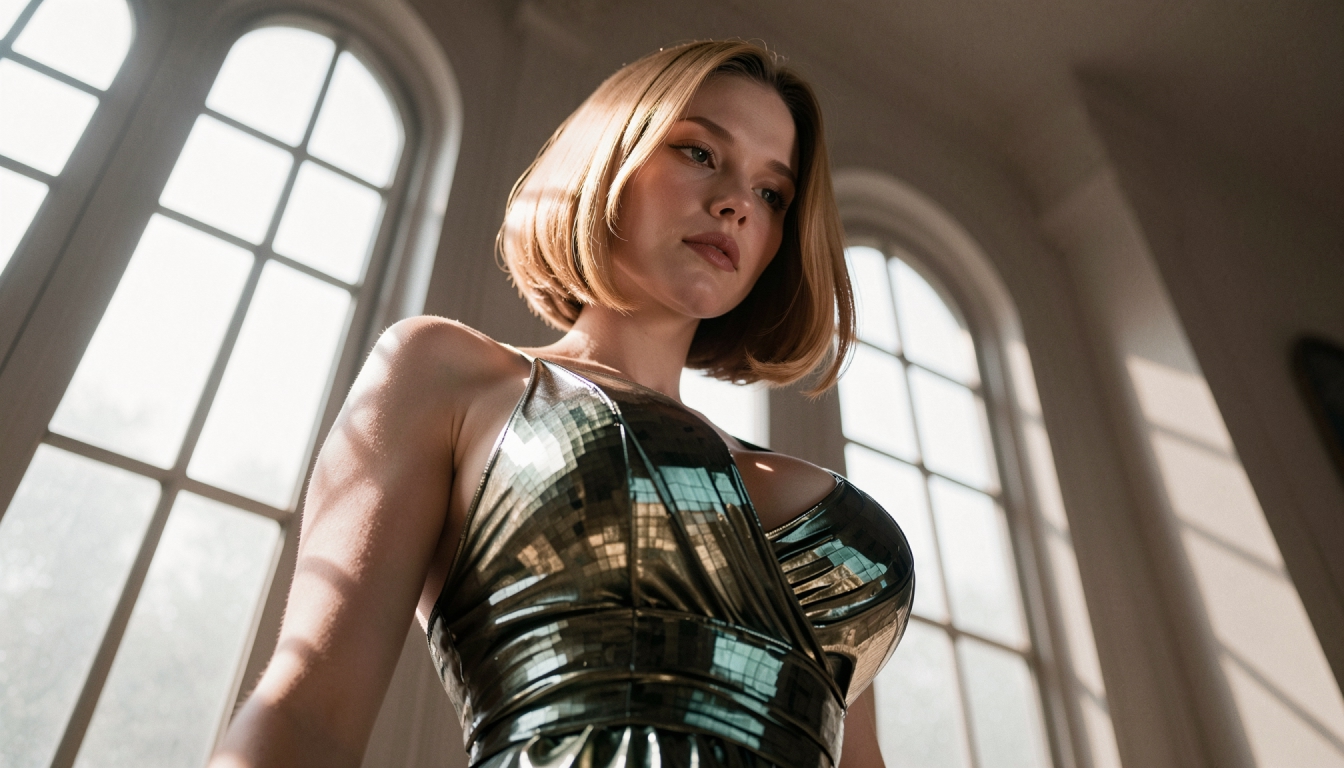
Prepare an Image for a Larger Output
Composition matters before resolution. A full-body character in a very narrow frame will remain difficult to inspect if the pose or original crop is poor. A detailed background can remain busy even after upscaling. The best refinement begins by defining the intended use: a closer look at a portrait, a larger art preview or a visual reference for animation.
Different generation models interpret detail differently, so the source model affects what an upscale has to work with. Explore the AI image models overview if you want to choose a more suitable visual direction before producing the base image.
Quality Problems Upscaling Will Not Fix
Wrong anatomy or posture. A larger version of an implausible hand remains incorrect. Return to the original prompt or use a more targeted edit rather than relying on resolution alone.
Confusing subject/background separation. If the model blended clothing and furniture, sharpening cannot reliably determine which material should be where. Start with a clearer scene or rework the affected region.
Unwanted content. Upscaling is not an editing tool for replacing a specific object. Use the appropriate image editor when the visible content itself must change.
Inconsistent sequence of images. More pixels in one frame do not guarantee that a character matches a separate frame. Composition, prompts and reference selection still matter.
If you would rather produce a new source image, the existing NSFW AI image generator can serve as a starting point before you choose which result to enhance.
Image Upscaling FAQs
Discover more
Keep exploring with related tools, features and step-by-step guides.
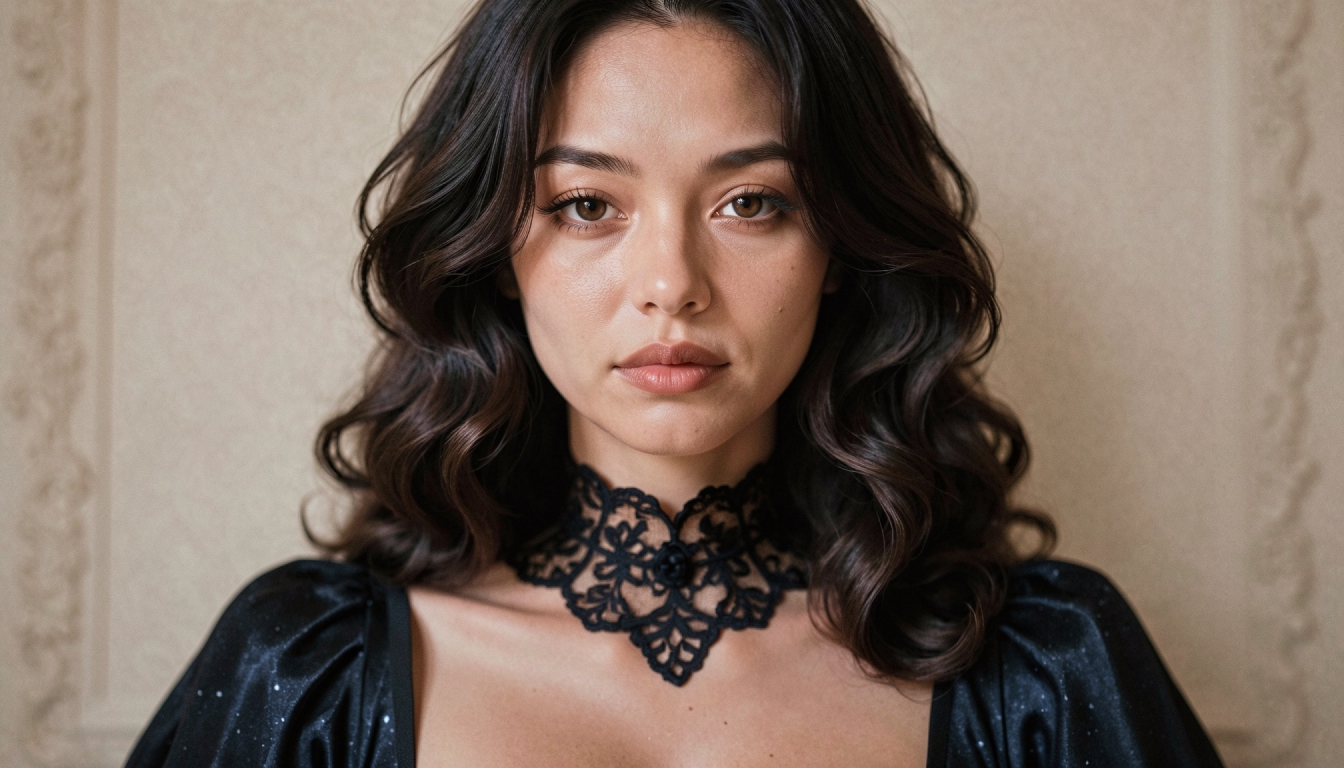
How to Upscale AI Images Without Losing Detail
Learn when to upscale AI-generated images, how to prepare the source and why higher resolution does not automatically fix anatomy or composition.
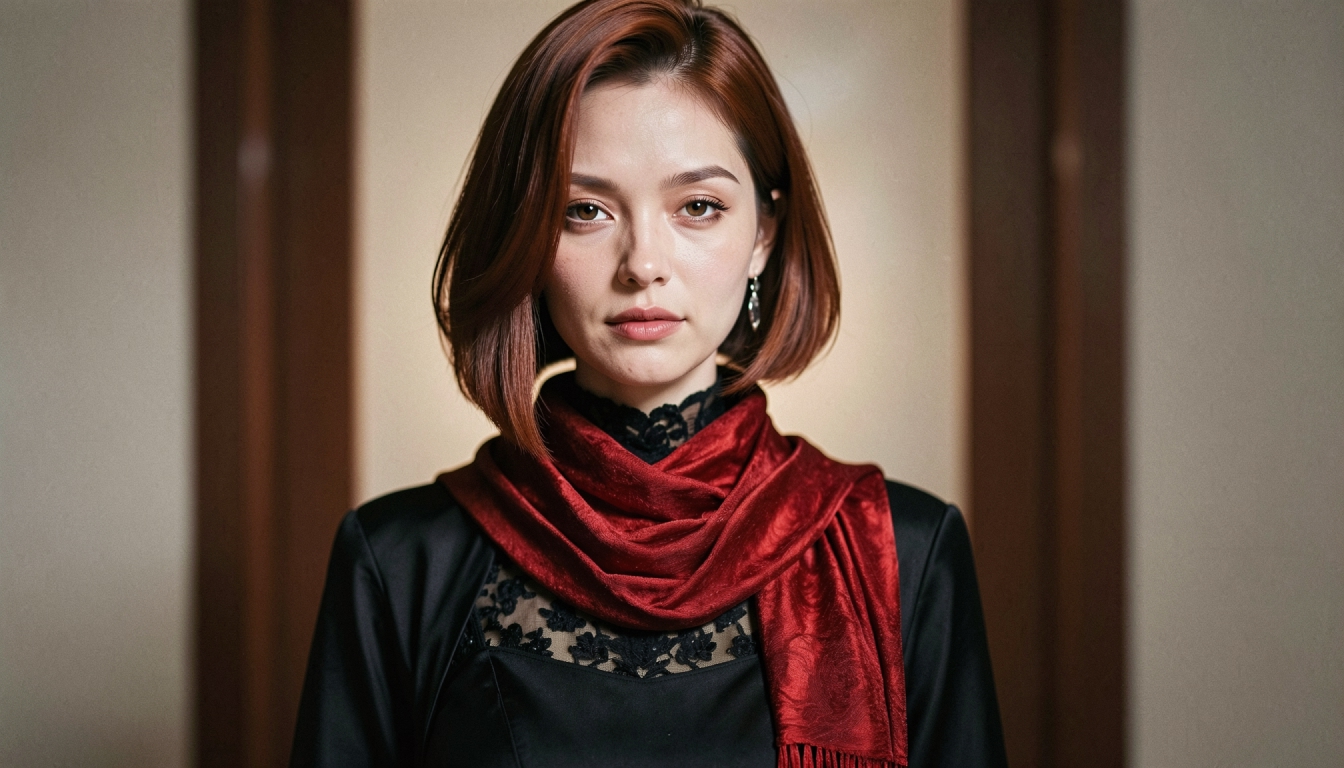
NSFW AI Image Editor
Refine original adult AI images on PornX with Inpaint, Reimagine and upscaling options. Learn when to edit an area, adjust a scene or improve detail.
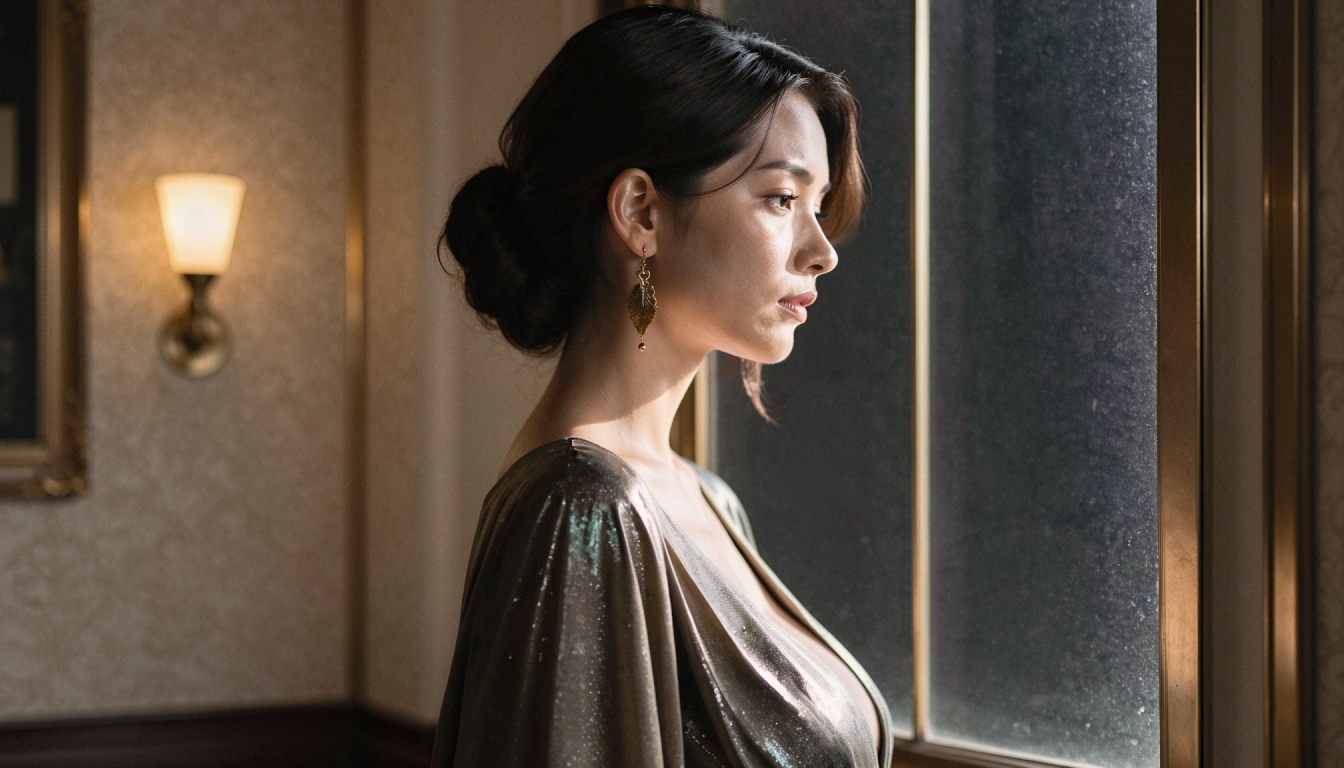
AI Inpainting
Explore AI inpainting on PornX. Select an area to refine, describe the replacement and keep the rest of your original AI image as a visual reference.
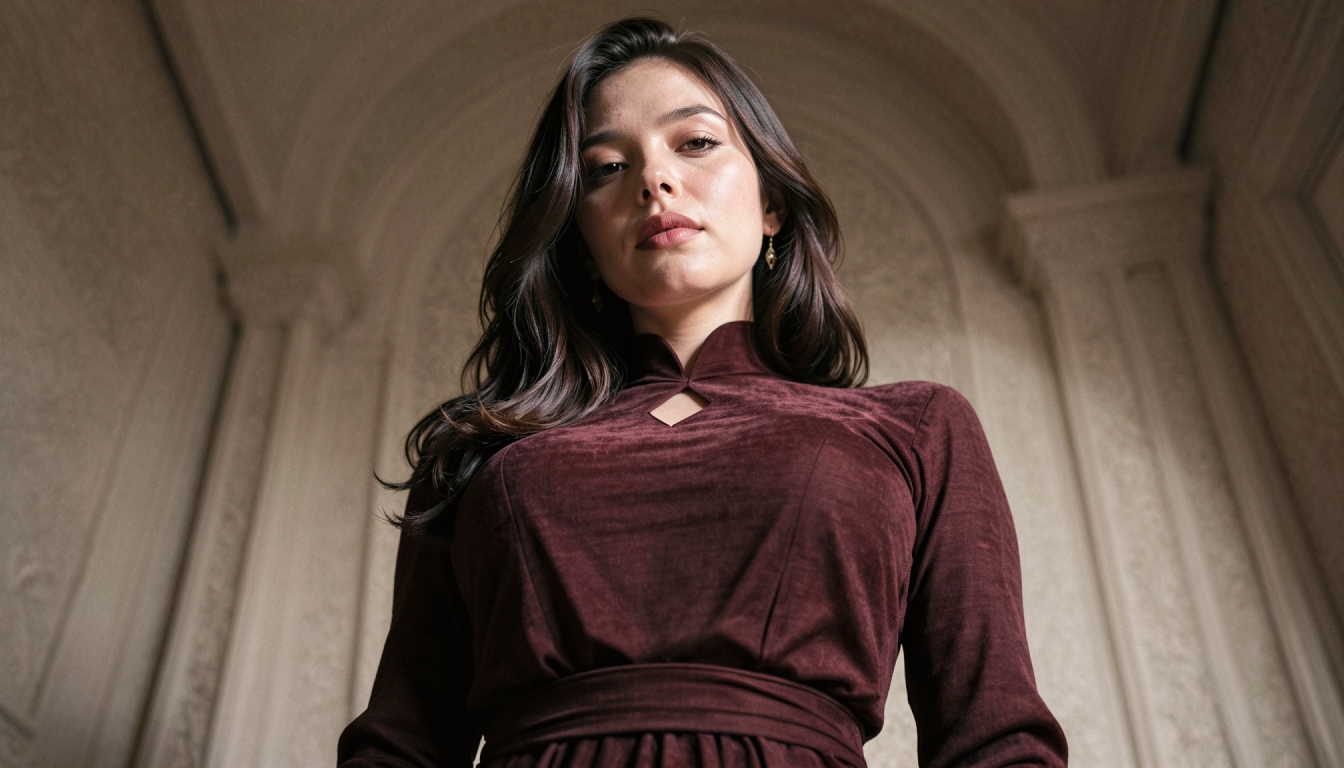
AI Image Models
Compare PornX AI image model styles for realistic portraits, anime art, cinematic scenes and graphic illustrations, including model and Premium considerations.