AI Character Animation: Turn Your Original Character Into a Video
An original AI character often begins as a still image: a recognizable face, a carefully chosen outfit or a signature visual detail. AI character animation adds movement to that design. A small turn, a gesture or a shift in the camera can make a character feel more expressive without changing the overall concept.
PornX documents a practical route for this: design an original character, generate an image, save it to the gallery, then animate the still with Image-to-Video. This is not motion capture or a full animation rig. It is a video generation workflow guided by the first frame and a motion prompt. If you already have a suitable adult fictional character image, you can create an AI video on PornX and test a simple movement.

Start by Protecting the Character's Identity
Before writing an animation prompt, identify the details that make your character recognizable. It may be a hairstyle, distinctive outfit, color palette or manner of posing. Use those cues consistently across the source images you generate. If you create several separate still images with very different lighting or clothing, do not assume a later video step will automatically reconcile them.
For a repeatable identity, explore reusable original AI characters. PornX's documented saved-character system is a Premium feature. It currently describes Realistic and Anime styles and character creation for adult female personas. Keep identities original, clearly adult and not based on real people's likenesses.
The practical principles behind AI character consistency help when you're choosing an image to animate. For an end-to-end discussion of continuity across generations, learn to build a consistent AI character.
Choose the Right Still Before Animating
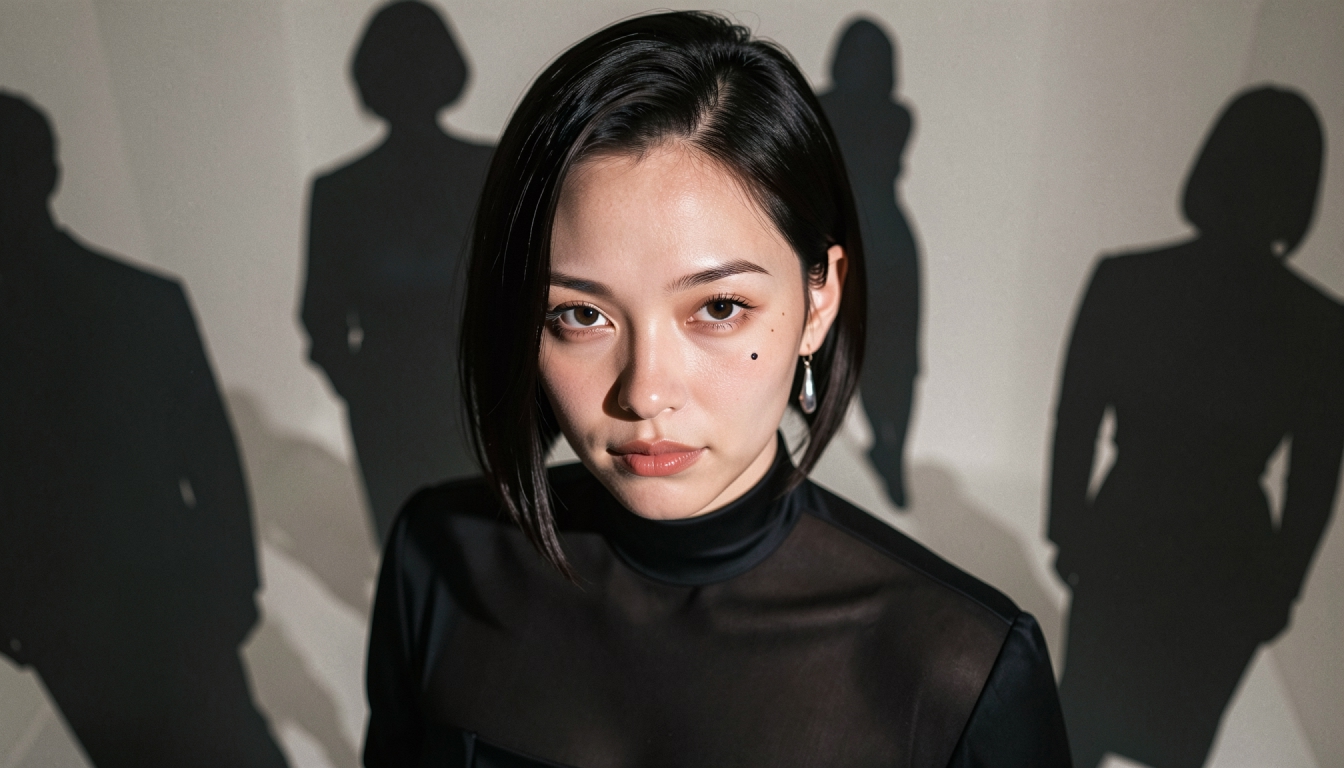
Treat the source still as an animation brief. A face tightly cropped against the edge may not have room to turn. A full-body frame can support a small step or change of posture, but may reveal more anatomy artifacts. A mid-shot with a simple background is often the most flexible compromise for a first attempt.
Choose an image in which the character's limbs and clothing are easy to read. If an arm is hidden behind a chair, requesting a large arm movement may create unexpected geometry. Soft lighting helps the model interpret stable forms without shifting high-contrast shadows from frame to frame.
You can open the PornX AI image creator to prepare an original adult still. Once you are happy with the visual identity, save the image to your gallery for the video step.
Tell the Model What Moves — and What Stays Still
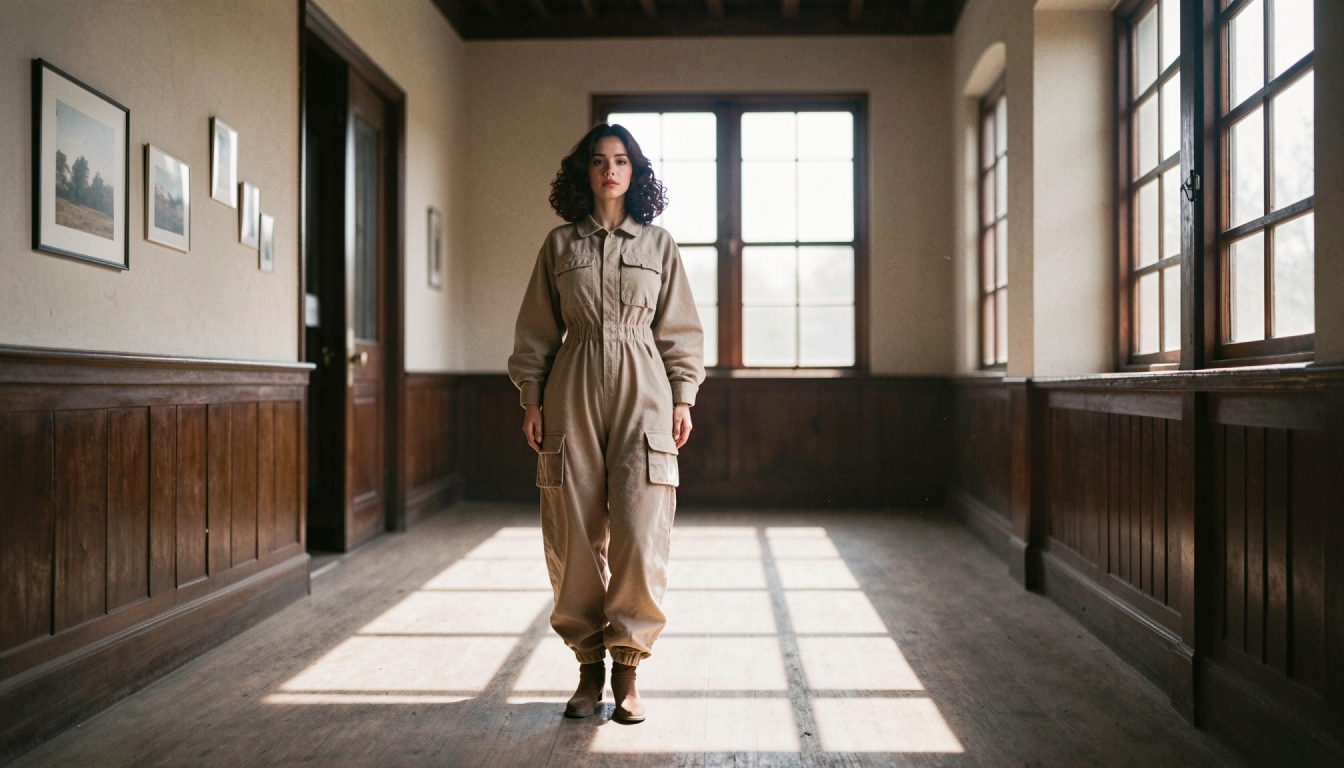
A character animation prompt should prioritize action over a repeated biography. The image already shows the character. Your text can describe how they move, how quickly, and what the camera does. A short clip benefits from one dominant movement:
- Small expression change: “The adult character gives a slight smile and turns toward the camera, steady mid-shot.”
- Costume movement: “A breeze lifts the edge of the character's cloak as she looks across the city, fixed camera.”
- Natural gesture: “The character looks down at a letter, then back up, subtle movement, soft ambient light.”
More examples of action-focused wording appear in AI character animation prompts. For composition suggestions before you generate the still, explore video first-frame prompts.
Avoid piling on instructions such as “spin, run, jump, talk, smile and zoom” in a single five-second shot. The Wiki currently describes Image-to-Video clips up to five seconds, so the motion must fit a short duration. Test a simple action first; only increase complexity if the result is stable.
Character Animation Using Image-to-Video
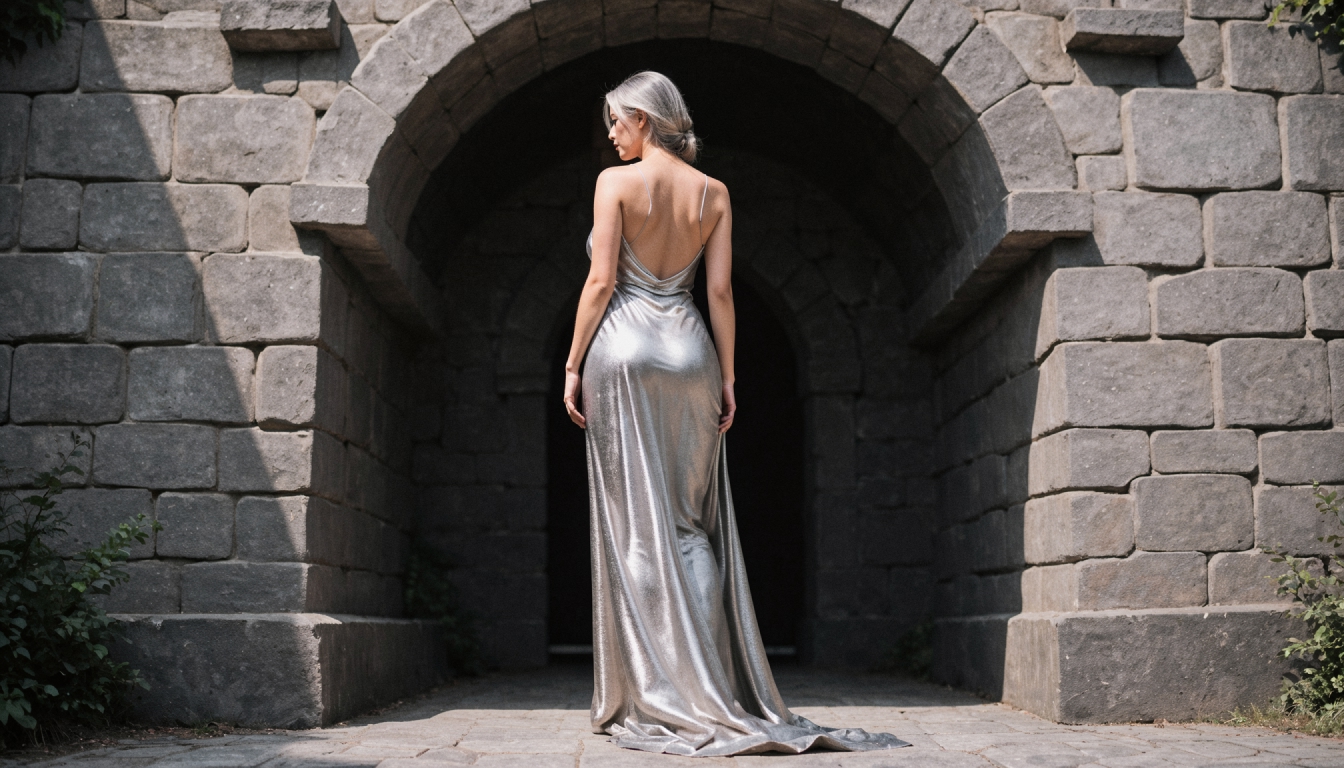
The documented steps are straightforward: generate the character still, save it to the gallery, open or create a video Session, select Image-to-Video, choose the saved still and describe movement. That is the connection between character creation and animation on PornX.
For the general commercial route, visit the AI image-to-video generator. Its focus is converting an existing fictional adult image into a clip. This page is narrower: how to prepare and preserve a character concept across that process. It does not imply separate voice acting, lip-sync, skeletal tracking or pose-control features, none of which are established by the available documentation.
After generating, check the character's most important traits against the source still. Note whether the face shifts, whether the outfit stays coherent, and whether the movement serves the intended story. Keep the better attempt and adjust only one variable for the next iteration.
Common Animation Problems and Practical Fixes
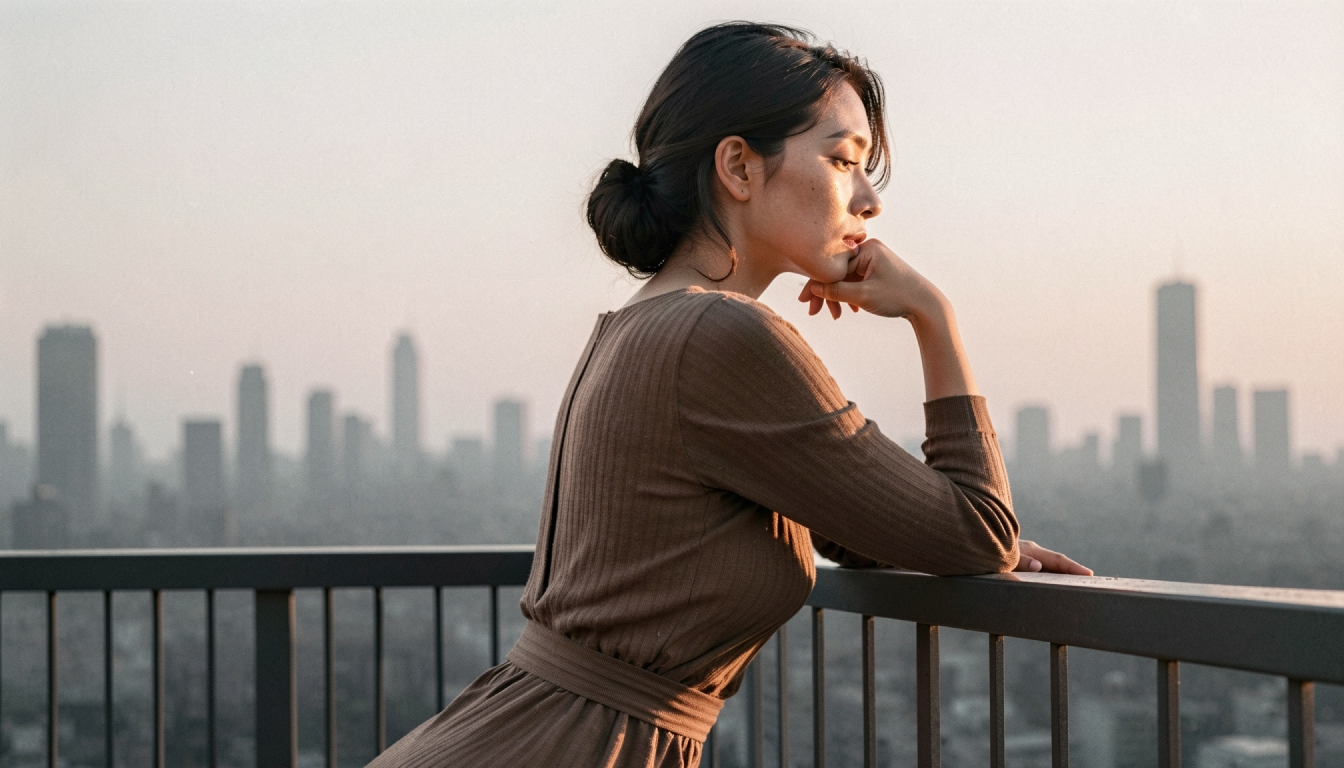
The character feels different halfway through. Reduce viewpoint changes, simplify the background and start from a stronger first frame. Consistent character design improves the starting point but cannot guarantee frame-perfect appearance.
The body motion looks awkward. Replace a large movement with a smaller gesture. A gradual head turn or fabric movement is easier to evaluate than a complicated action sequence.
The clip barely moves. Replace mood-only adjectives with a visible motion verb: “turns,” “steps,” “looks up” or “raises a hand.”
The character seems too static. Consider generating a more action-ready first frame with an open pose rather than trying to animate a rigid portrait into a dramatic scene.
Frequently Asked Questions
Animate One Memorable Moment
Pick one original adult character, create one clear still and define one recognizable gesture. Save the image, generate a short clip and check whether the identity holds together. Each controlled experiment gives you more useful feedback than trying to generate a complex scene in one step.
Create an AI video on PornXDiscover more
Keep exploring with related tools, features and step-by-step guides.
Consistent AI Characters
Learn how saved characters help maintain a recognizable visual identity across PornX generations, when to describe the scene and which tools require Premium.
AI Image to Video
Explore PornX Image-to-Video. Prepare a clear first frame, guide motion, make a short AI clip and find tips for improving animation quality.
How to Build Consistent AI Characters
Learn how to build and reuse an original AI character across images and video with stable appearance, saved Characters and careful scene prompts.
How to Turn an AI Image into Video Step by Step
Animate a saved AI image with Image-to-Video. Learn first-frame preparation, matching resolution, motion prompts and useful troubleshooting.