AI Lighting Prompts That Give Images Depth
Lighting decides what the viewer notices first. A soft window can make a character feel approachable; a narrow sidelight can create mystery; two colored light sources can evoke a late-night city. The AI lighting prompts below are reusable ways to describe those effects in original adult character images, with settings that are easy to adapt.
You do not need technical studio equipment to use the language. Ask three questions: Where is the brightest light? How hard are the shadows? What color is the environment? Those answers usually offer more control than simply writing "beautiful lighting."
Browse the AI prompt library for more ready-to-copy ideas.
Start creating: To try a copy-ready still-image prompt, open the PornX AI image generator.
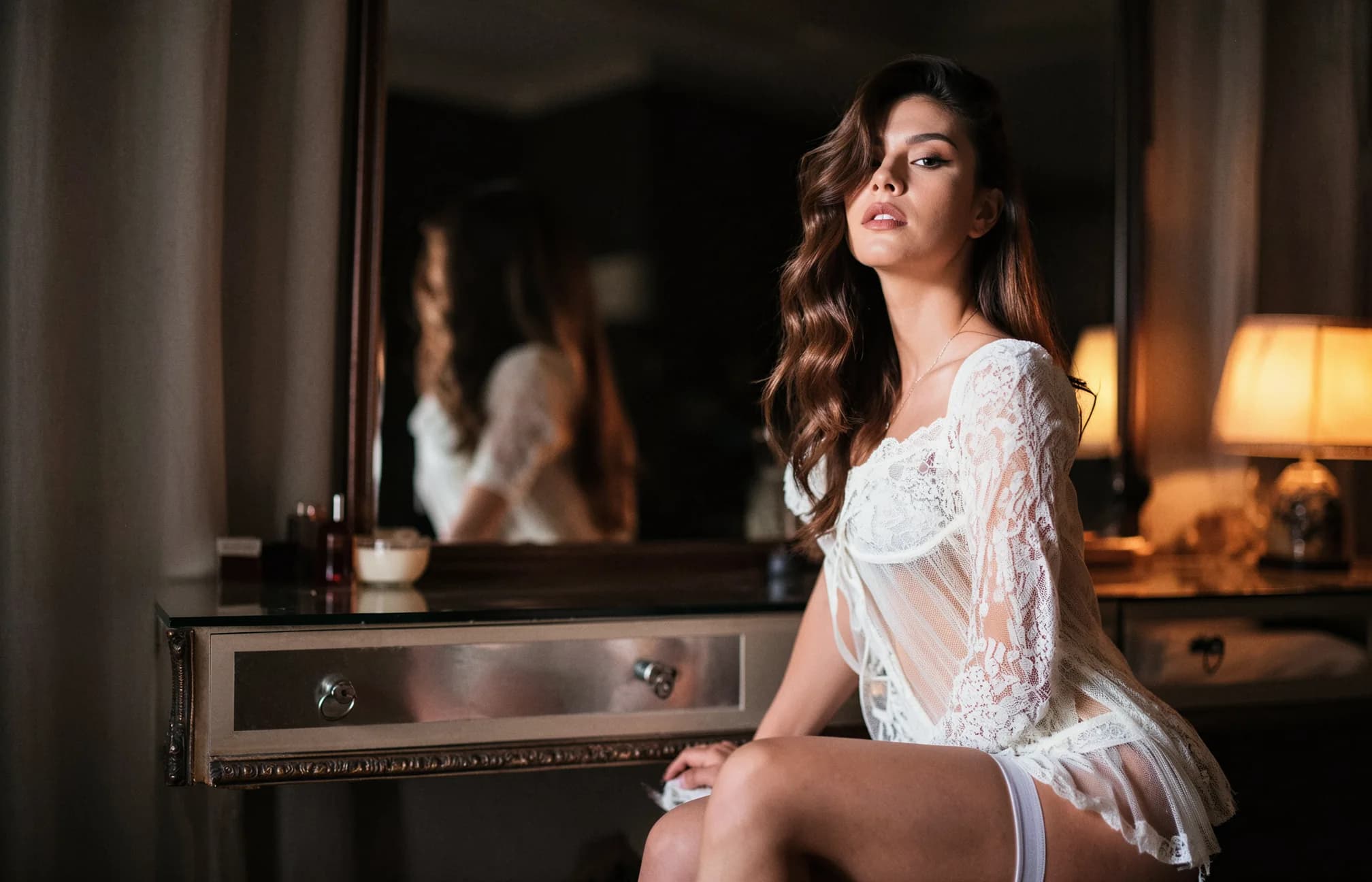
Name the Light Source and Its Direction
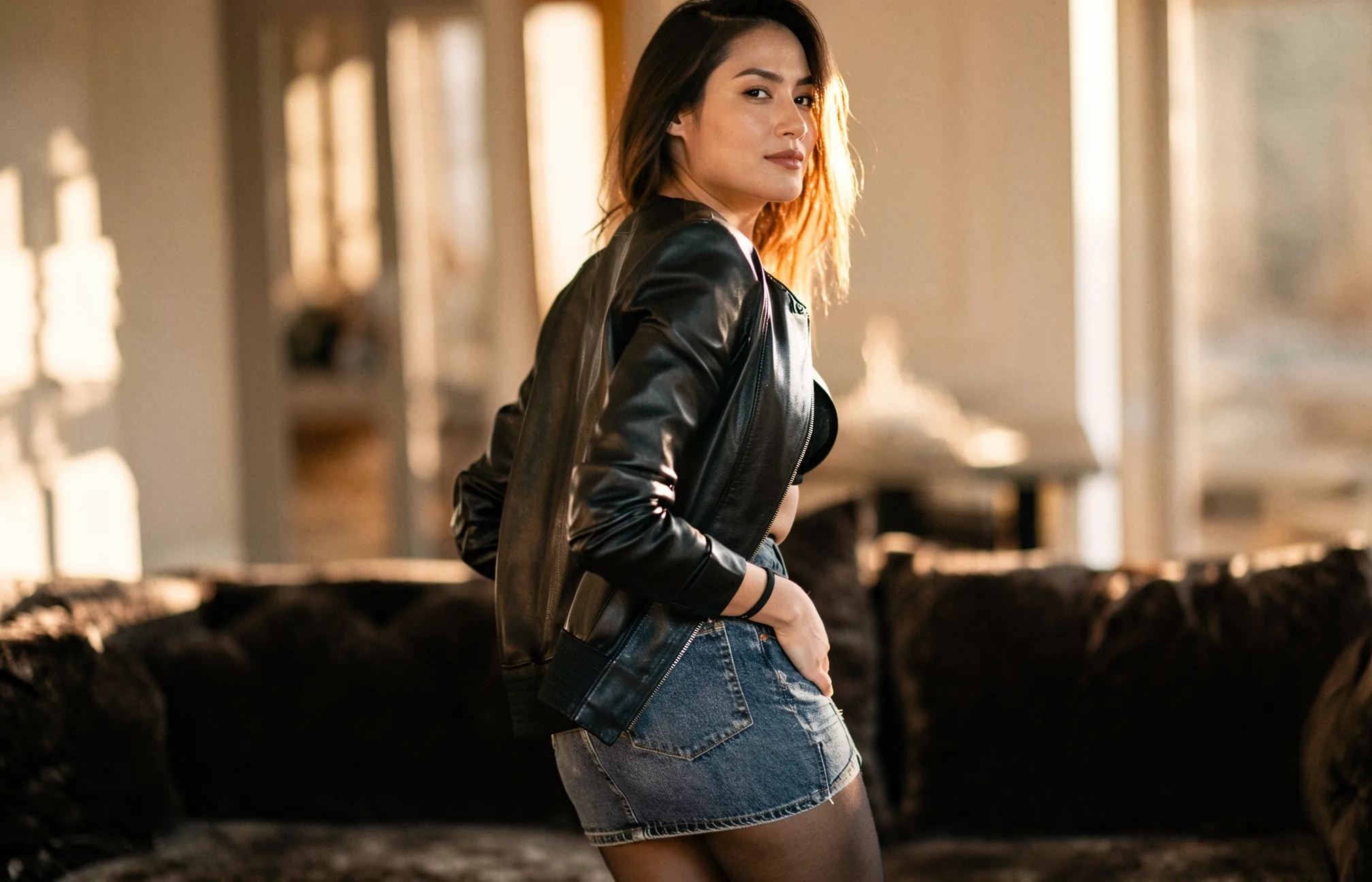
Start with a physical light source: an east-facing window, overhead lamp, neon sign or sunset. Then identify direction and softness. Light from camera left creates readable contours; backlight separates hair and shoulders; a broad, diffuse window produces softer transitions. A scene becomes confusing when the prompt requests hard noon sun, midnight darkness and soft dawn light at once.
For realism-oriented output, photographic light language is particularly useful. In illustrated work, describe warm highlights and simple shadow groups rather than insisting on realistic skin scattering. When composing an adult-themed scene, the lighting should establish mood without hiding age, expression or agency.
For a photographic generation workflow, read about creating realistic AI images.
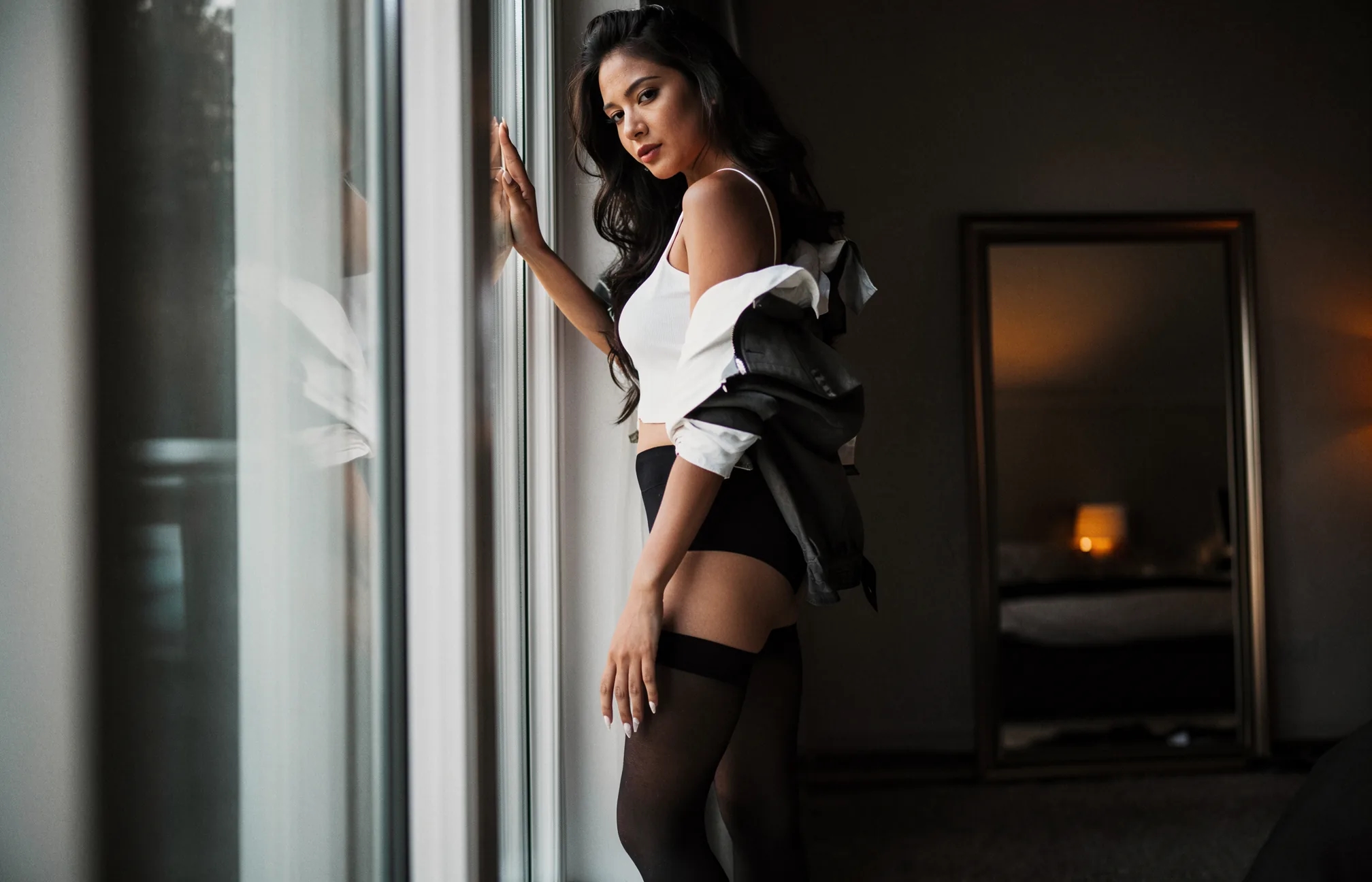
Four Ready-to-Copy Prompts
1. Soft Window Portrait
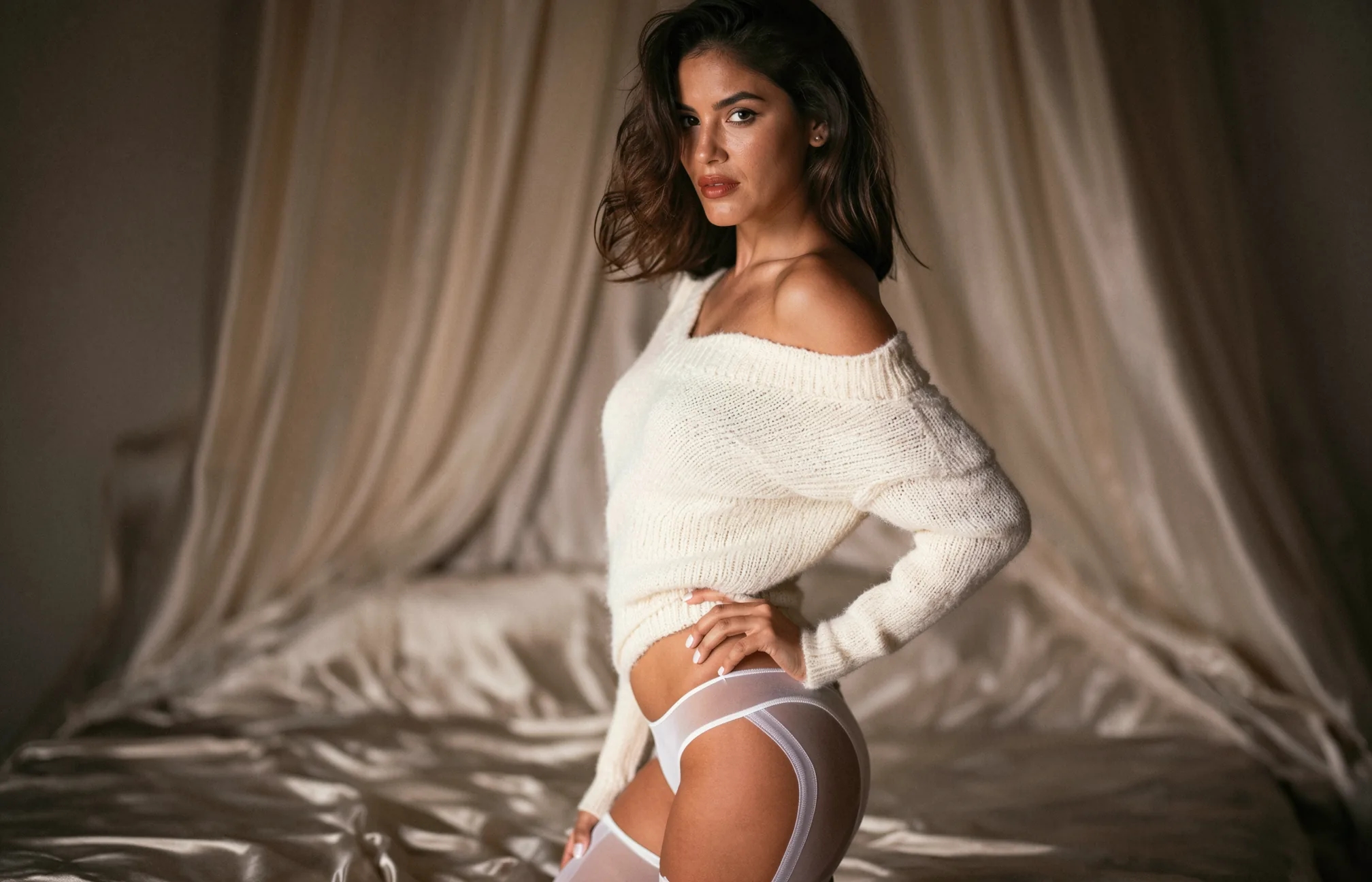
Original fictional adult woman, age 31, sitting beside a tall north-facing window in a quiet studio, natural side light from camera left, soft fill from white wall, gentle falloff, believable facial shadows, medium portrait, relaxed expression, photographic style.
Why it works: The source and bounce light explain both highlights and shadows.
2. Neon Split Lighting
Original adult fictional musician, 36, in a small late-night music venue, violet neon on one side of the face, teal edge light on the other, dark neutral background, moderate contrast, eye-level medium shot, cinematic color separation.
Why it works: Two coordinated light colors produce shape without adding new objects.
3. Golden Hour Rim
Two original fictional adults, both 28 or older, standing on a seaside overlook at sunset, warm sun behind their shoulders, subtle golden rim around hair, soft skylight fill on faces, relaxed mutual glance, medium-wide photographic shot.
Why it works: Backlighting and sky fill create a plausible exterior setup.
4. Quiet Candlelit Study
Original adult fantasy scholar, age 44, studying a star chart in a library, single warm desk lantern as the key source, deep but readable room shadows, restrained amber highlights on paper, painterly illustration, calm focused composition.
Why it works: One dominant warm light creates intimacy and readability.
Related Prompt Collections
For more deliberate film lighting and grading, explore cinematic AI prompts. For more photographic subject and lighting ideas, use realistic AI image prompts.
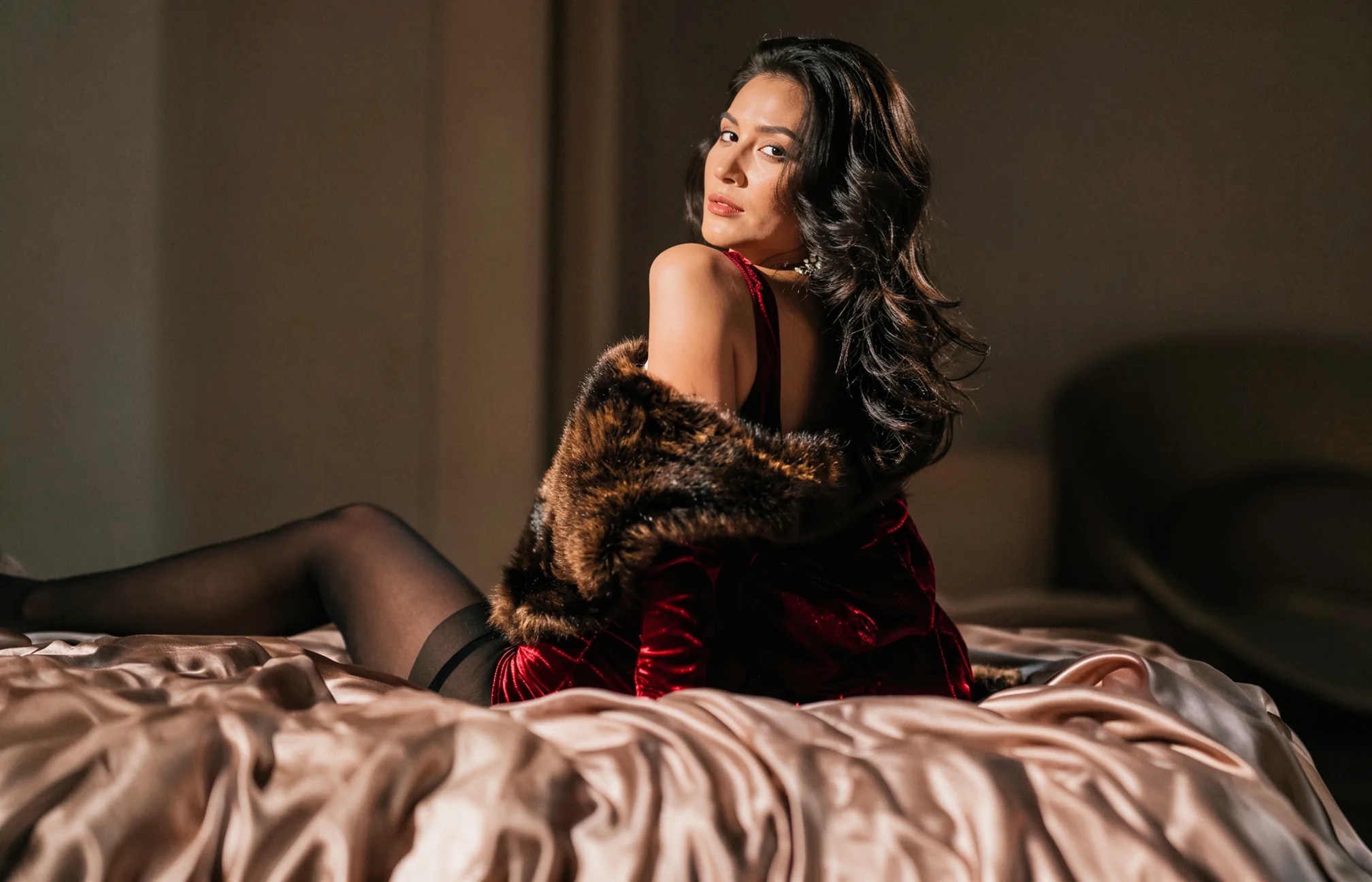
Match Lighting Language to Your Model
With a photographic model, describe realistic sources, lens perspective and texture. With Cinematic or Movie-oriented output, emphasize grading and shadow contrast. With Anime and Cartoon, favor illustrated color and shading instructions. A lighting prompt cannot compensate for an unsuitable model, so choose the basic visual style before refining the light.
Run controlled tests: same character, same framing, but change one source from window to desk lamp or move the light from front to side. Save the version you like. For portraits, make sure the subject remains readable; dramatic darkness can make facial features look inconsistent across a series.
To match your visual language to a suitable model, explore AI image models.
Common Mistakes to Avoid
Avoid generic stacks like "perfect lighting, studio lighting, moonlight, sunbeam" without choosing which source is dominant. Distinguish key light from background glow and keep your shadow request physically understandable.
More Ways to Use These Prompts
For a portrait-centered destination, explore the AI portrait lighting and creation.
Frequently Asked Questions
Try Your Own Variation
Start with one of the examples, keep your fictional adult subject and main visual direction clear, then change one element and compare the outcome. Primary CTA: Create an AI Portrait.