NSFW AI Character Generator: Build an Original Adult Character
A memorable AI character is more than a one-time prompt. You may want a recognizable fictional person whose appearance can be used across multiple images, different settings and eventually an animated scene. An NSFW AI character generator should help with that creative task: establish an original adult character, save a reusable visual identity and choose new contexts without rebuilding the appearance from the beginning.
PornX documents a saved-character workflow inside its image generator. You choose a visual style, set the basic identity and appearance, review a preview and save the result where your plan allows it. Once saved, the character can be selected for later image generations. This is different from generating a fresh person in every prompt and hoping their features stay the same.
Ready to explore the character workflow? open the PornX AI image creator and check the Characters panel for the options available with your account.
What Makes an AI Character Reusable?
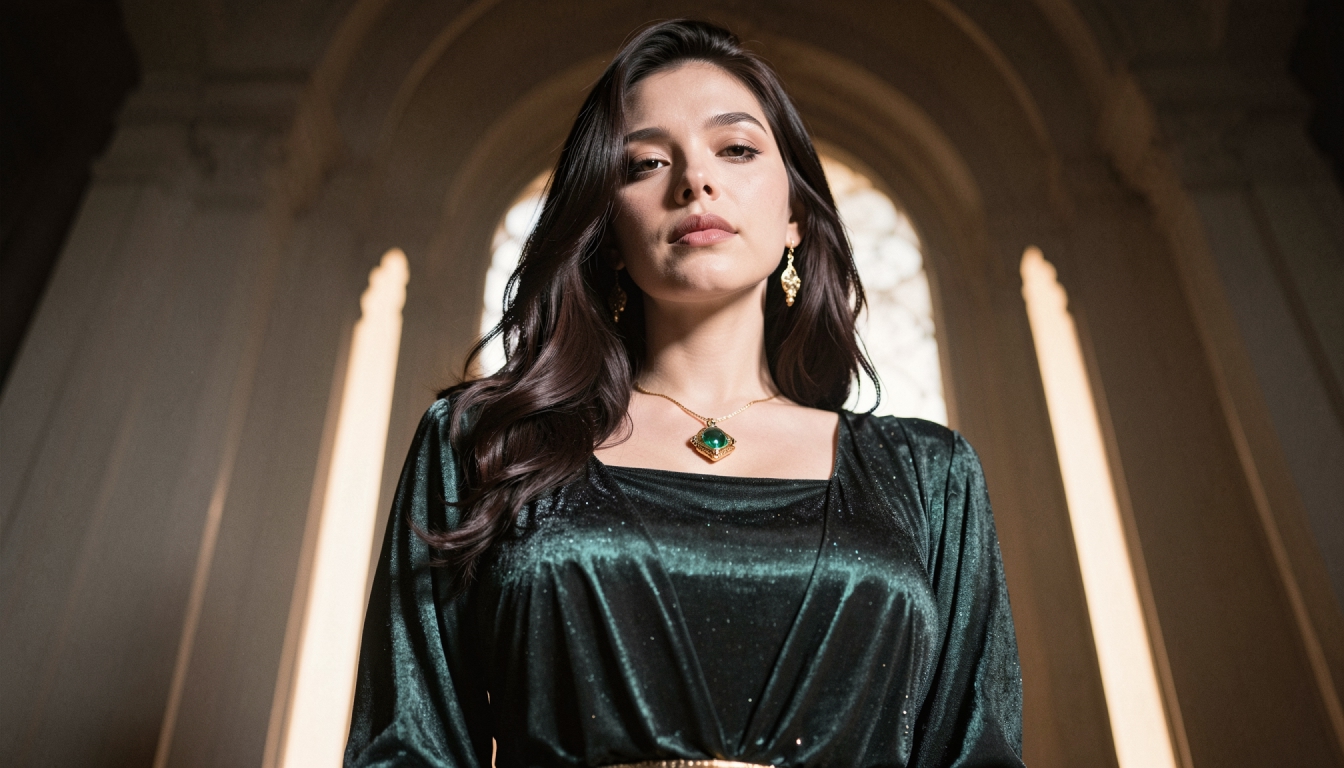
A reusable character has a visual identity you can select again. Instead of rewriting hair, eye color and other defining traits in every new prompt, you work with an existing saved profile and describe what the character is doing. This can make a series of images easier to organize and helps reduce contradictory character descriptions.
The word consistent needs a realistic interpretation. A saved character helps the model reference a defined appearance; it cannot guarantee every generated frame or image will match perfectly. Lighting, camera angle, clothing context and the current model still influence results. The consistent AI character creation page explains why repeatability is a workflow goal rather than a promise of pixel-identical output.
If your priority is learning the full sequence, see how to build consistent characters before planning a multi-image project.
How Character Creation Works in PornX
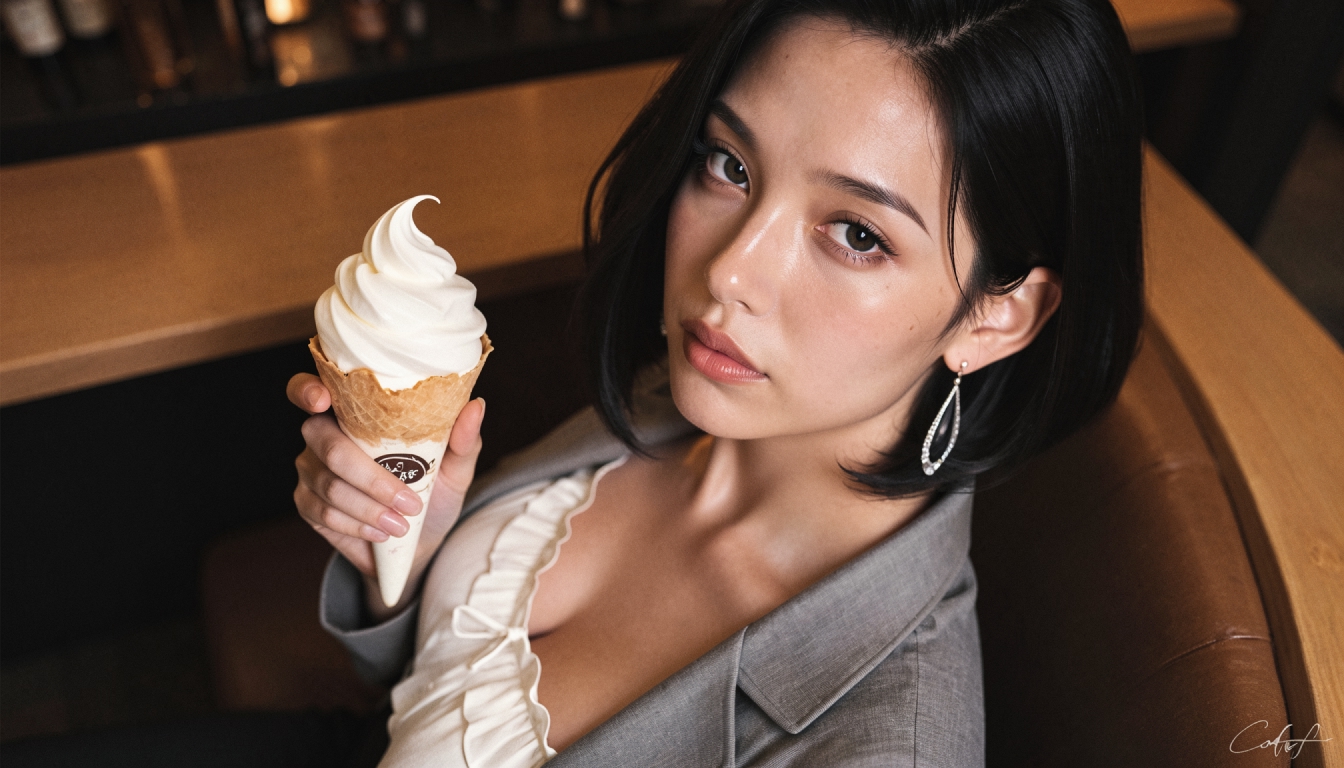
The current PornX Wiki describes four stages in the saved-character creator: choosing a visual style, entering basic identity, selecting appearance attributes and reviewing the preview. The character tool is documented as a Premium feature. Free accounts may be able to view saved characters but cannot create new ones under the described plan rules. Check the live product for updates.
- 01
Choose a visual direction
Start with the style you actually want to reuse. PornX documents Realistic and Anime options for saved-character creation. Realistic styles aim for a photographic presentation, while Anime styles use illustrated conventions. Neither choice changes the fact that the subject must be an original, clearly adult fictional person. For specific design considerations, visit the anime character generator or realistic character generator niche pages. These pages can help you decide which visual direction is appropriate before saving a character.
- 02
Define the character's identity
The Wiki lists a character name and basic identifying attributes in its editor. Its current guide describes female character creation, with male creation marked as coming soon; confirm the live editor before promising any broader availability. Treat the name as a label for organizing your own fictional creation, not as a way to invoke a celebrity or an existing real person. Give adult characters a clear adult age and avoid ambiguity. A good character concept can be simple: an adult fictional photographer who enjoys old train stations, or an adult science-fiction explorer with a practical wardrobe and a recognizable color palette. The goal is a coherent design that you can identify across creative variations, not a detailed biography that the visual generator must reproduce literally.
- 03
Choose appearance traits
The saved-character editor's documented attributes include body type, hair characteristics and eye color, among others. Make a few deliberate choices that define the silhouette and overall impression. Too many competing traits may make a character harder to keep visually recognizable. If you want to plan the design in text before using the editor, character appearance prompts can help you create a short visual brief. In a saved character workflow, those traits belong in the character setup rather than being repeated in every later generation prompt.
- 04
Review and save the preview
Check whether the preview represents the adult fictional identity you intended. If an important trait is incorrect, revise the available settings or regenerate the preview where supported. Saving a character makes sense only when you are satisfied with the overall direction. Saved character creation, quantity allowances and related Premium features are subject to current account rules. You can review Premium character and creative tools before assuming the same access applies to every user.
Use a Saved Character in New Images
Once the profile exists, select the saved character in the image generator and write a prompt about the new scene, not another full physical description. PornX's Wiki explains that the selected character provides the appearance reference while the prompt defines the action and environment.
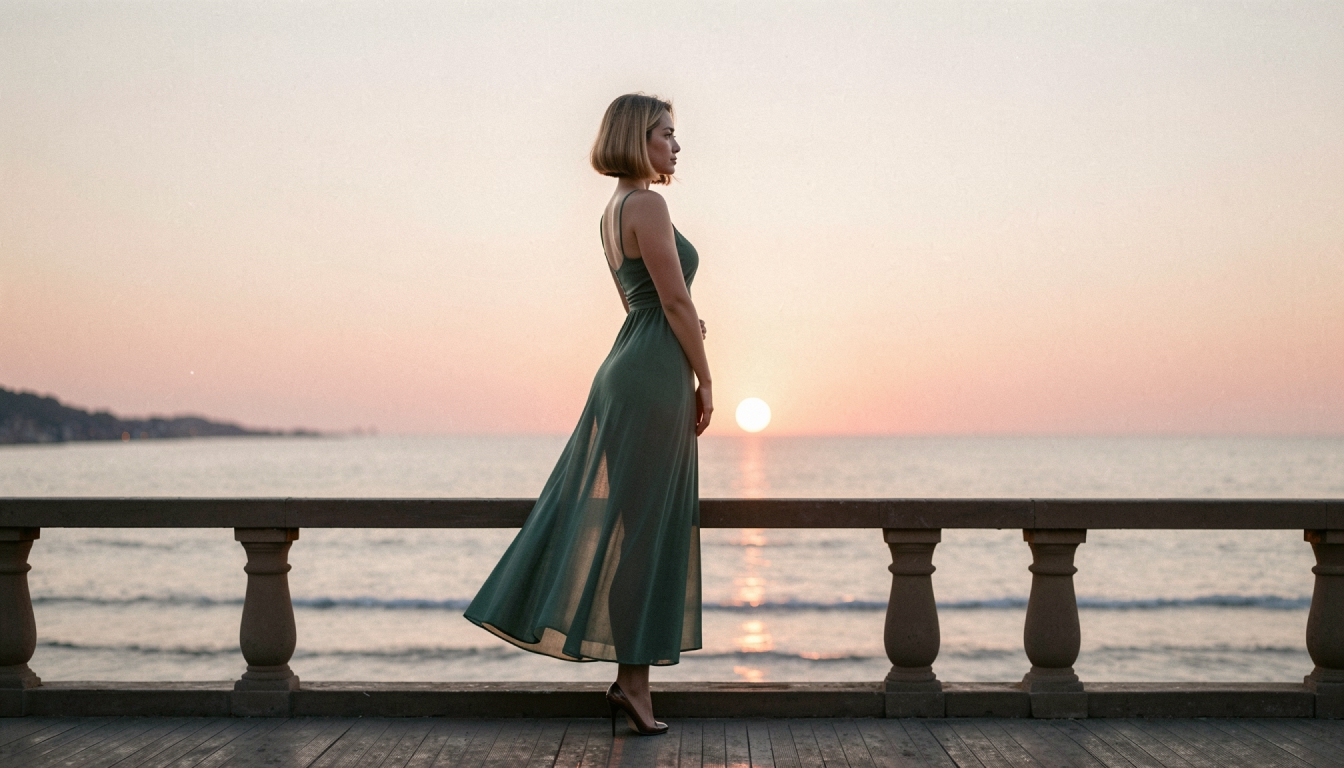
For example, a saved adult fictional photographer might appear in several non-graphic contexts: walking along a quiet pier at sunset, sitting in an art studio or exploring a modern city at night. Your scene prompt can focus on camera position, lighting, outfit and action without repeatedly describing the same facial features.
A few clear scene details are usually easier to manage than a long list of adjectives. If the appearance drifts, simplify the prompt and keep the subject selected. Adjust one variable at a time so you can tell whether a different background or framing helped.
From Image Generation to Character Animation
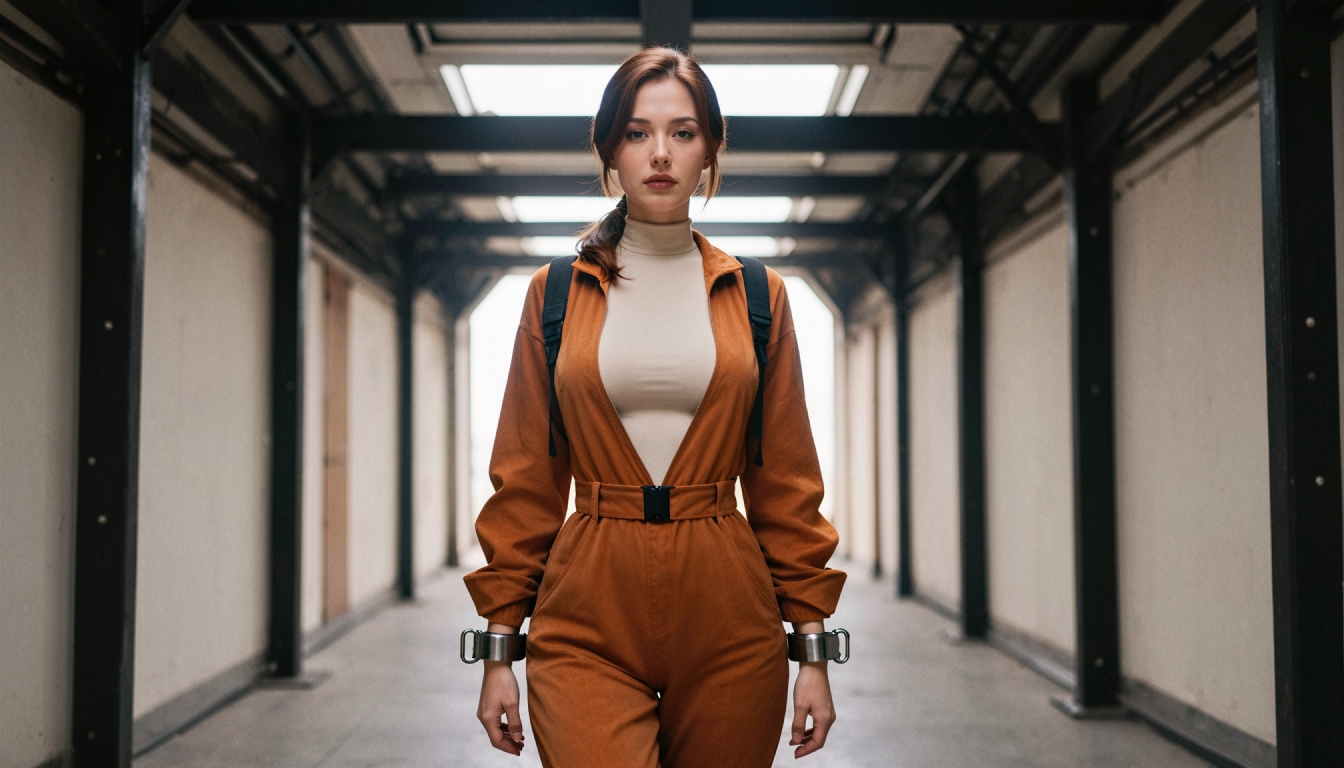
A reusable character is also useful when you want to animate a picture. First generate a strong image of the saved character, then move to Image-to-Video with that image as the reference. The first frame gives the animation process a clearer visual starting point than a text-only description would.
The animate your original character page explores this application in more detail. As with still images, motion models can introduce variations. Keep the movement simple, use clean framing and judge the output as an AI-generated creative result.
A Character Concept Worth Reusing
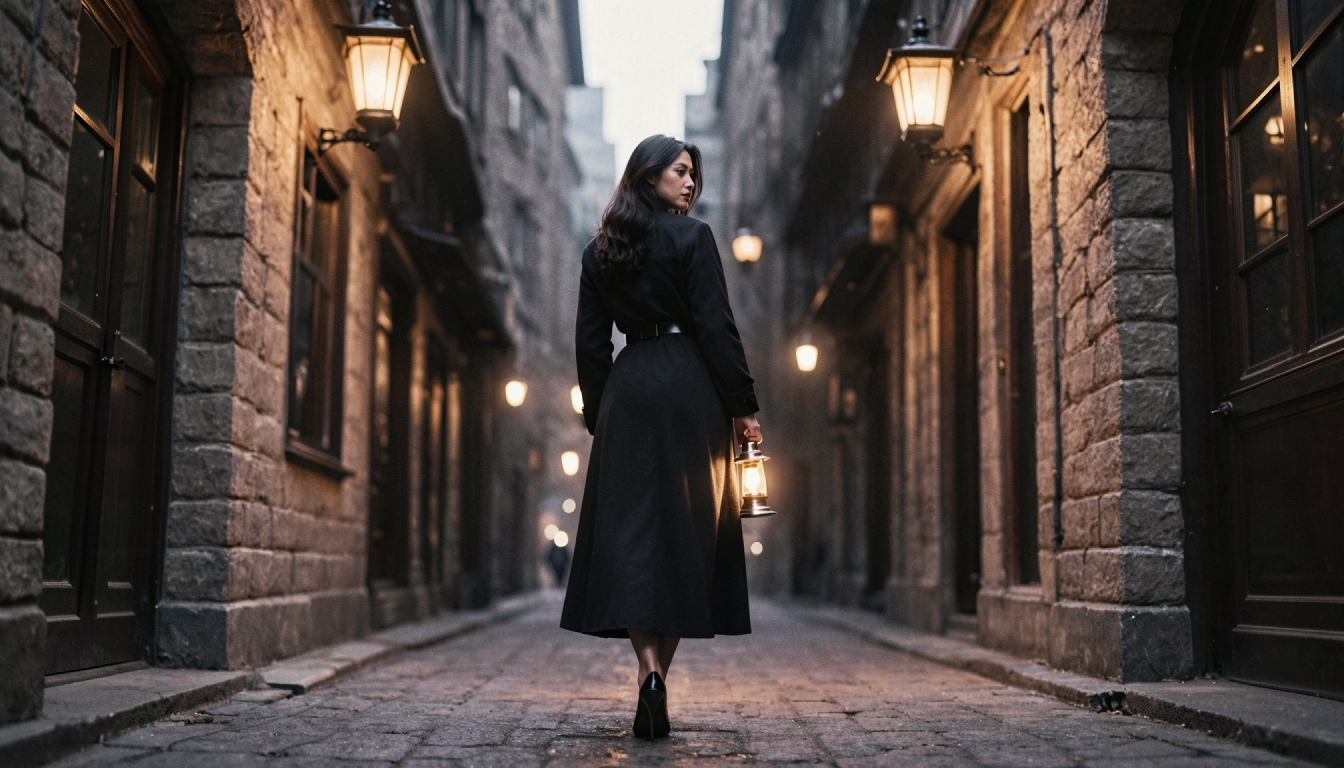
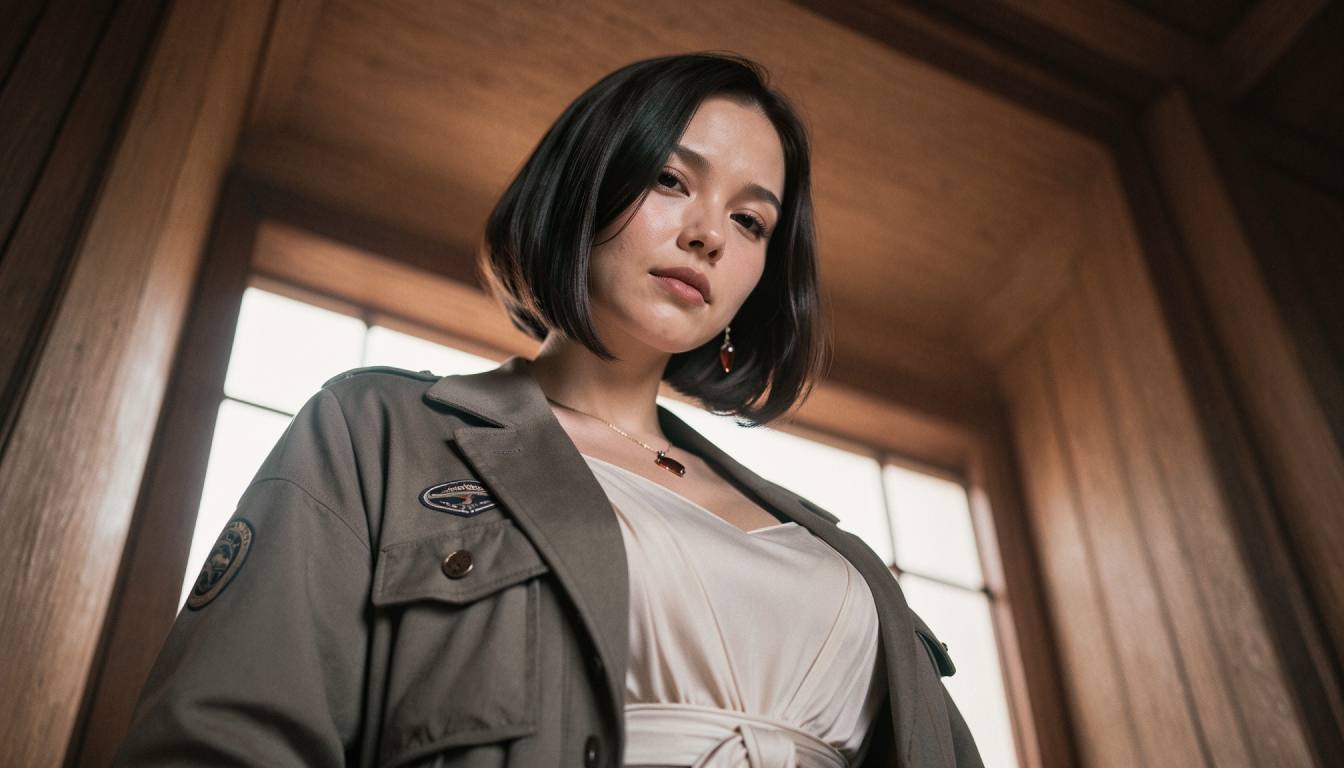
Consider an original adult fictional character named Mara, a city photographer with dark shoulder-length hair, a practical jacket and an interest in architectural details. Those are recognizable design choices. Once the saved appearance is established, different scenes can reveal distinct sides of the same character:
- City portrait: Mara stands beside a modern building at dusk, soft blue ambient light, medium shot.
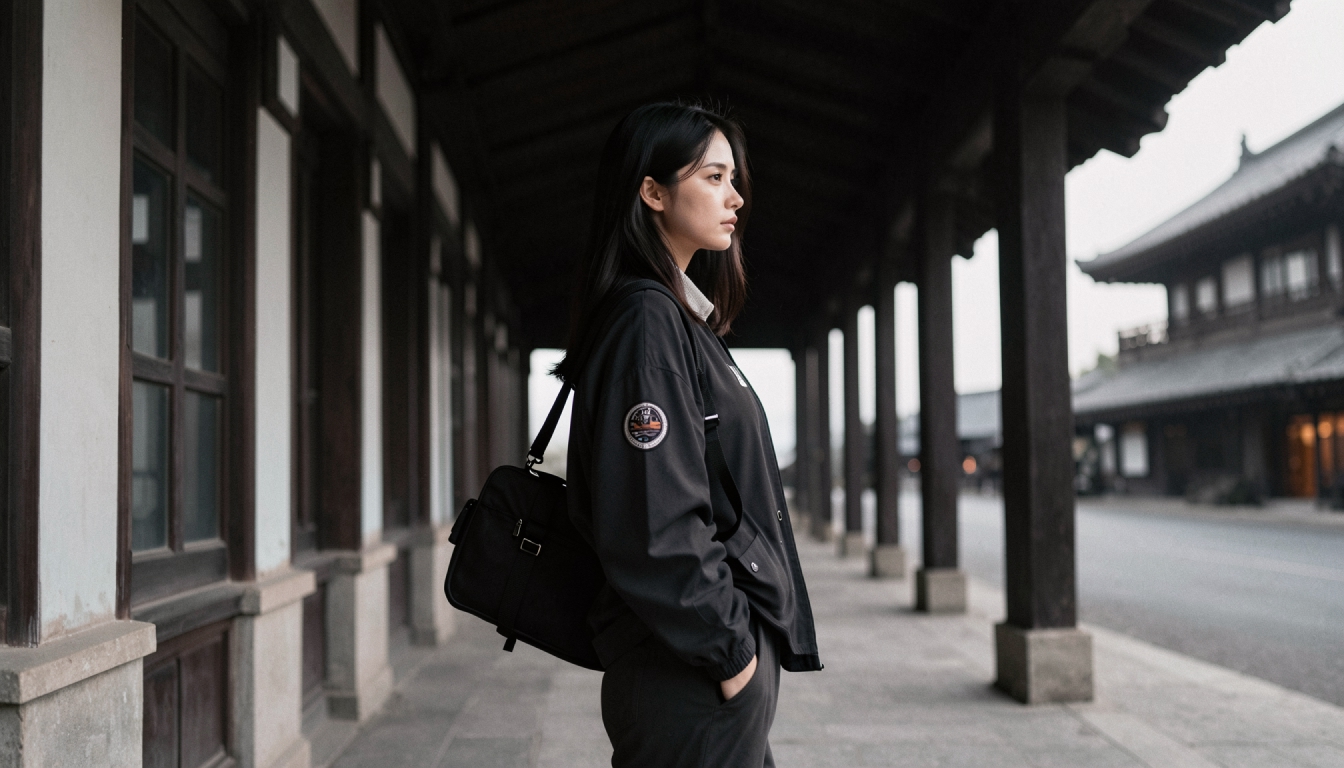
- Travel image: Mara walks through a quiet station with a small camera bag, warm morning light, wide composition.
- Studio variation: Mara studies contact sheets under a desk lamp, candid posture, natural shadows.
The prompts focus on location, activity and composition. This is more coherent than changing Mara's fundamental features from one generation to the next. If the character does not match the preview, refine the scene or chosen settings rather than repeatedly pasting conflicting appearance instructions.
If you need help organizing the visual description before entering the creator, an AI character description builder is planned as a complementary Free Tool. It should be treated as a separate proposed tool until it is published and working.
Creative Boundaries and Account Access
PornX is an adults-only platform. Create original fictional adult characters, do not imitate real people, and do not generate characters who appear underage. The platform's rules prohibit real-person deepfakes, identifiable likenesses and nonconsensual intimate imagery. An AI-generated character is a fictional visual creation, not a substitute for obtaining someone's permission.
The saved-character creator is described as Premium-only in the available Wiki. Do not assume every visitor can save unlimited new characters or access every model. Before presenting a specific creation allowance, token price or subscription benefit, check the current product and billing details.
NSFW AI Character Generator FAQs
Create a Character You Can Return To
Start with a style, a clearly adult original identity and a handful of distinctive visual traits. Review the character preview and use the saved profile to create fresh scenes without repeating the same full description in every prompt. A focused, reusable character concept is a practical foundation for future images and short video experiments. Explore the creator when you are ready, and confirm the current Premium requirements before saving a new character.
Open the PornX AI image creatorDiscover more
Keep exploring with related tools, features and step-by-step guides.
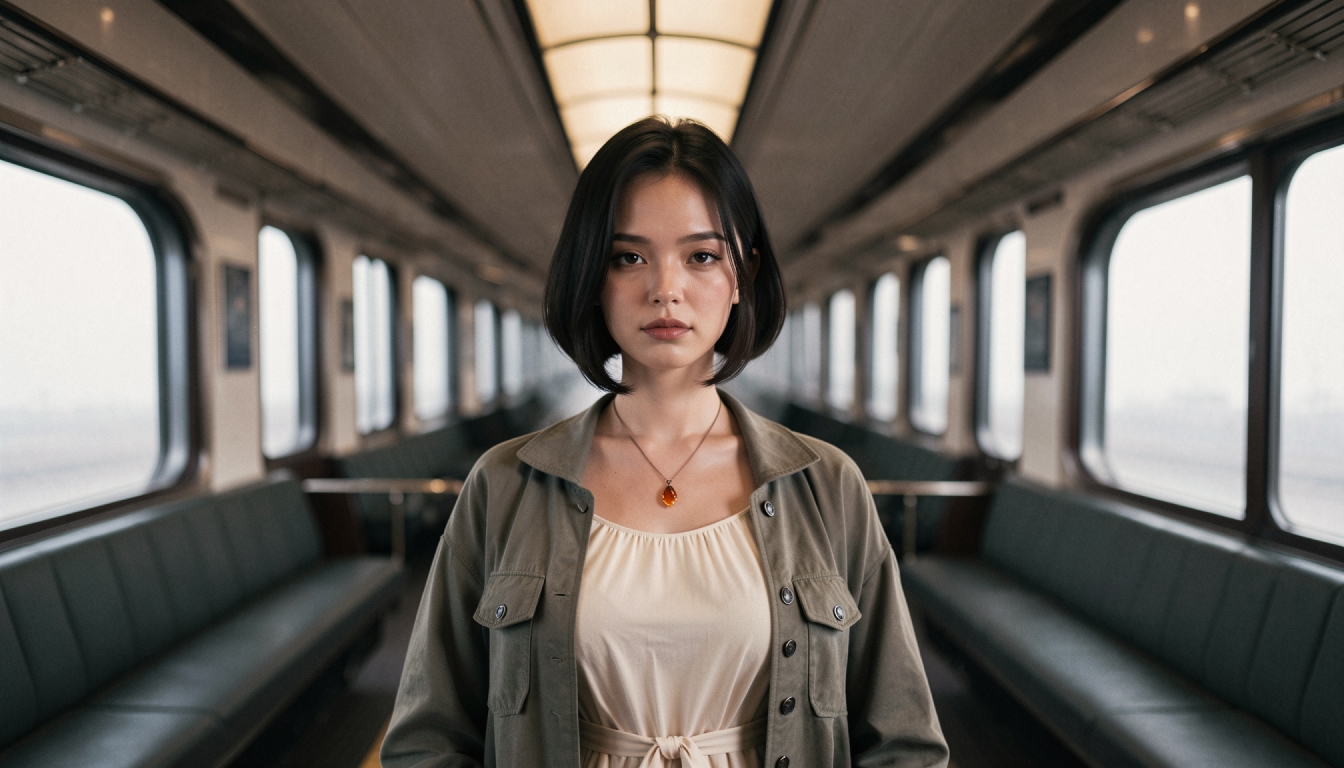
Consistent AI Characters
Learn how saved characters help maintain a recognizable visual identity across PornX generations, when to describe the scene and which tools require Premium.
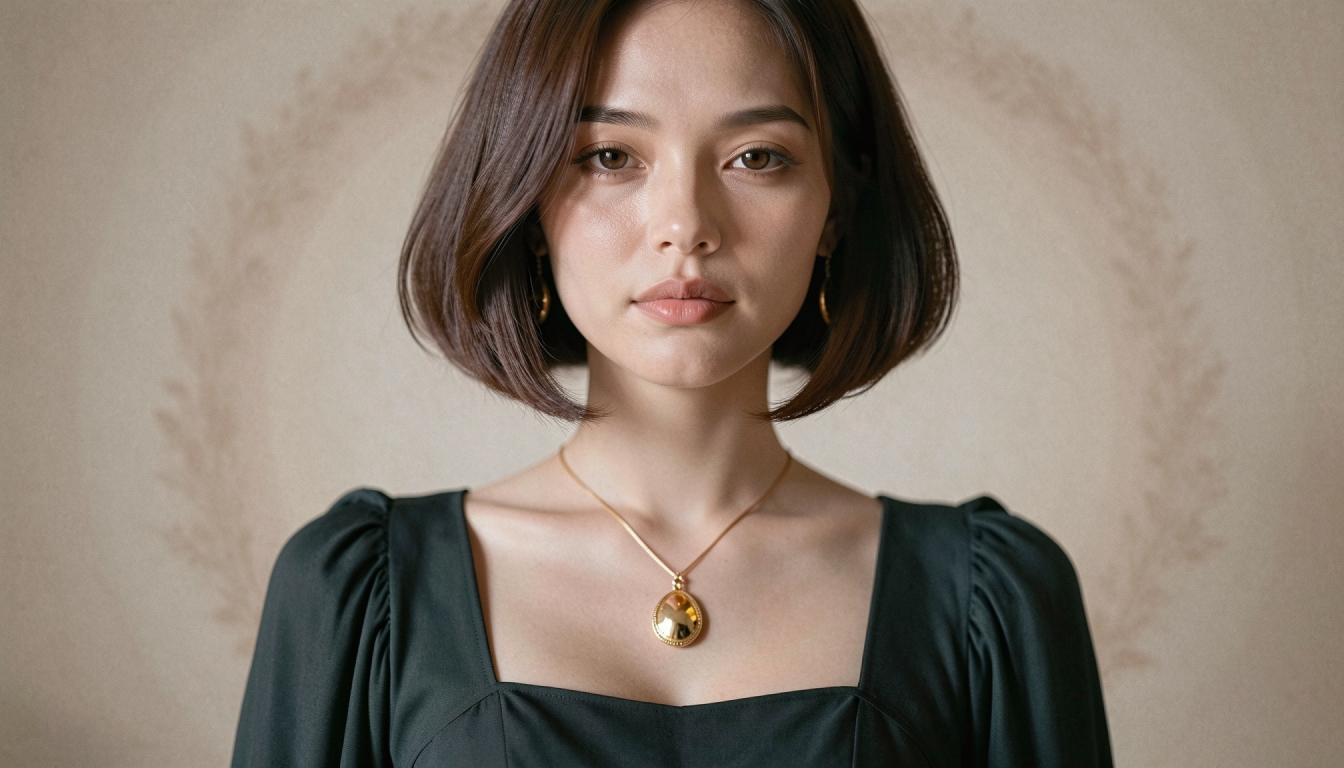
Realistic AI Character Generator
Create a recurring original photorealistic adult AI character on PornX. Explore saved Characters, realistic appearance, prompt workflow and Premium access.
How to Build Consistent AI Characters
Learn how to build and reuse an original AI character across images and video with stable appearance, saved Characters and careful scene prompts.
Private AI Generation
Learn how PornX Private Generation works, how to enable it before generating, what stays out of the public gallery and why Premium access matters.