How to Write NSFW AI Image Prompts That Give You More Control
A useful NSFW AI image prompt is a visual brief, not a pile of adjectives. The generator needs to understand the subject, what is happening in the frame, the surrounding environment and the style you expect. Getting these decisions into a short, organized description makes it easier to compare results and fix problems without rebuilding the whole idea.
This walkthrough uses original, clearly adult fictional subjects and non-graphic examples. You can apply the same technique to a realistic portrait, a cinematic mood shot or an illustrated fantasy character. The goal is better composition and clearer visual direction, not a promise that every generation will be identical.
For related tutorials on other parts of the workflow, browse AI generation tutorials.
Quick Answer
Build your prompt in this order: adult fictional subject, visible action or pose, setting, framing, lighting and visual style. Start with one main action and one camera view. Generate a baseline, review the result and change only the part that did not work. A concise prompt that answers these questions is more actionable than a long list of unrelated quality tags.
Get started: To try a copy-ready still-image prompt, open the PornX AI image generator. To put a mature image brief into practice, explore the NSFW AI image generator.
Step 1: Choose a specific adult fictional subject
Begin with a recognizable original character or a general adult subject description. For example, “a fictional woman in her late twenties wearing a navy jacket” gives a clearer starting point than “beautiful model.” State the visual identity you need to preserve, such as hairstyle and clothing, but avoid contradictory body or styling descriptions. If a character is already saved in the creator, describe the scene and action rather than retyping the whole appearance. Only work with fictional adults and avoid recognizable real people.
For help expanding a short visual brief, explore the AI Prompt Enhancer.
Step 2: Describe the visible moment
Tell the model what the viewer can actually see. “Leaning on a balcony railing and looking toward the city” is a workable action; “feeling extremely mysterious and perfect” is not. For mature-themed imagery, build atmosphere with wardrobe, a suggestive but non-graphic premise and clear posing. Give one main action rather than asking for several unrelated movements in the same still. Decide whether the image should be a portrait, full-body composition or environmental scene before adding secondary details.
For examples of targeted exclusions, explore negative prompt examples.
Step 3: Control the setting and lighting
Name a place and a plausible light source: a hotel hallway with warm wall lamps, a neon-lit rooftop, or a quiet studio with diffused window light. The setting supports the story and helps separate the subject from the background. Keep lighting instructions coherent; direct noon sunlight and deep midnight shadows in one sentence can compete. If you want a cinematic look, explain the source and direction of the light rather than stacking terms such as “epic,” “perfect” and “ultra premium.”
For copy-ready original adult-image examples, explore NSFW AI image prompts.
Step 4: Select a model and a frame
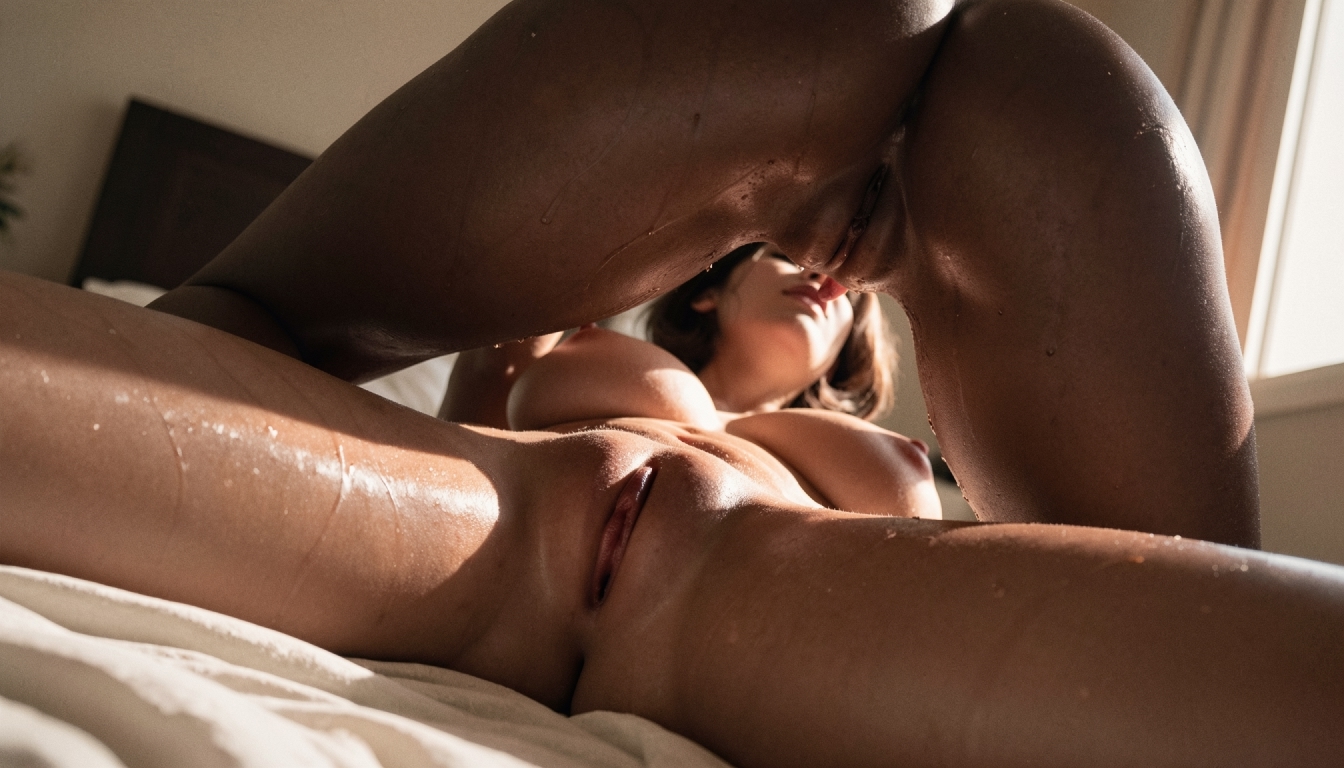
The same description can look very different in Photorealism, Anime or a cinematic model. Choose the model for the intended aesthetic and select a resolution or aspect ratio that suits the composition. A tall portrait gives a character room to stand, while a wide frame is more appropriate for a setting-led scene. Put the key subject and composition terms near the beginning of the prompt. If the first result is poor, check the selected model before adding more words.
Step 5: Test one revision at a time
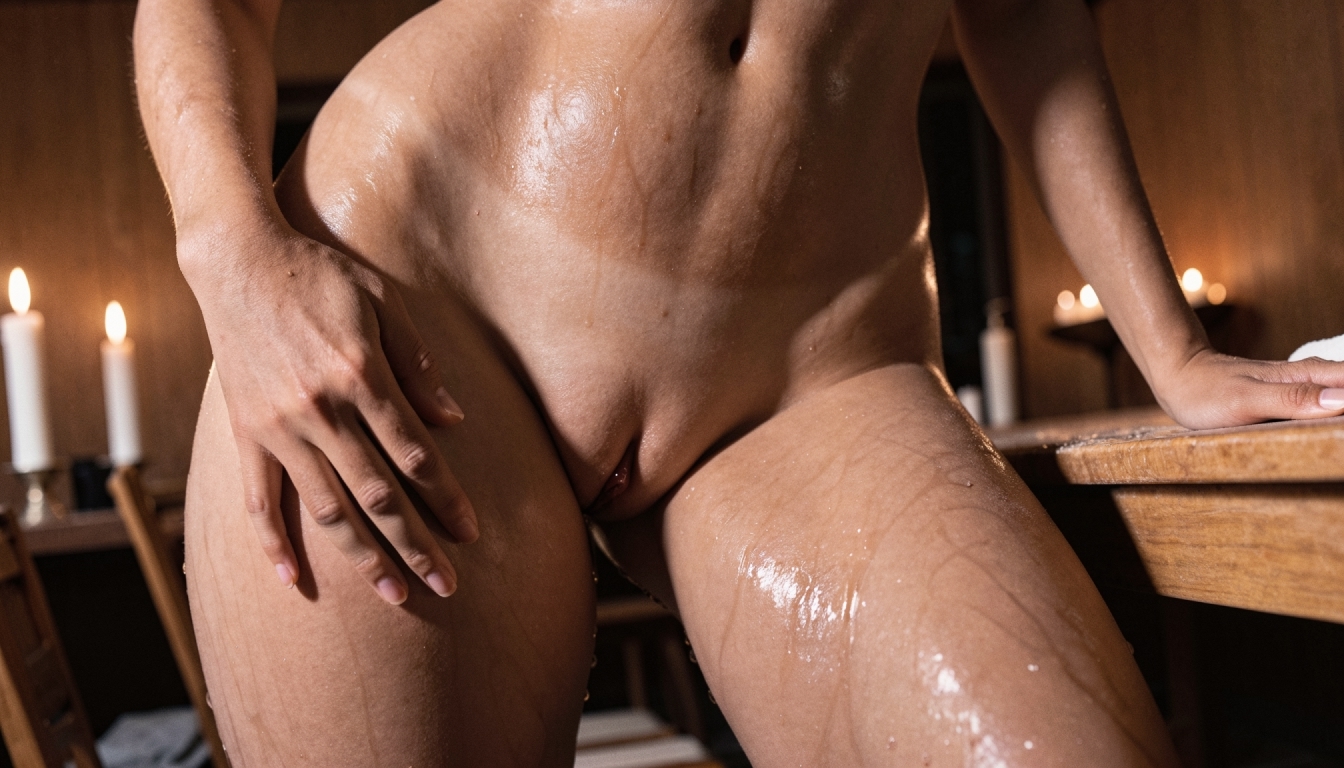
Keep your original prompt, selected model, aspect ratio and result for comparison. If the subject appears too small, adjust framing; if the lighting feels flat, describe a directional source; if the background is distracting, simplify it. Prompt Enhancer can help expand a short brief, but turn it off when you need to check how the model interprets your exact words. Treat every output as a draft and keep the changes you can actually connect to an improved result.
Worked Example: A complete non-graphic example
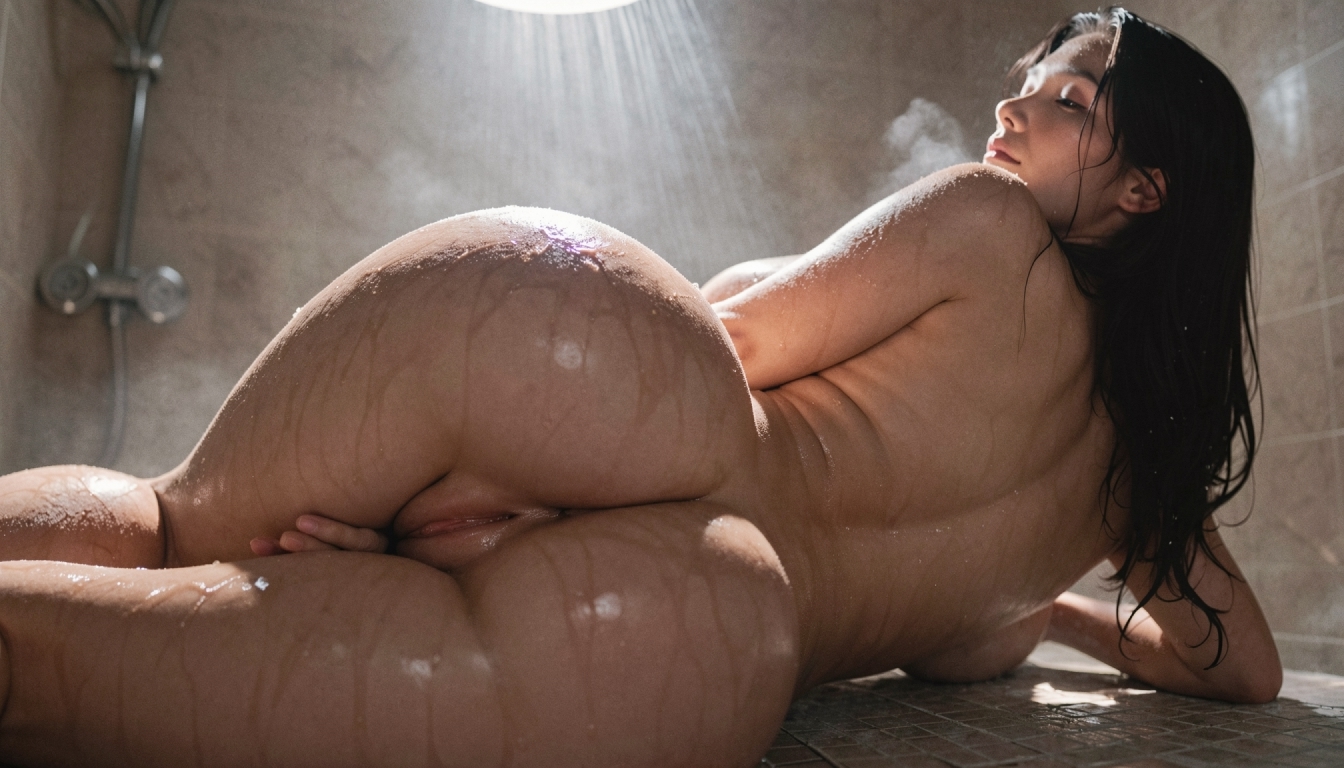
A fictional adult photographer with dark wavy hair, wearing an elegant black evening outfit, standing by a rain-streaked apartment window. Medium shot from a three-quarter angle, warm interior lamp on one side of her face, cool blue city lights beyond the glass, quiet cinematic mood, realistic skin texture, uncluttered composition.
This brief identifies the subject, outfit, pose, setting, angle and two consistent light sources. If the window reflections overwhelm the portrait, simplify only the reflection or choose a closer crop. The same scene can be tested with a different model without rewriting the character.
Common Problems and What to Change
If the result ignores the pose, shorten the prompt and bring the pose immediately after the subject. If anatomy or hands are distorted, first try a simpler pose and less complicated framing; negative terms alone cannot repair every structural mistake. If the image looks polished but loses the desired mood, reduce competing color and lighting instructions. Never infer that a generation is private just because the prompt is not shown publicly: visibility is a separate setting.
Explore the Next Step
For assistance organizing a mature image brief, try NSFW image prompt builder when available.
Frequently Asked Questions
Put the Guide into Practice
Use the approach above to make one careful test in PornX. Keep your subject fictional and clearly adult, review the result and change one thing at a time.
Create an AI image in PornX.