Saved Generation Presets: Keep a Setup That Works
Experimenting with an AI image generator means changing many settings: model, style, resolution, prompts and sometimes a LoRA modifier. When a combination finally works, remembering every choice can be harder than making the picture itself. Saved generation presets offer a practical way to preserve a useful configuration and return to it without rebuilding it from memory.
PornX's Wiki describes saved Presets that can store a generation setup including the model, LoRA, style, resolution and prompt. Think of a preset as a reusable starting point, not a saved finished image. The same settings can still produce variation when you change the scene, subject or seed. Explore PornX features for related controls.
If you have a working setup you would like to preserve, open the PornX AI image generator and check the Presets control in the current interface. The exact save and load steps should be confirmed with the active product before publication.
Why Save an Image Generation Preset?
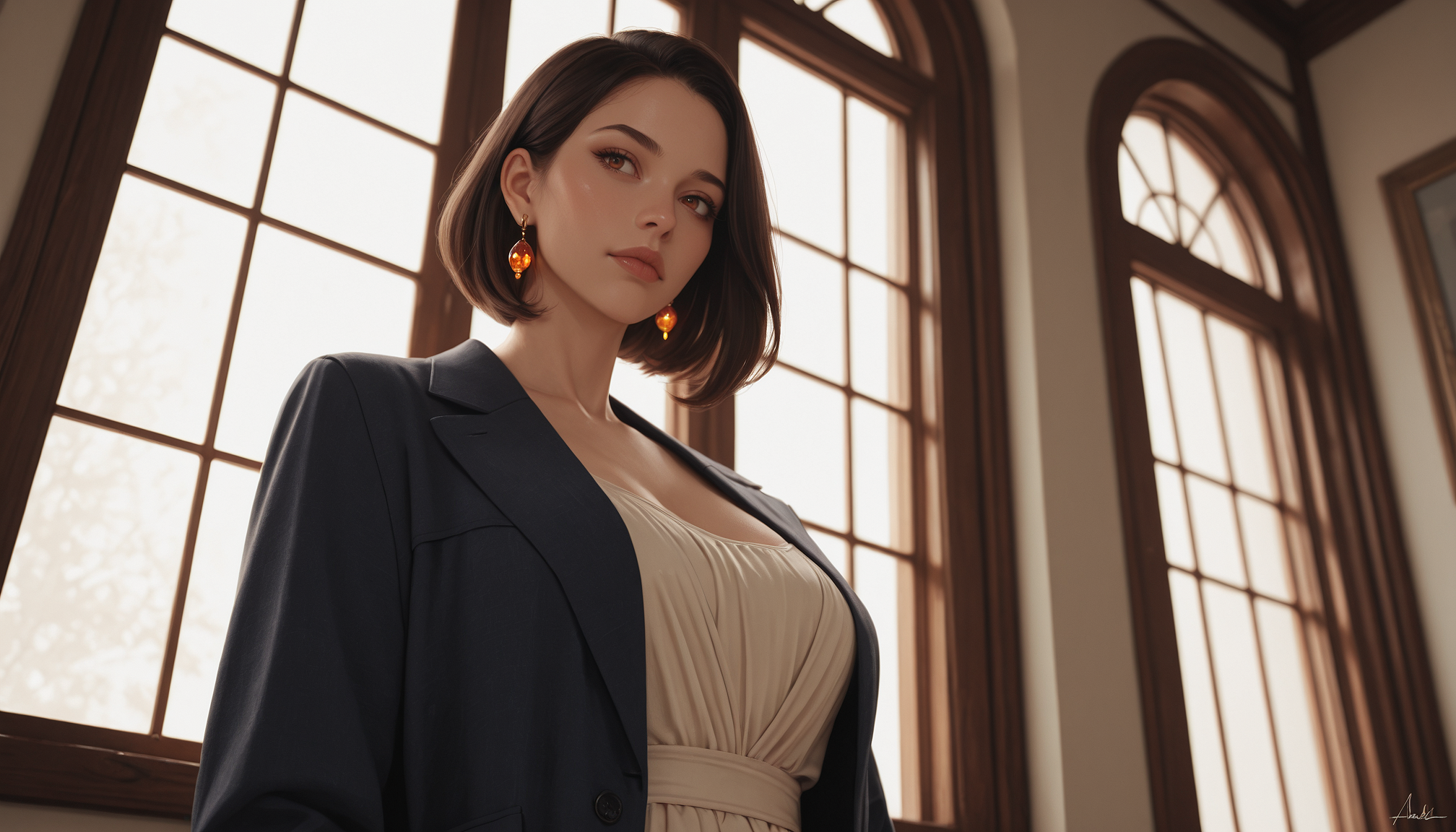
A preset is useful when you repeatedly aim for the same visual language: soft portrait lighting, a particular illustrated model, a standard frame ratio or an established camera-like look. Instead of reselecting those settings for every experiment, you can restore the configuration and focus on the details of the new scene.
Presets also make comparisons easier. When the foundation remains stable, you can change just one part of the prompt and observe how the output differs. This is more informative than switching model, resolution and style at the same time.
What Does a Saved Preset Contain?
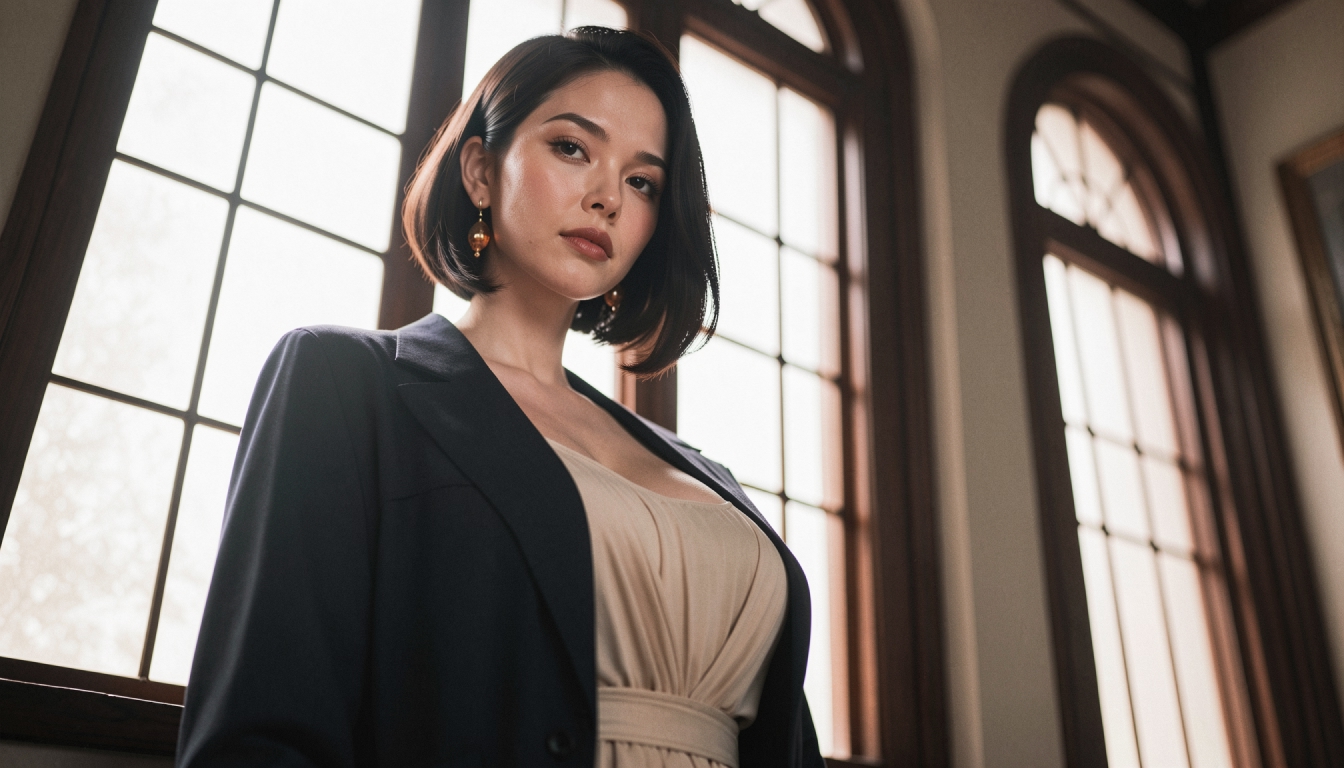
The Wiki's description includes the model, LoRA, style, resolution and prompt. Some controls may be hidden in expandable settings and product options may change. Review the saved configuration in the interface rather than assuming an undocumented field is included.
A preset should not be confused with a character profile. It stores a generation setup, while a saved Character stores a visual identity for reuse. If character consistency is your priority, begin by reading consistent character prompts and consider the separate saved-character workflow.
A Practical Preset Workflow
1. Find a generation worth repeating
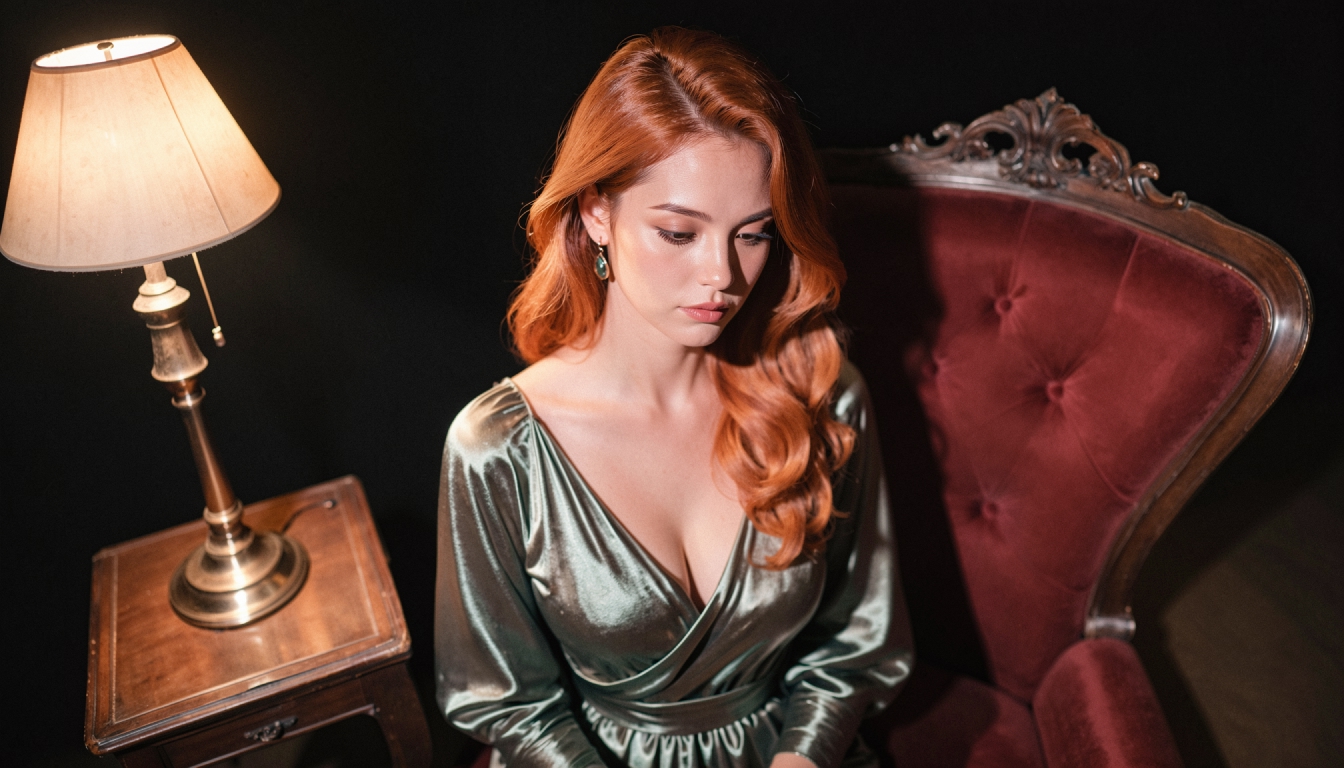
Choose a successful original fictional adult image whose broad style is what you want to reuse. Note the model and any modifiers that helped the result, but do not assume that every descriptive word must be carried into future scenes.
2. Save the configuration, not just the output
Use the available Presets controls to store the working setup. Choose a descriptive name in your own notes, such as "warm portrait / tall frame" or "graphic neon / wide shot," so the purpose remains clear even after you create several more presets.
3. Reload and modify deliberately
Apply the saved configuration to a new generation. Change one creative variable - such as the setting or camera angle - while keeping the visual foundation similar. This makes it easier to understand how reliably the setup transfers to a different image.
The saving AI generation presets guide expands this workflow into a practical checklist and helps prevent confusion between stored settings and stored pictures.
Seed Versus Preset: What Is the Difference?
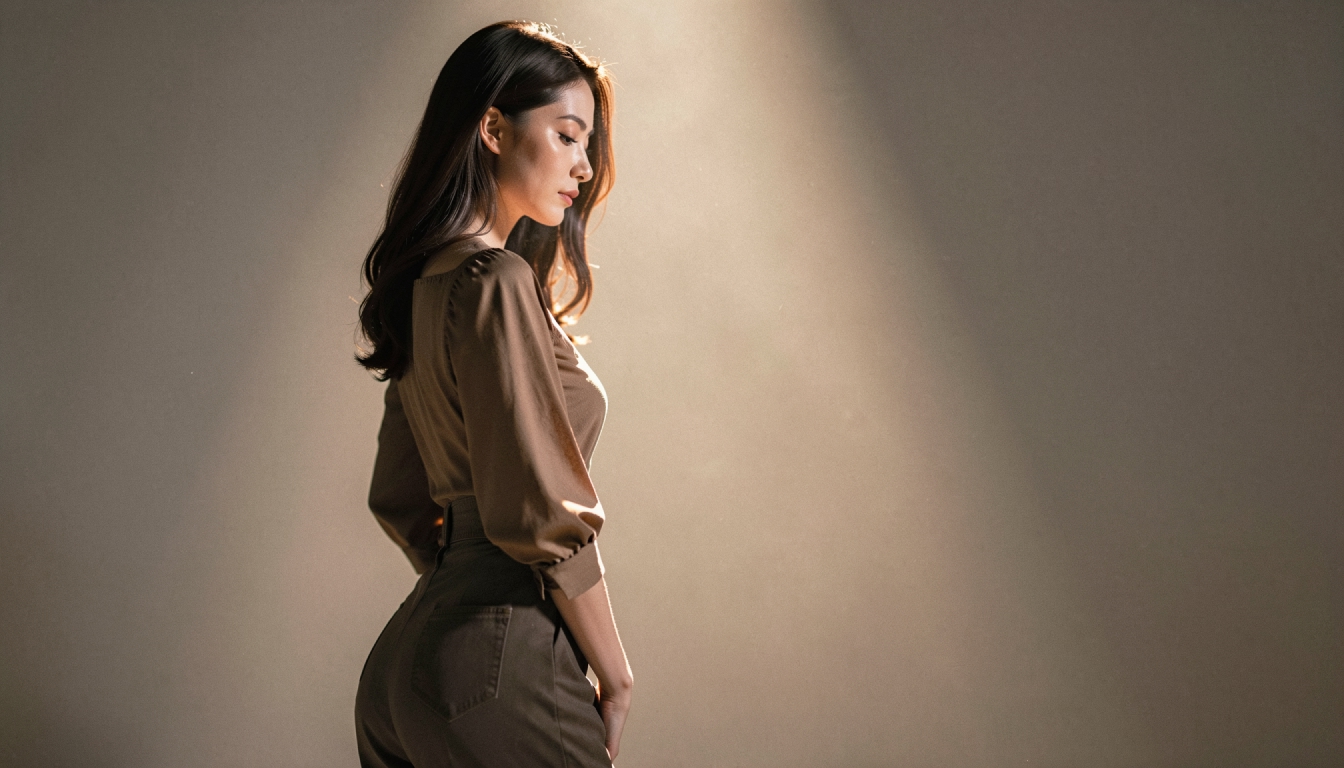
A seed affects the random starting point of generation. A preset captures a bundle of settings that can include the prompt and visual choices. They solve different problems: a seed is helpful when studying one composition; a preset is helpful when returning to a preferred setup. You can use them together when the interface supports it, but do not assume that a preset alone guarantees an identical result.
For more on this distinction, see using AI image seeds. The AI model itself also matters; the AI image models overview explains why the same prompt can behave differently across models.
Organize Presets Around Real Use Cases
Separate presets by the jobs they perform: straightforward portraits, richer illustrated environments, or neutral starting images for animation. Avoid creating a different preset for every tiny change. A small, clearly named collection is easier to manage than dozens of nearly identical combinations.
When you need consistency across several original adult scenes, combine preset discipline with clear visual prompts and, where supported, a saved Character. Reuse helps you work faster; it is not a guarantee of uniform results in a probabilistic system.
Saved Presets FAQs
Discover more
Keep exploring with related tools, features and step-by-step guides.
Consistent AI Characters
Learn how saved characters help maintain a recognizable visual identity across PornX generations, when to describe the scene and which tools require Premium.
AI Image Models
Compare PornX AI image model styles for realistic portraits, anime art, cinematic scenes and graphic illustrations, including model and Premium considerations.
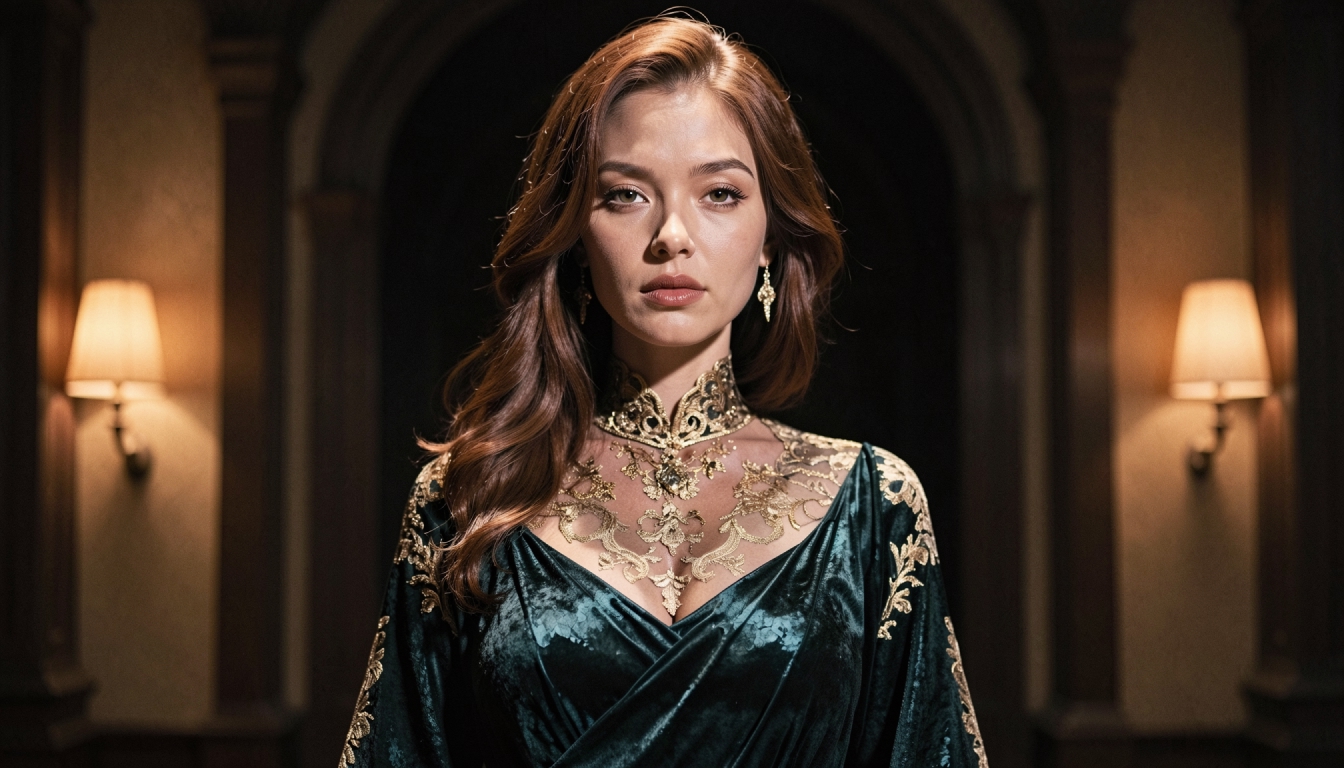
AI LoRA Modifiers
Understand how PornX LoRA modifiers work with base image models, how to use weight syntax carefully and when to adjust the prompt instead.
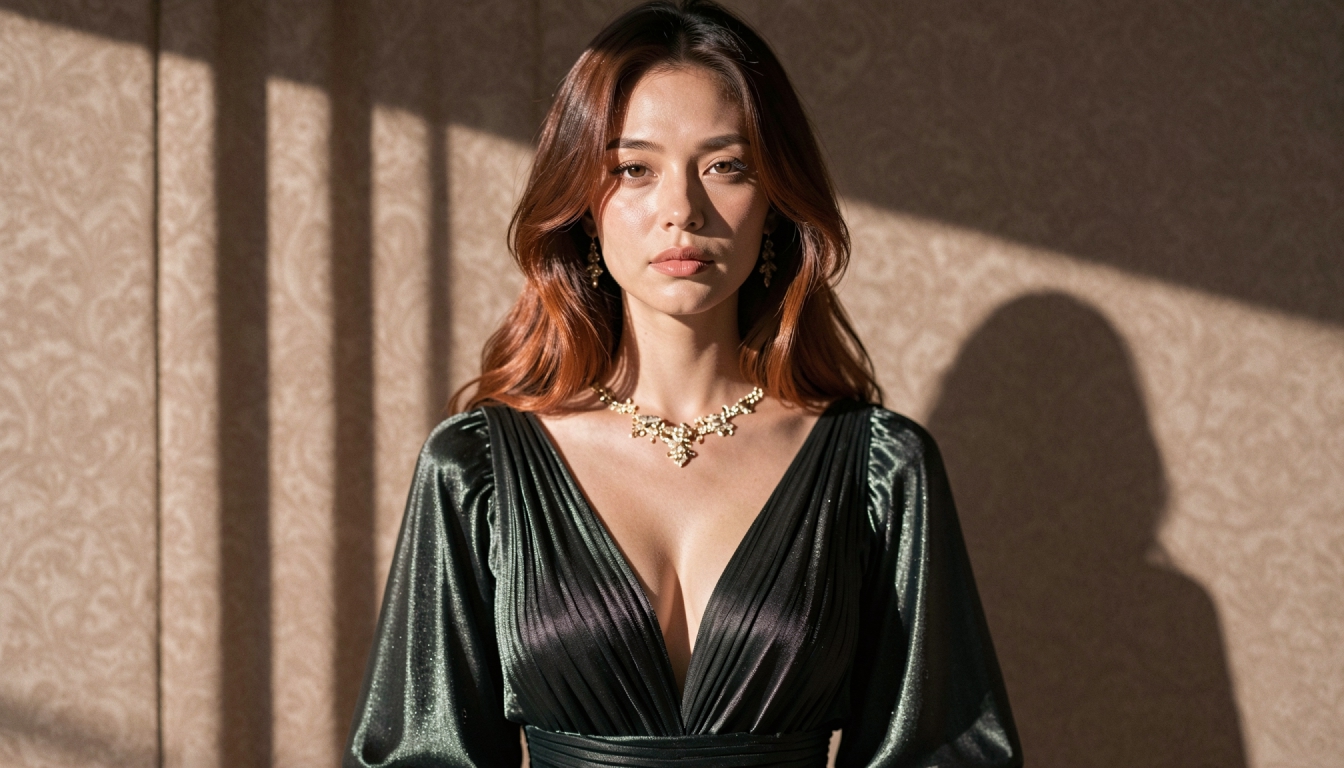
AI Prompt Enhancer
Explore PornX Prompt Enhancer and learn how to improve short image prompts, when to turn enhancement off and how to keep visual instructions intentional.