updates5 min read
NSFW AI Image Editor: Inpaint & Edit with Text Prompts | PornX
Apr 23, 2026 · Updated Apr 23, 2026
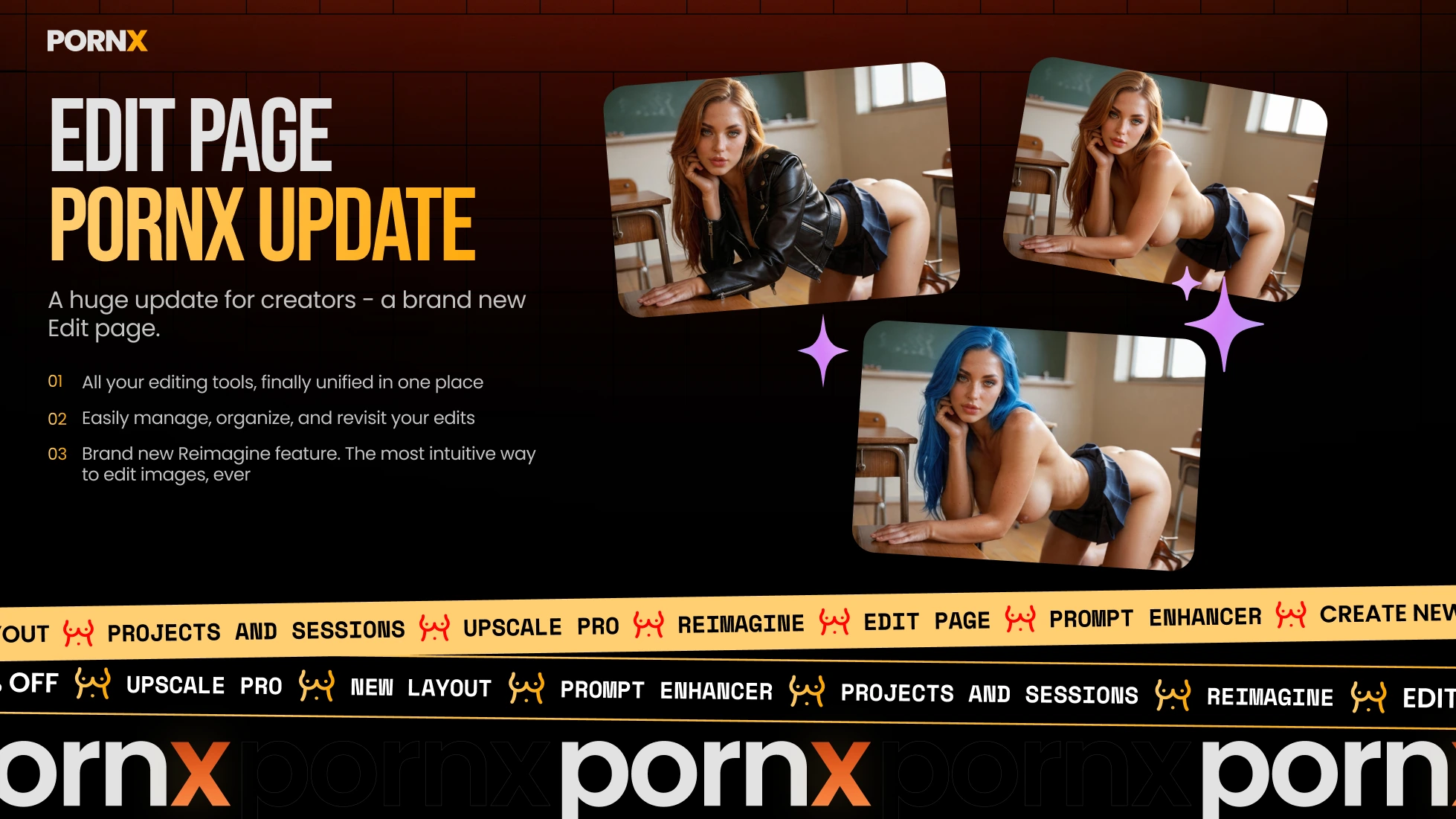
PornX launched a new AI image editor for NSFW content. Edit any image with text prompts using Reimagine, upscale to ultra-sharp 4K with Upscale Pro.
Apr 23, 2026 · Updated Apr 23, 2026
Introducing the New Edit Page — NSFW Image Editor, Reimagine & Upscale Pro
PornX just launched a fully rebuilt Edit page — a dedicated NSFW image editor where you can manage projects, edit any AI image with simple text prompts, and upscale to ultra-sharp resolution. Everything in one place, no prior experience needed.
A New AI Image Editor Built for NSFW Content
Most AI image editors are built for generic content. They block explicit prompts, limit creative control, and give you no real capability over adult imagery. The new PornX Edit page is different — it's an NSFW image editor designed specifically for AI-generated content, with no restrictions on what you can change.
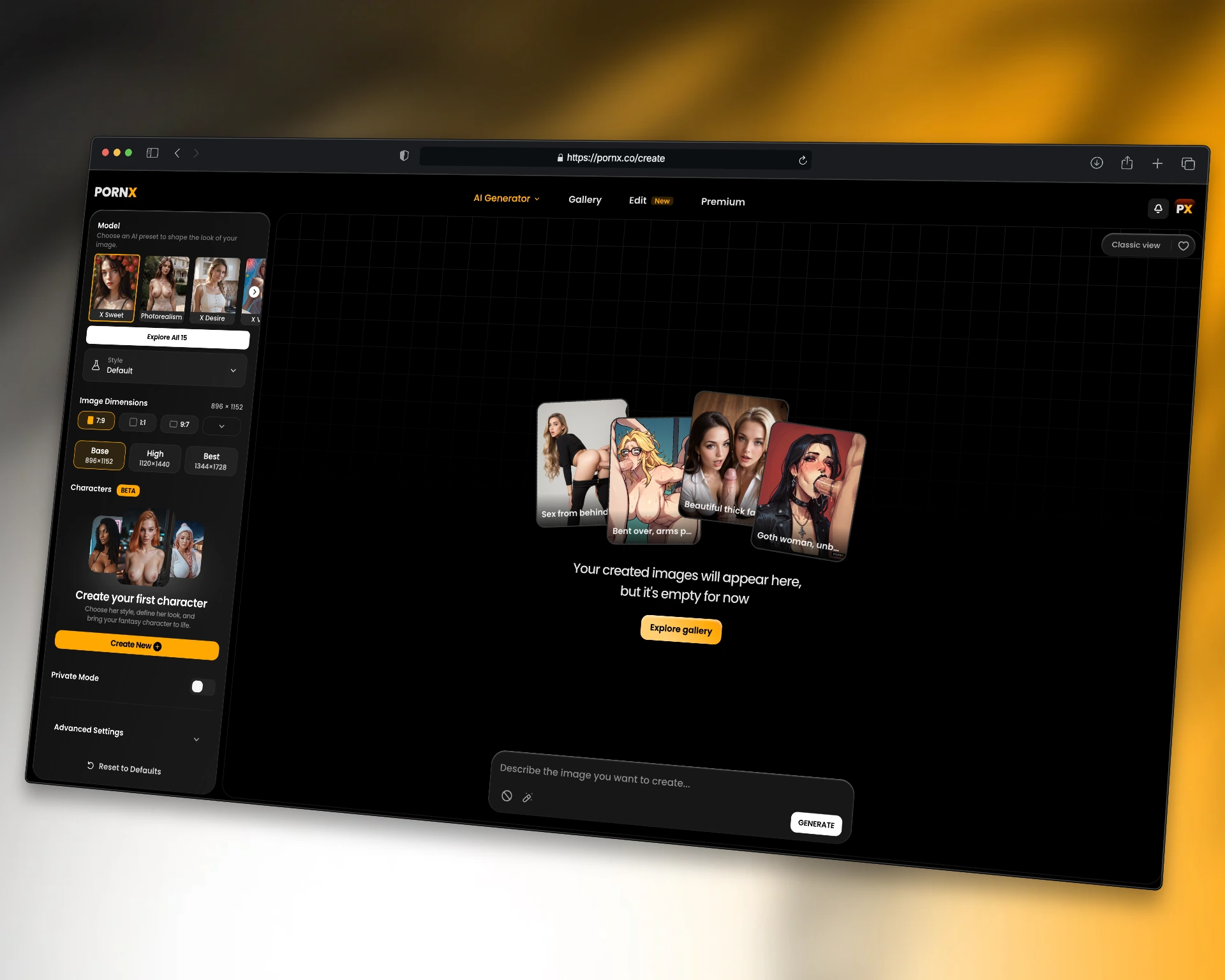
The interface is clean and fast. Your projects and session images load directly on the Edit page, so you can find any generation, open it, and start editing without switching between screens. Managing edits, iterating on a character, refining a composition — all of it happens in one place. For beginners and experienced users alike, the workflow is straightforward from the first session.
Reimagine: Edit Images with Simple Text Prompts
The new Reimagine feature lets you edit AI images using natural language — no brush masking, no manual selection. You describe the change you want, and the AI interprets it and applies the transformation to the right part of the image with precision.
Type "give her long red hair" and the model updates the hair. Type "change the background to a dimly lit bedroom" and the setting transforms. Reimagine preserves everything else in the image while applying your edit — natural-looking results without regenerating from scratch.
This changes how iteration works. Instead of regenerating the full image and hoping the details land correctly, you make targeted adjustments one step at a time. A face that needs a different expression. An outfit that's almost right. A background that doesn't fit the mood. Reimagine handles all of it through simple text — no advanced editing skills required.
For NSFW AI image editing, this level of creative control is new. The editor uses your description to select the relevant area automatically, interpret the instruction, and apply the edit. Streamlining your workflow from generate → refine → finalize into a single continuous process.
Upscale Pro: Sharp Resolution Without Losing Quality
The new Upscale Pro mode delivers ultra-sharp upscaling for AI-generated images — a significant upgrade over the standard upscaling option. Where the standard mode increases resolution, Upscale Pro enhances fine details at full output size: skin texture, hair strands, fabric, lighting.
The difference is visible on close crops and full-resolution exports. Professional-grade output that holds up at large sizes. No blurring, no artifacts, no loss of the detail that makes the original image work. If you're producing content at scale, Upscale Pro gets you professional-quality results consistently — the best AI image editor output for serious creative workflows.
Select any image on the Edit page, choose Upscale Pro, and the upscaling runs automatically. The result is ready to use immediately, without losing quality from the original generation.
Projects and Sessions: Manage Your Edits Properly
The Edit page introduces proper project and session management — a dedicated space that functions as an AI image editor online for your entire generation history. Your images are organized by session, and projects let you group related content for easier access and consistency across editing sessions.
This matters for anyone generating regularly. Finding a specific image, comparing iterations, combining elements from different sessions — the new interface is built around real editing tools and how people actually work. No hunting through a gallery. No lost iterations. Everything organized and accessible from one place.
Who the New Edit Page Is For
The Edit page works for anyone who generates AI images on PornX — from first-time users exploring the platform to creators building consistent content at scale. The Reimagine feature removes the technical barrier that made image editing feel inaccessible. You don't need to understand inpaint workflows or prompt engineering to get professional results.
For creators producing social content, building characters, or iterating on specific looks, the project management and editing tools combine into a workflow that replaces the old approach of regenerating images repeatedly until something works. Generate once, refine with text, transform into exactly what you need.
How to Use the New Edit Page
Open the Edit page from the main navigation. Your session images and projects load automatically. Select any image to open the editor, then choose your tool — Reimagine to edit with simple text prompts, or Upscale Pro to enhance resolution without losing quality.
Both features are available now across all AI models and styles on PornX. The platform also supports video generation — the same creative direction you apply to images can inform your video workflow directly from the Edit page.
The Best AI Image Editor for NSFW Content
PornX already had one of the strongest AI image generation platforms for NSFW content — 15 models, full style and dimension control, character system, private mode. The new Edit page extends that into post-generation editing. Generate, refine, and get exactly what you wanted — without starting over.
Reimagine and Upscale Pro are the headline features, but the real upgrade is a dedicated editing workflow that treats NSFW AI image editing as a first-class capability. The editor uses precision, simplicity, and creative control to replace the frustrating loop of regeneration with something that actually works.
The Edit page is live. Open it and try Reimagine on any image you've generated.